Can any TV be mounted? The short answer is yes — most modern TVs can be mounted, but there are key compatibility factors to consider. At Geeks on Site, we help homeowners and businesses understand what makes a TV mountable, how to choose the right universal TV mount, and how to mount a TV safely without risking damage to your walls or your screen. In this guide, we’ll break down everything you need to know to make sure your TV and wall mount are a perfect match.
Understanding TV Mounting Compatibility
Before we start drilling holes or selecting hardware, we always begin by checking compatibility. Not every TV is designed for the same type of mount, so understanding how your TV’s weight, size, and VESA pattern work together is essential for a secure installation. These three factors determine whether your TV will fit a universal TV mount and remain stable over time.
The VESA pattern refers to the standardized spacing between the mounting holes on the back of your TV. Matching this pattern with a compatible mount is crucial, otherwise, the mount may not fit correctly. Likewise, knowing your TV’s weight and size ensures the wall mount can support it without putting stress on your wall or risking the TV falling.
What Is a VESA Pattern?
The VESA pattern is the backbone of TV mounting compatibility. It’s a set of measurements that tells us the distance between the mounting holes both horizontally and vertically. When we install TVs, one of the first things we check is whether your TV’s VESA pattern matches the mount. If it doesn’t, the mount simply won’t work, and trying to force it can lead to unsafe installation.
We always recommend measuring the distance between the mounting holes on the back of your TV before choosing a mount. This simple step prevents frustration and ensures a smooth, safe installation process.
Checking Your TV’s Weight and Size
The weight and size of your TV are just as important as the VESA pattern. Our technicians always confirm that the mount is rated to support your TV’s weight. This ensures your screen won’t come loose over time. It’s also important to measure the TV’s dimensions and plan its placement carefully. Mounting a TV too high, for example, can lead to neck strain and poor viewing angles.
For the safest installation, we always secure the mount into wall studs. This provides maximum stability and ensures your TV stays firmly in place.
You might like reading: How High Should a 50 Inch TV Be Mounted
Choosing the Right Wall Mount
Not all wall mounts are created equal. The right mount will depend on your TV size, viewing needs, and room layout. At Geeks on Site, we help clients choose from three main types of wall mounts: fixed, tilting, and full-motion mounts. Each offers different benefits and levels of adjustability.
- Fixed mounts: The most basic type, perfect for TVs that won’t need adjustment once mounted.
- Tilting mounts: Allow for vertical adjustments to reduce glare and improve viewing comfort.
- Full-motion mounts: Offer maximum flexibility with tilt and swivel options, ideal for larger rooms or multiple seating areas.
If you have a 55-inch TV, compare our recommended TV mounts for 55-inch TVs to find an option that fits your setup and viewing needs.
Installation Considerations
Choosing the right spot for your TV is just as important as choosing the right mount. We consider viewing height, glare from windows, and access to power outlets during every installation. It’s also important to:
- Mount into wall studs for safety and stability
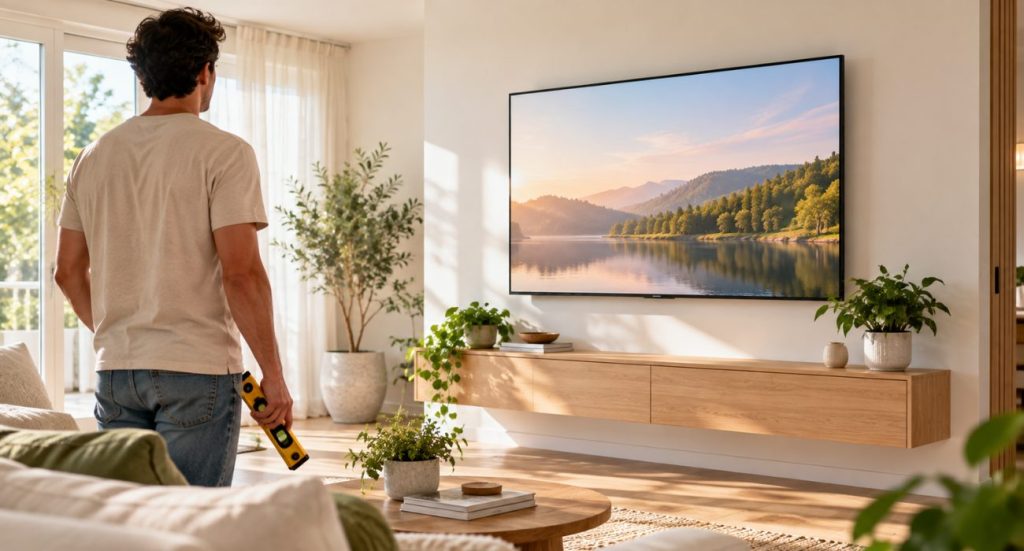
- Level the TV to avoid awkward viewing angles
- Avoid overtightening screws, which can damage the TV
Proper cable management is another factor we focus on. We use cable concealment kits or in-wall cable routing to hide wires for a clean, professional look that enhances your space.
Special Cases: Curved and Older TVs
Curved and older TVs sometimes require special solutions. Curved TVs need mounts designed for their unique shape, which help distribute weight evenly and prevent damage. Older TVs might not follow modern VESA standards, so we use adapter plates to make them compatible with today’s mounting systems.
DIY vs. Professional TV Mounting
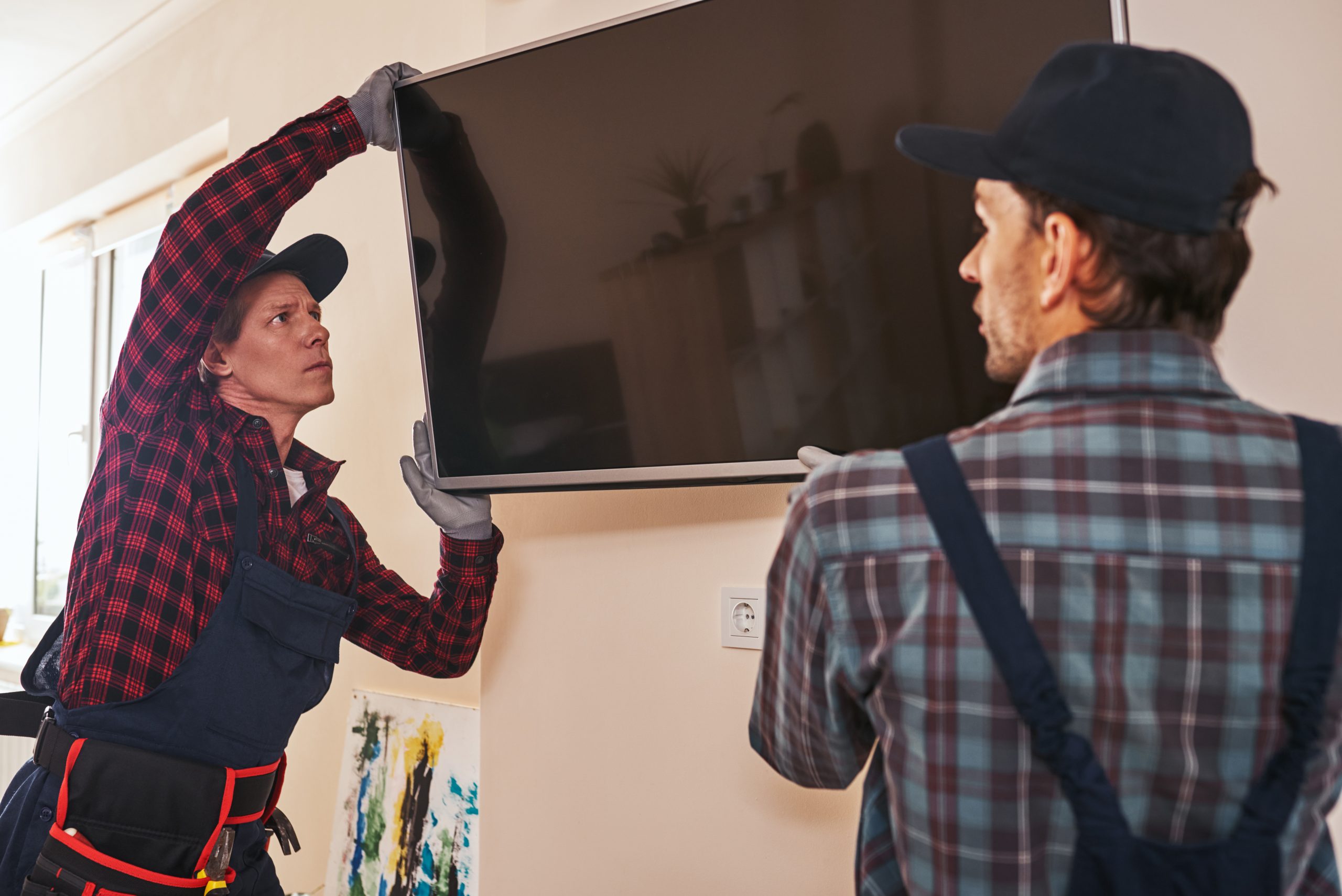
You might be wondering if you should mount the TV yourself or hire a professional. DIY mounting is possible if you have the right tools and experience, but for many people, hiring experts like Geeks on Site offers significant benefits. We bring the tools, knowledge, and experience needed to mount any TV safely and correctly, and we back our work with warranties for added peace of mind.
Why Choose Geeks on Site?
At Geeks on Site, our mission is to make TV mounting simple, safe, and seamless. We handle everything from selecting the right universal TV mount to hiding cables and ensuring your TV is perfectly leveled. Our technicians are trained to work with all types of TVs: LED, OLED, curved, outdoor models, and more and we offer professional installations starting at just $89. We also provide additional services like soundbar setup and home theater installations, so you can enjoy a complete entertainment experience.
Final Thoughts
Mounting your TV isn’t just about aesthetics — it’s about safety, functionality, and enhancing your viewing experience. By understanding factors like TV mounting compatibility, VESA patterns, and proper installation techniques, you can ensure a successful setup. And if you want expert help, Geeks on Site is here to make the process easy and stress-free.
Whether you’re installing a brand-new flat screen or upgrading an older model, we’re here to guide you every step of the way. With our experience and commitment to quality, you’ll have a perfectly mounted TV that’s safe, secure, and ready for countless movie nights and binge-watching sessions.
Last Updated on August 7, 2026