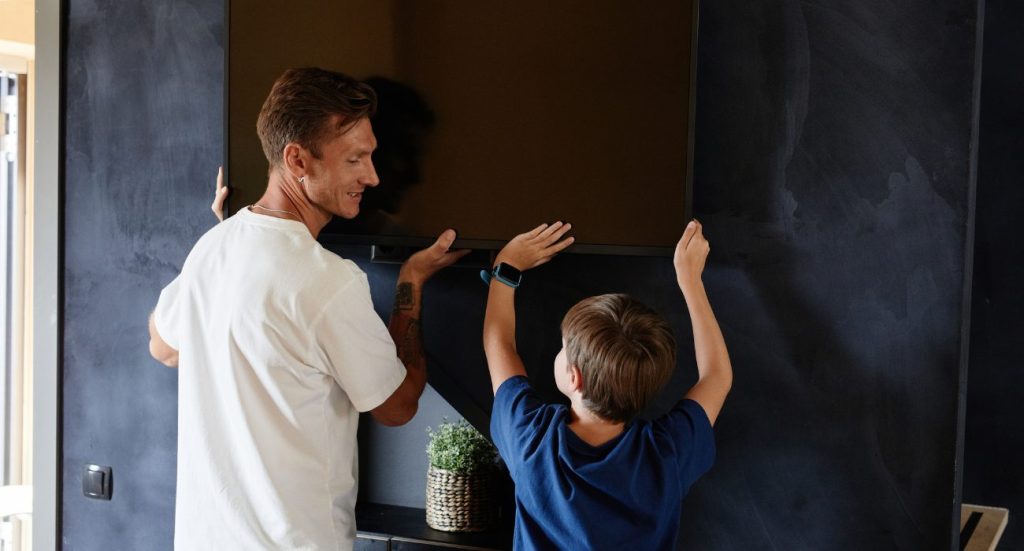
Got a new TV and want to mount it on the wall safely? This step-by-step guide will show you how to mount a TV to the wall the right way. Wall mounting not only saves space but also gives your room a clean and modern look.
Tip: TVs can be heavy, so it’s always better to have someone help you during installation.
Tools You Need for TV Wall Mounting
You’ll need to have these tools on hand to properly mount your TV to the wall:
- Drill and drill bits
- Stud finder
- Level
- TV mount (standard or adjustable swivel)
- Mounting hardware
- Screwdriver
- Pencil
- Painter’s tape and paper/cardboard cutout (the same size as your TV)
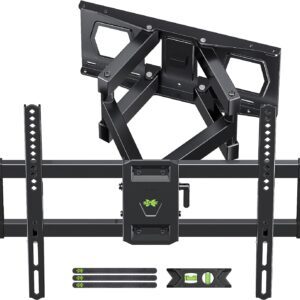
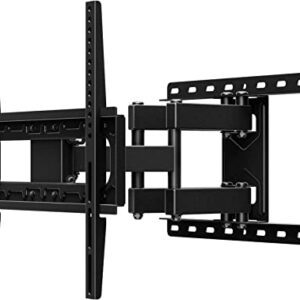
Types of TV Wall Mounts
Choosing the right mount is important:
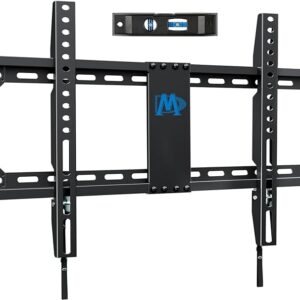
Steps for Mounting a TV to the Wall:
Step 1: Choose the Right Location
Pick a spot where the TV is easy to watch. Avoid placing it opposite windows to reduce glare. Make sure it doesn’t block doors or walkways.
Step 2: Test the TV Position
Use painter’s tape or a cardboard cutout to mark the TV size on the wall. This helps you decide the perfect height and position before drilling.
Ideal height: The TV center should be at eye level when sitting.
Step 3: Find Wall Studs
Use a stud finder to locate studs in the wall and mark them with a pencil.
Important: Never mount a TV on drywall only. Always secure it into studs for safety.
Step 4: Mark and Level the Mount
Place the mount on the wall and use a level to make sure it is straight. Mark the drill holes with a pencil.
Step 5: Drill Pilot Holes
Drill holes into the marked stud locations using the correct drill bit.
Step 6: Attach the Wall Mount
Secure the mount to the wall using screws and a drill or screwdriver. Double-check that everything is tight and level.
Step 7: Attach Mounting Plate to TV
Lay the TV face down on a soft surface (like a towel). Attach the mounting plate to the back of the TV.
Step 8: Mount the TV on the Wall
With help, lift the TV and hook it onto the wall mount. Make sure it locks securely before letting go.
Step 9: Manage Cables
Bundle cables using zip ties or Velcro. Use cable covers to hide wires for a clean and professional look.
TV Mounting Cost (Estimated)
| TV Size | Mount Type | Starting Price |
|---|---|---|
| Up to 55″ | Fixed Mount | $99 |
| Up to 65″ | Full-Motion | $149 |
| 65″+ | Custom Install | Call for Quote |
Professional TV Mounting Services
Don’t want to risk damaging your wall or TV?
Geeks on Site offers expert TV wall mounting services to make your setup safe and perfect. Our technicians handle everything from installation to cable management, giving your space a clean and modern look.
Book Your Professional TV Mounting Service
Final Thoughts
Mounting your TV on the wall is a great way to improve your viewing experience and save space. By following this guide, you can install your TV safely and securely. If you’re unsure, hiring a professional TV mounting service is always the best option.
FAQs
Q: Can I mount a TV on drywall?
No, you should always mount into wall studs for safety.
Q: How high should I mount my TV?
The center of the TV should be at eye level when seated.
Q: Do I need a stud finder?
Yes, it helps locate strong support points in the wall.
Q: How long does TV mounting take?
Usually 1–2 hours, depending on wall type and setup.
Last Updated on April 15, 2026