TL;DR: To mount a TV on the wall safely, use a mount that supports your TV’s weight and VESA pattern, secure the wall plate according to the mount manufacturer’s instructions for your wall type, and position the screen around seated eye level. For a typical drywall-and-wood-stud setup, that usually means locating the studs, drilling pilot holes, attaching the wall plate, securing the brackets to the TV, and lifting the TV into place with a second person.
In this guide
- Quick checks before you start
- Tools and supplies you’ll need
- Picking the right wall mount
- Finding the best spot for your TV
- Locating studs and checking your wall
- How to mount a TV on the wall step by step
- Keeping your cables organized
- Testing your mount and staying safe
- Common mounting problems and quick fixes
- Final thoughts
- FAQs
Quick checks before you start
A few minutes of confirming details up front saves you from redoing steps later. Before you touch a drill, make sure you have these covered:
- Wall type confirmed (drywall, concrete, brick, or metal studs)
- TV size and weight checked against your mount’s rating
- VESA pattern on the TV matched to the mount’s VESA range
- Rough stud locations identified, or the mount manufacturer’s approved installation method confirmed for your wall type
- Cables and any accessories laid out and ready to connect
Tools and supplies you’ll need
You don’t need a huge tool collection for a basic TV mount, but it helps to have everything within reach before you start drilling. The exact hardware depends on your wall and mount, so check the manufacturer’s instructions first.
- A wall mount rated for your TV’s size and weight
- A stud finder
- A power drill with the correct bit for your wall type
- A level
- A tape measure and pencil
- A screwdriver (some mounts also need a socket wrench or Allen key)
- Mounting hardware specified for your wall type, if it isn’t included with the mount
- Safety glasses
- A second person to help lift the TV
If you’re building your toolkit from scratch, this guide breaks down the tools you need to mount a TV and what each one is used for.
If you’re working with concrete or brick instead of drywall, swap in a masonry bit and the anchors made for that material. The mount’s instructions will tell you exactly what’s needed, so it’s worth a quick read before you buy hardware separately.
Picking the right wall mount
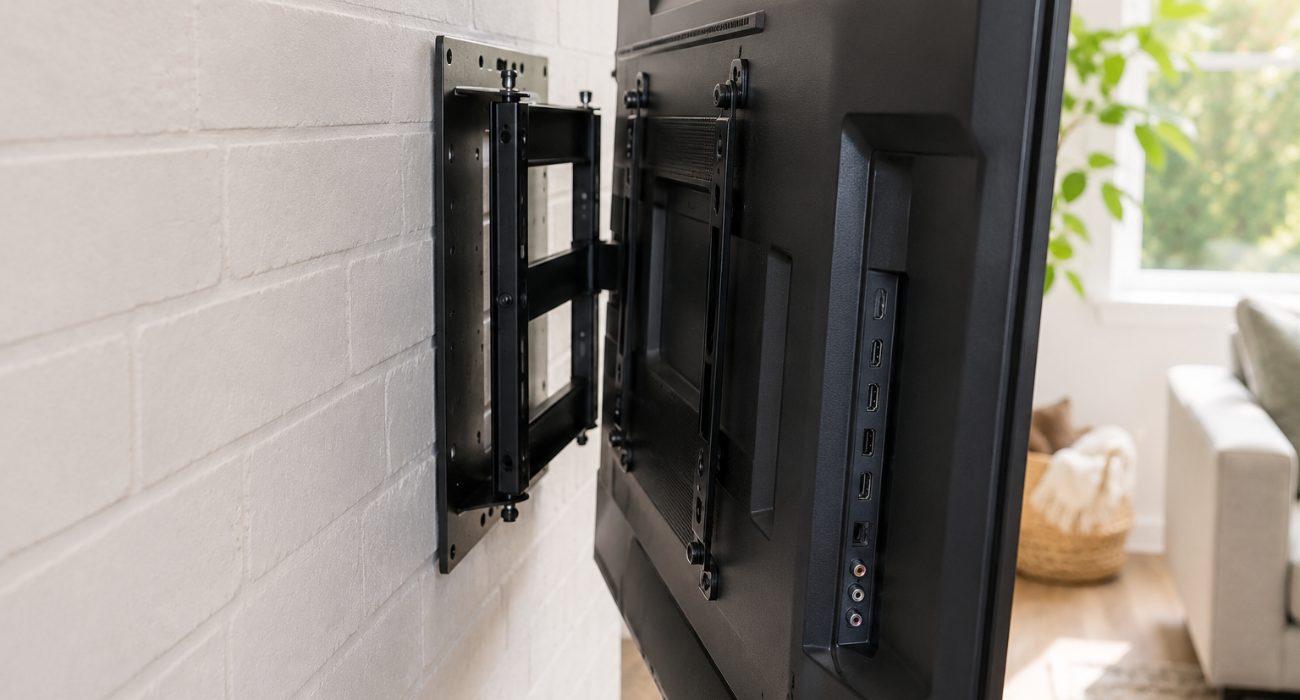 Most modern TVs use four threaded mounting holes on the back, arranged in a square or rectangle. The spacing between those holes follows the VESA (Video Electronics Standards Association) mounting standard and is measured in millimeters, so a 400 x 200 VESA pattern means the holes sit 400 mm apart horizontally and 200 mm apart vertically. You’ll find this spec in your TV’s manual or on the manufacturer’s support page, and it’s worth confirming rather than assuming, since two TVs with the same screen size don’t always share the same pattern.
Once you know your VESA size and your TV’s weight, choosing the right TV mount comes down to how you actually watch TV and the wall setup you’re working with.
| Mount type | Best for | Trade-off |
| Fixed | Rooms where you always watch from the same spot and want the TV to sit flat against the wall | No angle adjustment once it’s up |
| Tilting | TVs mounted above eye level, like over a fireplace | Only tilts up or down, no side-to-side |
| Full-motion | Open layouts or multiple seating areas where you want to tilt or swivel the TV | Bulkier hardware, pulls further off the wall |
If your TV doesn’t have its original stand and you’d rather skip drilling altogether, a universal base or floor stand is a solid alternative worth considering before you commit to a wall mount.
Finding the best spot for your TV
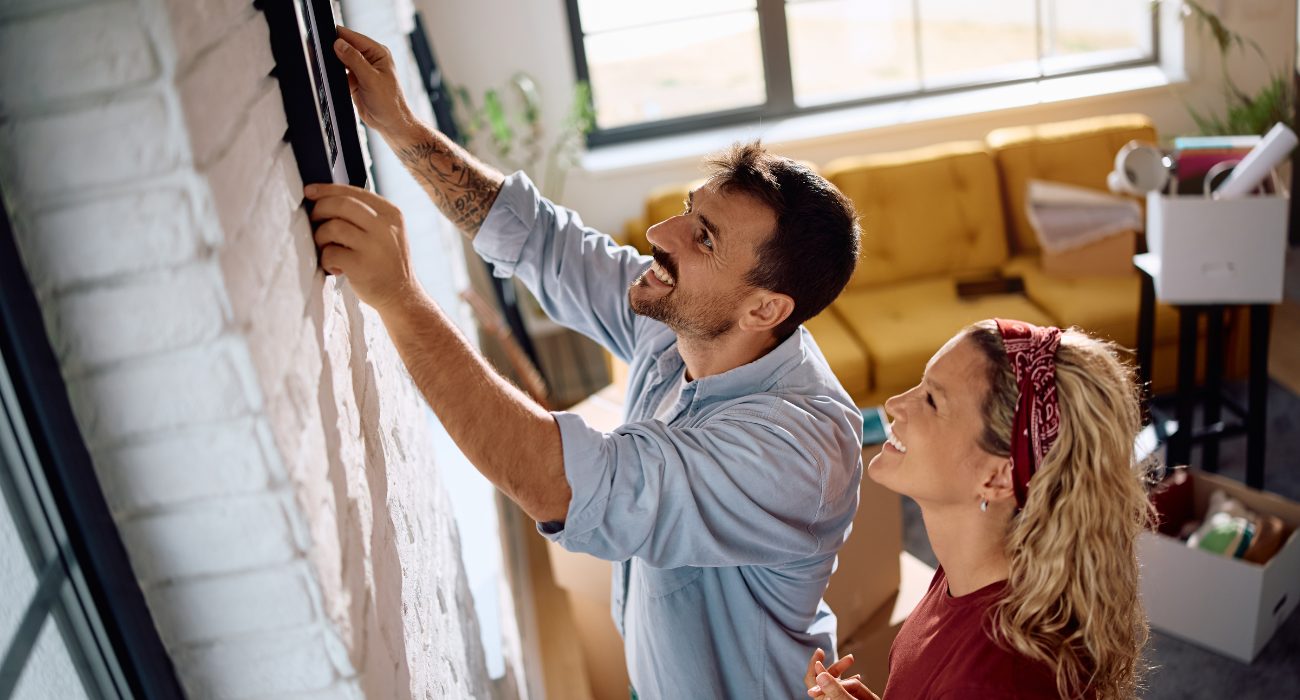
When you’re positioning a TV on a wall, height matters more than most people expect. For comfortable viewing, aim to get the center of the screen roughly at eye level when you’re sitting down, which usually lands somewhere around 40 to 42 inches from the floor in a standard living room. Mounting it much higher can make longer viewing sessions uncomfortable. If you’ll be reclining or watching from a lower couch, drop it a few inches. If the TV needs to go higher, a tilting mount lets you angle the screen back down toward your seating.
If you’re still deciding between two walls or seating layouts, here’s how to choose the best spot for a mounted TV based on height, glare, and viewing distance.
Mounting a TV above a fireplace is common, but it usually puts the screen higher than ideal. If that’s the only practical spot, check the TV and fireplace manufacturers’ clearance requirements first and consider a tilting mount so you can angle the screen toward the seating area. Before you settle on a location, walk through the outlet placement, nearby windows that might cause glare or direct sunlight, and how much clearance the TV needs around it for ventilation. A TV that runs hot because it’s boxed into a tight nook may not last as long.
Locating studs and checking your wall
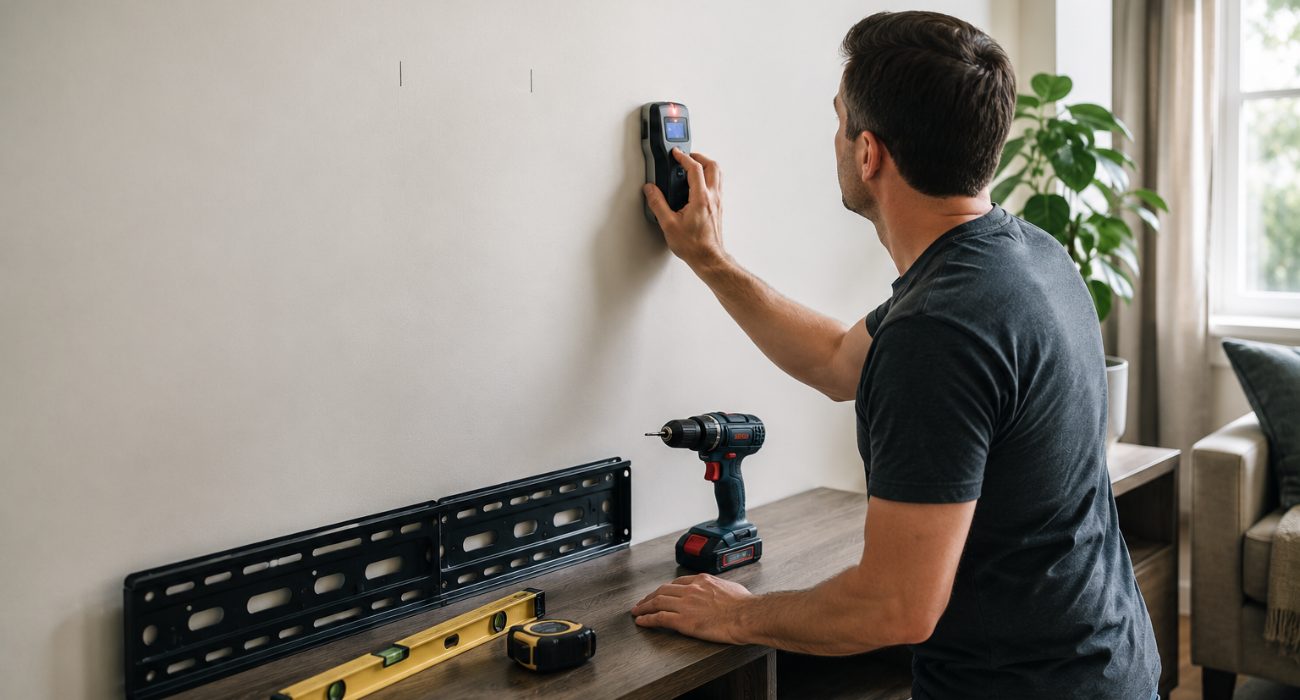
If you’re working with drywall or plaster, start by figuring out what’s behind the surface rather than assuming the wall itself can support the mount. Run a stud finder along the wall where you plan to mount the TV and mark the centers with a pencil. In many U.S. homes, wood studs are spaced 16 inches on center, which can help you locate the next one after you’ve confirmed the first.
For a typical drywall-and-wood-stud installation, securing the mount to the studs provides the structural support for the TV, which becomes especially important with a full-motion arm that pulls the screen away from the wall. If a stud doesn’t line up exactly where you need it, most mounts have a bit of horizontal play in the plate, so you can usually shift a couple of inches without redesigning your whole layout.
Before you drill, check what’s behind the wall besides studs. Outlets and switches are a clue that wiring runs nearby, so avoid drilling directly above or below them without confirming it’s clear. If you’re at all unsure what’s hiding in that section of wall, it’s worth having an electrician take a look rather than guessing.
How to mount a TV on the wall step by step
1. Read the instructions that came with your mount and your TV
They’ll cover the exact screws to use, weight limits, and any clearance requirements specific to your model, and skipping this step is where most mistakes start.
2. Hold the wall plate against the wall and level it
Line it up over your marked stud locations, check it with a level, and use the wall plate or included template to mark the screw holes with a pencil.
3. Drill the pilot holes
Use the bit size and depth called for in your mount’s instructions. Wrapping a bit of tape around the drill bit at the right depth gives you a visual stop so you don’t drill deeper than needed.
4. Attach the wall plate
Secure the plate using the fasteners specified by the mount manufacturer for your wall type. For a typical wood-stud installation, drive the lag screws into the stud centers and tighten them until the plate sits firmly against the wall without shifting.
5. Attach the mounting brackets to the TV
Lay the TV face-down on a clean, padded, flat surface, then align the mounting brackets with the VESA holes. Snug is the goal here, not as tight as physically possible, since overtightening can crack the housing around the mounting points.
6. Connect your cables before lifting the TV, if your setup allows it
Reaching the ports gets a lot harder once the TV is hanging, so power, HDMI, and any audio cables are easier to plug in beforehand.
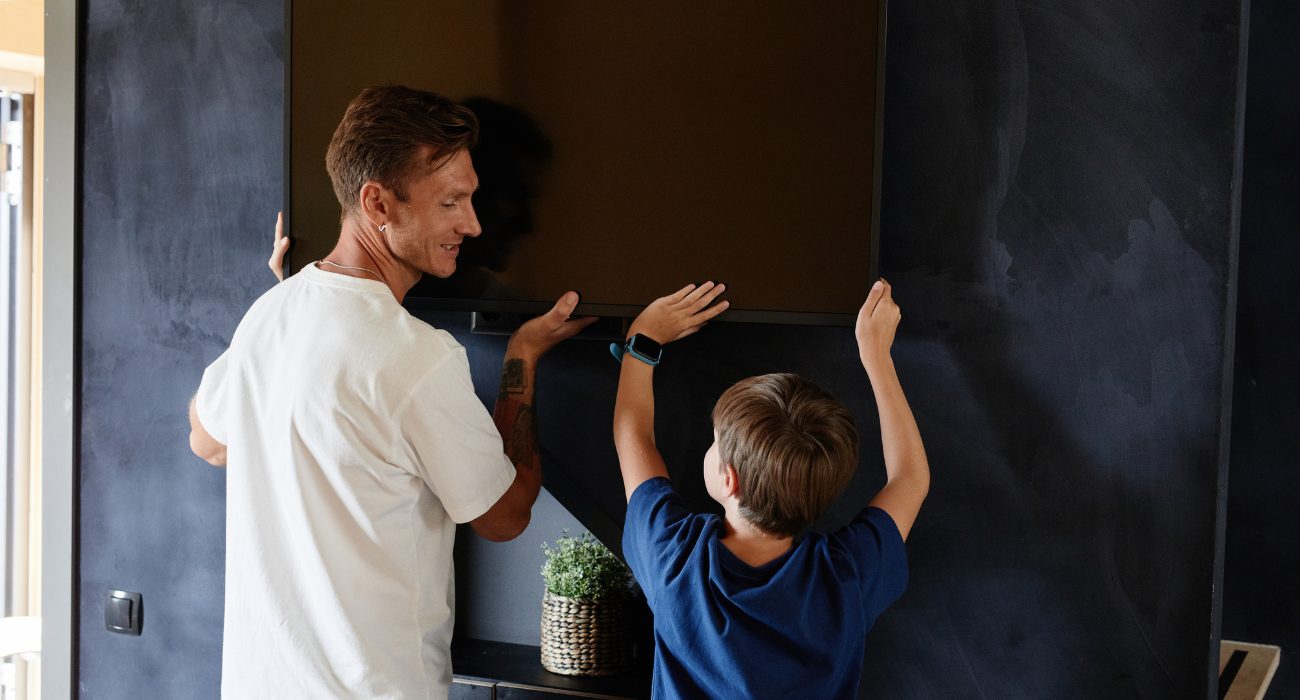
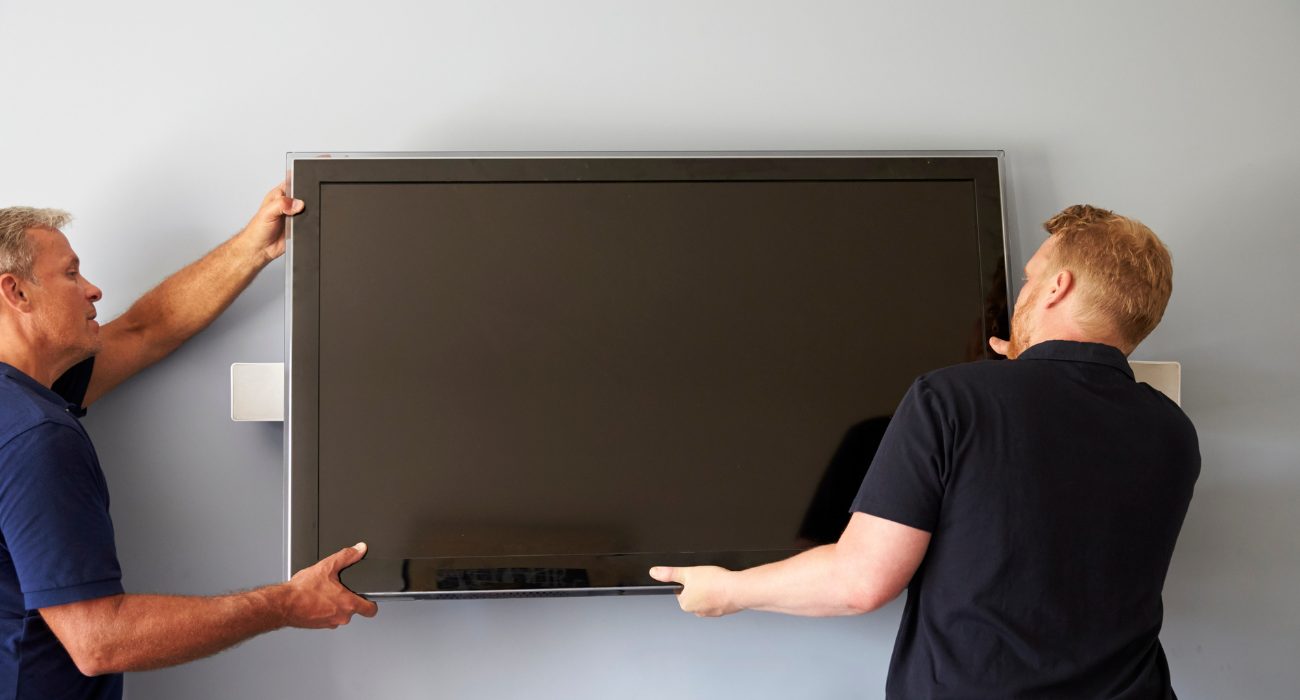
7. Lift the TV with a second person and hook it onto the wall plate
Different mounts latch differently, so follow the specific locking mechanism for your model and make sure it clicks or seats fully.
8. Engage the safety locks or screws
Most mounts include a secondary locking piece that keeps the TV from sliding off the plate. Don’t skip this even if the TV already feels secure.
9. Step back and check the level one more time
Small adjustments are much easier now than after everything is buttoned up and the cables are tucked away.
Keeping your cables organized
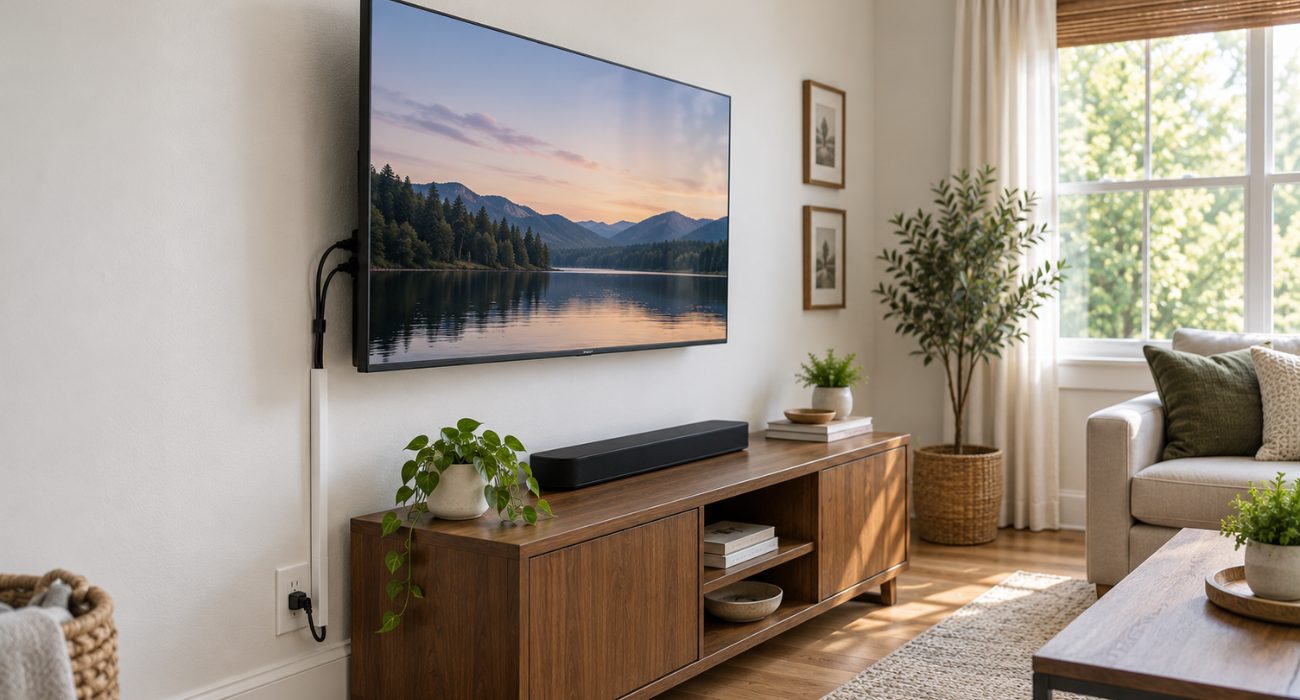
Once the TV is up, a paintable cable raceway is one of the easiest ways to hide the run down to the outlet without opening the wall. Velcro ties can keep HDMI and other low-voltage cables bundled neatly behind the screen.
Want the cables completely hidden? Treat in-wall cable routing as a separate project. Use cable and power solutions that are rated for in-wall installation and follow local electrical requirements rather than simply feeding a standard power cord or extension cord through the wall. If you’re not sure what’s allowed, this is a good part of the job to leave to a professional.
Testing your mount and staying safe
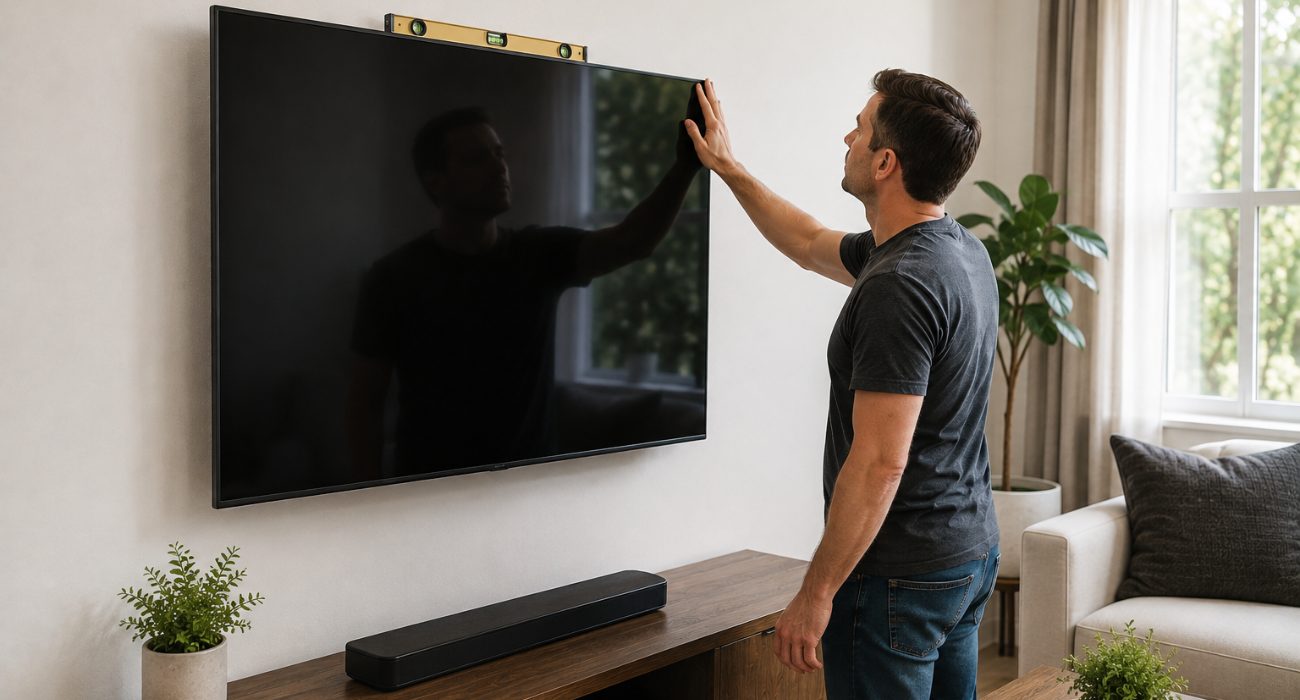
Before you call it done, gently check that the TV feels secure on the mount. There shouldn’t be any noticeable movement at the wall plate or brackets.
- Step back and make sure the TV looks straight from your normal viewing position; if it seems slightly crooked, check the level again before you hide the cables. Many mounts allow small post-installation adjustments, so you may not need to take the TV back down.
- Wear safety glasses while drilling, since dust and small debris can come loose, especially on masonry. If there are kids or pets in the house, periodically check that the mounting hardware still feels secure.
Common mounting problems and quick fixes
Even with careful measuring, small issues tend to show up once the TV is actually hanging. Here’s how to handle the ones that come up most:
| Problem | What to try |
| The TV looks crooked | Check whether your mount has post-installation leveling adjustments before loosening the wall plate. |
| The studs are off-center | See whether the wall plate allows side-to-side adjustment. If not, follow the mount manufacturer’s approved options for your wall type. |
| The included screws don’t fit | Check the TV manual for the correct VESA screw diameter and length instead of forcing the supplied screws. |
| The mount feels loose | Stop using it until you confirm the fasteners are properly seated in the intended structure. |
| A full-motion arm sags or binds | Check the manufacturer’s adjustment instructions rather than randomly tightening every pivot point. |
| The TV won’t sit close to the wall | Check whether bulky HDMI connectors or adapters are pressing against the back of the TV. |
Final thoughts
A TV mount is one of those projects where the measuring matters more than the drilling. Take the extra few minutes to confirm the height from your actual couch, find the stud centers, and check the mount instructions before making holes in the wall. It’s much easier to move a pencil mark than a mounted TV.
Once the wall plate is secure, don’t rush the last few steps. Have someone help with the lift, engage the mount’s safety mechanism, and look at the TV from your normal seating position before hiding the cables.
If you’d rather skip the measuring, drilling, and heavy lifting, Geeks on Site’s TV mounting service can handle the installation and help you get the screen positioned where it makes sense for your room.
FAQs
Can I mount a TV on the wall myself?
Yes, a basic wood-stud installation is manageable for many homeowners if they have the right tools, follow the mount manufacturer’s instructions, and have another person available to help lift the TV. Brick, concrete, metal studs, very large TVs, and in-wall cable routing can make the job more complicated.
How high should a TV be mounted on the wall?
A good starting point is to place the center of the screen around seated eye level, often about 42 inches from the floor in a typical living room. Your couch height, viewing position, TV size, and room layout can all shift that number, so check the position from your usual seat before drilling.
Can you mount a TV without studs?
It depends on the mount, TV weight, wall construction, and hardware being used. Don’t assume standard drywall anchors are enough. Follow the mounting system’s instructions for your specific wall type, and if the approved installation method isn’t clear, have a professional assess the wall.
Can you mount a TV on brick or concrete?
Yes, but the installation requires hardware and drill bits designed for masonry. Follow the mount manufacturer’s requirements for the specific wall material rather than using hardware intended for a wood-stud installation.
Is it safe to mount a TV above a fireplace?
It can be, but first check the clearance and temperature requirements from both the TV and fireplace manufacturers. A fireplace often forces the screen higher than normal, so a tilting mount may also make the viewing angle more comfortable.
Last Updated on October 9, 2026