Looking to upgrade your security with a Blink outdoor camera? Geeks on Site’s expert installation technicians are here with comprehensive setup instructions and tips! From unboxing to final adjustments this guide has everything you need to secure your home, garage, or office with Blink outdoor security cameras
See what an easy outdoor surveillance system setup can do for your safety and security, keep reading to learn everything you need to know about your Blink system’s functionality and mounting instructions.
Blink Outdoor Camera Basics:
What is a Blink Outdoor Camera?
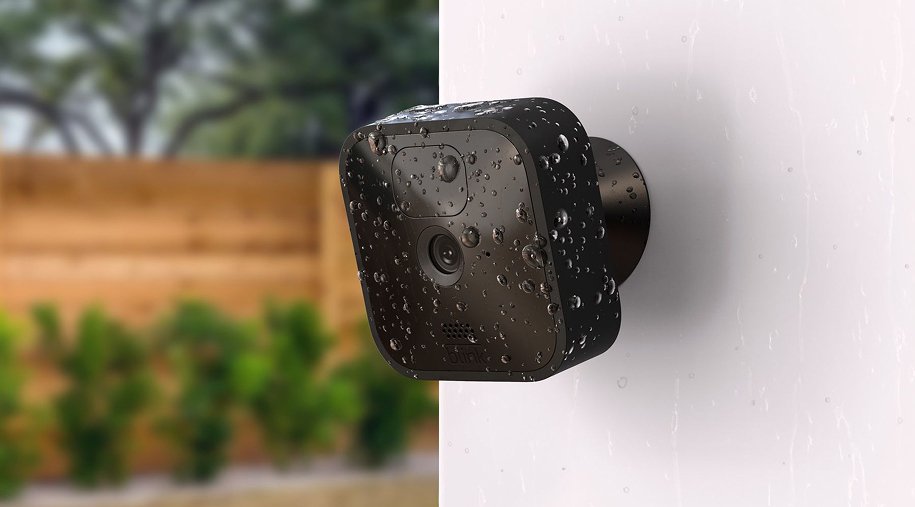
Blink camera outdoor systems are well-made and resilient security cameras, designed to withstand tough weather conditions. Weatherproof technology allows these cameras to stand the test of time, and protect your property, even during natural disasters. Additional features include motion detection and cloud storage for video feeds of your home.
Smart home setups allow for enhanced protection and automation, while maintaining your home’s integrity, and saving time for yourself and your family.
When you choose to install a Blink outdoor camera to the exterior of your home or office, this allows you to keep an eye on your property and surroundings. That way, even when you’re not home, you have the ability to view what matters most.
Why is Blink a Great Choice for Home Security?
Blink is a great choice for increasing security at your home or office, because it offers easy and straightforward setup. Not to mention it is cost effective, battery-powered, with no wires to maneuver.
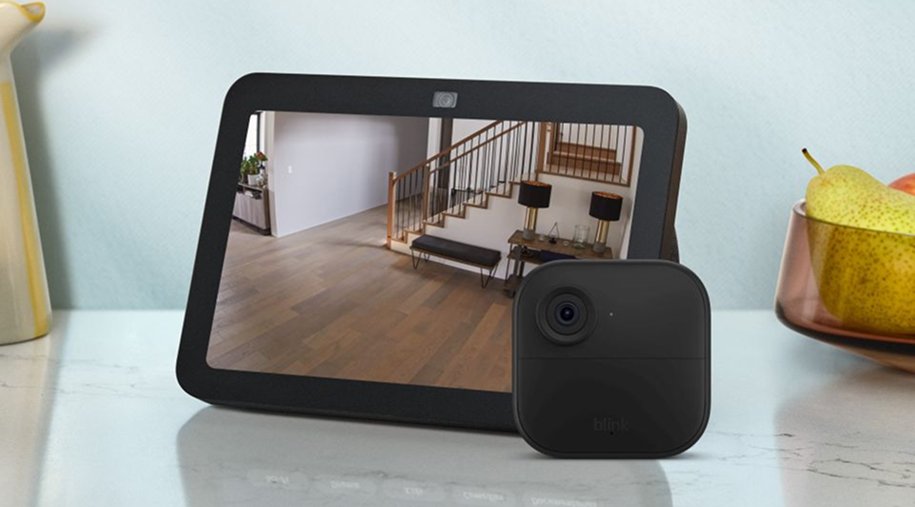
High-definition resolution of 1080p provides you with easy viewing, even in lowlight conditions. Night vision capabilities leave you with the superpower of seeing in the dark, with seamless integration of other Amazon apps and devices, like Amazon Alexa. Additionally, the Blink app facilitates easy management of the monitoring system, easily enhancing your security on a budget.
If you wish to make your life easier and rely on a professional and affordable service to install your Blink Outdoor Camera, you can trust Geeks on Site.
First Steps for How to Set Up Your Blink Outdoor Camera.
What Comes with Your Blink Camera?
When you open your Blink camera kit, everything you need to start installing your outdoor cameras is included. The system kit comes with one camera, mounting hardware, and a sync module. The mounting hardware allows you to easily affix the camera to the mount, to maintain functionality and stability.
Before you begin installing your mount it is important to verify that all the pieces in the kit are present and accounted for. This ensures that you can easily and confidently install your new Blink camera outdoors.

How do I Configure the Blink App for Setup?
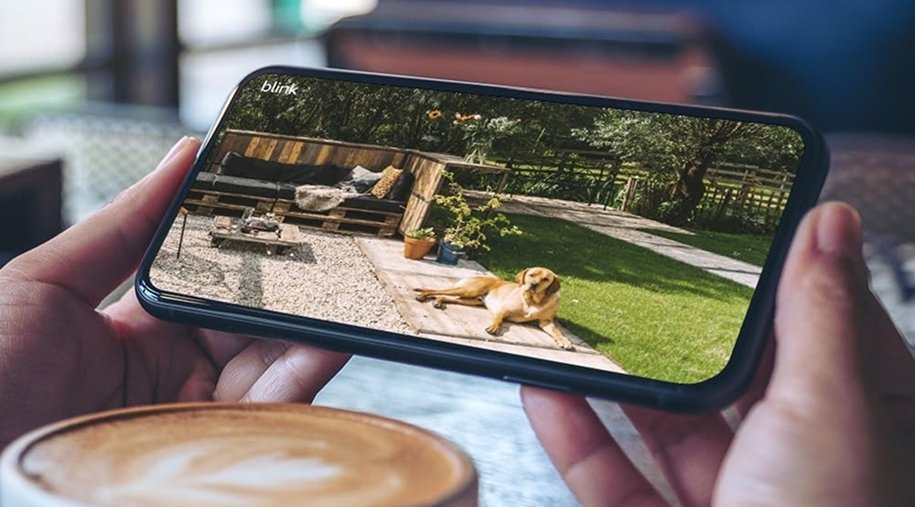
Before you begin setting up your Blink outdoor camera you need to download the Blink app to your smartphone or other handheld device that you’ll be using to monitor your security. The Blink app serves as a centralized hub for managing camera settings and reviewing your live or archived footage.
After you’ve downloaded the app from your phone’s app store, follow the on-screen directions to set up your camera system. You will be prompted to scan the QR code on your new Blink camera to further complete the setup process.
Where is the QR code on the back of a Blink outdoor camera?
The QR code referenced by the Blink app is located on the inside of the back cover, near the battery compartment. You will need to remove the back cover to access the QR code. If you are unable to scan the QR code for any reason, manual entry is an option. Enter the serial number, which is also located on the back of the camera for hassle-free setup.
How to Mount Your New Outdoor Blink Camera System
Where to Install Blink Outdoor Camera?
Choosing the right spot to mount your Blink outdoor camera is paramount. First, you’ll want to keep in mind the surveillance coverage you’d like to achieve, the spots best suited to fit those coverage needs, and the places where extra security is necessary.
These could be places that see a lot of foot traffic, like your front door, or porch. It’s important to keep in mind that the options are practically limitless when it comes to camera placement.
Choosing the best place to mount your outdoor Blink camera will vary per person and physical configurations for mounting. Consider placing your outdoor security camera at a height that allows for the maximum surveillance coverage. The higher you mount your camera, the greater its view, keeping in mind that trees and other factors may limit visibility, and should be considered ahead of time.
Importantly, your new Blink camera outdoors utilizes your home’s Wi-Fi network to access important functions due to its wireless nature. With this in mind, it’s important to make sure that your chosen location for mounting and installation of your Blink outdoor camera model is within your Wi-Fi router’s range, so that the camera’s functionality is unhindered.
How do you install the Blink Outdoor Camera to Mount?
Attaching your new Blink camera outdoors to the mounting bracket is a straightforward process, with easy instructions. Your hardware kit comes with all the screws and pieces needed to mount your new Blink camera. Place the screws to secure the camera to the mounting bracket, make sure it is firmly in place.
The included mounting bracket allows for installation on any flat surface, like a door frame, or siding. The camera’s tilting features allow you to narrow down the optimal placement and viewing angle. This permits you to capture the desired surveillance angle, while minimizing unneeded video coverage.
What Should I Do If I Need to Remove the Blink Outdoor Camera from The Mount?
While tools are needed to install the mounting bracket, your Blink outdoor camera clips firmly into the mounting bracket itself. To remove the camera from the bracket, hold the mount steady and firmly. Then, pull the bottom of the camera away from the mount.
Force may be necessary to detach the camera from the mount. Some reasons you may need to remove the Blink outdoor camera include to replace batteries, perform routine maintenance, or possibly re-position your camera to another spot for surveillance.
Geeks on Site is here at your service! Contact our experienced team and feel safer at home with the best camera installation. We’re just a phone call away!
FAQs
What are the Most Common Questions About Blink Outdoor Cameras?
For the most part frequently asked questions about the Blink camera outdoors include those regarding installation, setting configuration, and overall functionality of the camera. The FAQ section in the Blink app has the most comprehensive support for issues you may have throughout the installation process, when attempting to install independently.
Where Can I Find More Information and Support?
As mentioned above, connect with Blink support for troubleshooting and assistance with a variety of issues you may encounter. Detailed guides and video tutorials are available on the Blink app for greater insight and visuals.
These instructional resources give you the ability to understand and implement your security system to its greatest potential. Being well-informed about your home security lets you enhance safety and gain indispensable peace of mind.
Last Updated on July 17, 2025