If you’re wondering how to dismount a TV safely and without hassle, we’ve got you covered. At Geeks on Site, we’ve helped countless homeowners remove their TVs from walls quickly and securely; and now we’re sharing our step-by-step guide so you can do it too. Whether you’re rearranging your living space, moving to a new home, or upgrading your entertainment system, this guide will walk you through everything you need to know for a smooth and safe TV removal.
Preparing for TV Dismounting
Before we dive into how to remove a TV from a wall, preparation is key. Gathering the right tv dismount tools, clearing the area, and setting up a safe spot for your TV can make the entire process easier and safer.
Gather Necessary Tools
Here’s what we always recommend having on hand:
- Screwdriver
- Allen wrench
- Socket wrench
- Flashlight
These tools are essential for loosening the mount and ensuring you can remove the TV from the wall without causing any damage. We also like to lay out all our tools beforehand; it saves time and helps keep the process organized.
Clear the Surrounding Area
Next, make sure the area around your TV is clear. Remove furniture, décor, or anything else that might get in the way. Having open space will give you room to work and prevent tripping or accidents during the dismounting process.
Prepare a Safe Spot for Your TV
Before you lift the TV, prepare a safe surface to place it on. We usually set up a sturdy table or lay a soft blanket on the floor. Make sure the spot is away from foot traffic and that you lay the TV screen-side down for added protection.
Unplugging and Disconnecting Cables
Before you attempt to lift your TV, unplug all cables and cords. This step is critical for preventing electrical hazards and avoiding damage to both your TV and its connections.
Power Cord and Other Connections
Carefully unplug each cable, including:
- Power cord
- HDMI cables
- Audio cables
Make sure everything is fully disconnected before you proceed.
Label and Organize Cables
We always recommend labeling your cables as you unplug them. Use masking tape or printable labels to mark where each one connects. Then, bundle them together and store them in a labeled bag. This small step will save you time when it’s time to reinstall your TV.
Identifying the Wall Mount Type
Knowing what kind of mount you’re working with is essential. The most common types are fixed, tilting, and full-motion. Identifying yours will help you follow the correct steps for safe removal.
- Fixed Wall Mounts: These hold the TV flat against the wall. Removing them usually means unscrewing the mount and lifting the TV straight up.
- Tilting Wall Mounts: These allow for vertical adjustments. Release the tilt mechanism before lifting the TV.
- Full-Motion Wall Mounts: These swivel and extend. Be sure to disengage any locking mechanisms before attempting removal.
Removing the TV from the Wall Mount
Once your cables are unplugged and you know your mount type, it’s time to lift the TV.

Loosen Safety Screws or Locks
Use a screwdriver or the appropriate tool to loosen any safety screws or locks. These are often found on the sides or bottom of the mount. Turn them counterclockwise until they’re fully removed.
Lift and Detach the TV
With the screws removed, gently lift the TV upward until it clears the hooks of the mount. For anti-theft bars or locking arms, make sure they’re fully disengaged before lifting.
Handling Heavy TVs
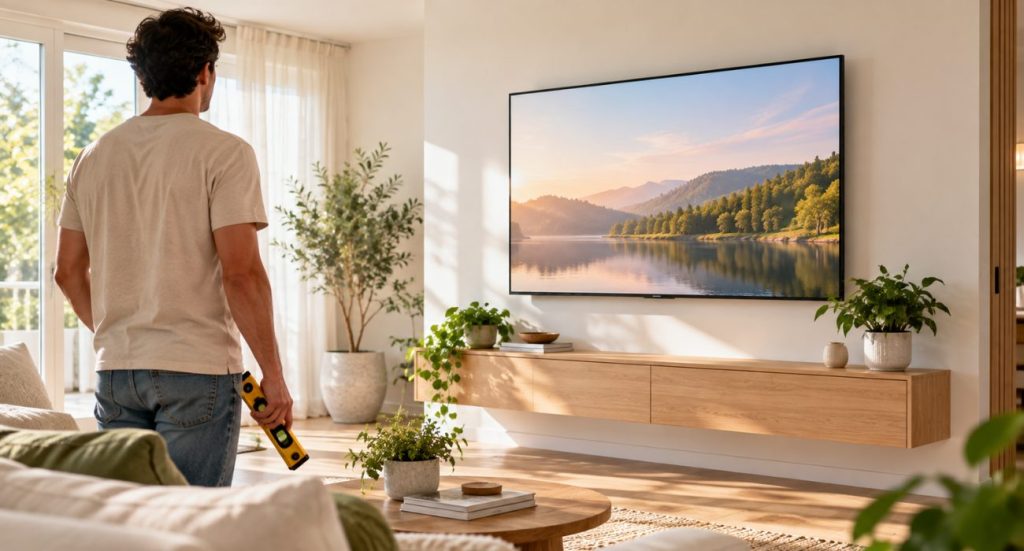
Some TVs can weigh between 50 and 100 pounds, so don’t try to lift them alone. Always lift with your knees, not your back, and consider having a second person help guide the TV off the wall.
Managing and Storing Cables
Good cable management now will make reinstallation much easier later. Once the TV is off the wall, take a few minutes to unbundle, label, and safely store your cables. We like to keep them in a cool, dry place to prevent damage and keep them organized for future use.
Removing the Mounting Bracket
With the TV out of the way, the last step is to remove the wall bracket itself.
Unscrew the Bracket from the TV
Use a screwdriver or Allen wrench to remove the mounting bracket from the back of the TV. Turn screws counterclockwise and make sure they’re all removed before detaching the bracket.
Detach the Wall Plate
Support the wall plate as you remove it to prevent it from falling. Unscrew it slowly and carefully, especially if lag bolts were used. This step will leave your wall clean and ready for the next installation.
Patching and Repairing Wall Damage
After removing the bracket, you might notice small holes or marks on the wall. A little patchwork will make your wall look brand new.
- Fill holes with spackle and let it dry.
- Sand the surface until smooth.
- Repaint the wall to match the original color.
When to Seek Professional Help
While many homeowners can handle TV wall bracket removal on their own, sometimes it’s safer to let professionals do the heavy lifting. If your TV is large, mounted high, or requires specialized tools, our team at Geeks on Site is here to help.
With over 20 years of experience, we specialize in safe, efficient TV dismounting services. Whether you need in-home support or remote guidance, we’ll ensure your TV and wall remain undamaged throughout the process.
Learn more about our TV installation and removal services here.
Final Thoughts
Learning how to dismount a TV doesn’t have to be stressful. With the right preparation, tools, and careful steps, you can remove a TV from the wall safely and efficiently. By organizing your cables, identifying your wall mount type, and patching any wall damage, you’ll set yourself up for a smooth reinstallation or a brand-new setup.
And if you ever feel unsure, remember: our team at Geeks on Site is just a call away. We’re here to make the process simple, safe, and stress-free.
Frequently Asked Questions
A screwdriver, Allen wrench, socket wrench, and flashlight are essential tools for dismounting your TV safely.
Always lift with your knees and have someone assist you. This helps prevent injury and ensures a secure removal.
Label and store them in labeled bags to keep them organized and protected for future use.
If your TV is heavy, mounted high, or you’re unsure about the process, it’s best to call our team for safe and professional help.
Last Updated on January 19, 2026