Looking for the best wall for TV mounting? We’ll talk about the pros and cons of drywall, brick, and concrete walls so you can choose the right one for a stable and stylish setup.
Key Takeaways
- Drywall, brick, and concrete walls each require specific tools and techniques for safe and secure TV mounting.
- Choosing the right TV mount type—fixed, tilting, or full-motion—depends on viewing angles, room layout, and TV specifications.
- Professional mounting services from providers like Geeks on Site ensure secure installations and can include features such as cable management.
Drywall TV Mounting
Drywall, a common wall type in homes, is popular for TV mounting but comes with challenges. For a successful installation, attach the mount to at least two studs for stability, as dry wall alone can’t support much weight.
Combining proper installation techniques with secure mounts enhances safety. Use a stud finder to locate studs, then drill pilot holes and attach the mount with appropriate screws. This ensures the TV is firmly anchored and reduces the risk of it coming loose. To install the mount correctly, follow these steps carefully.
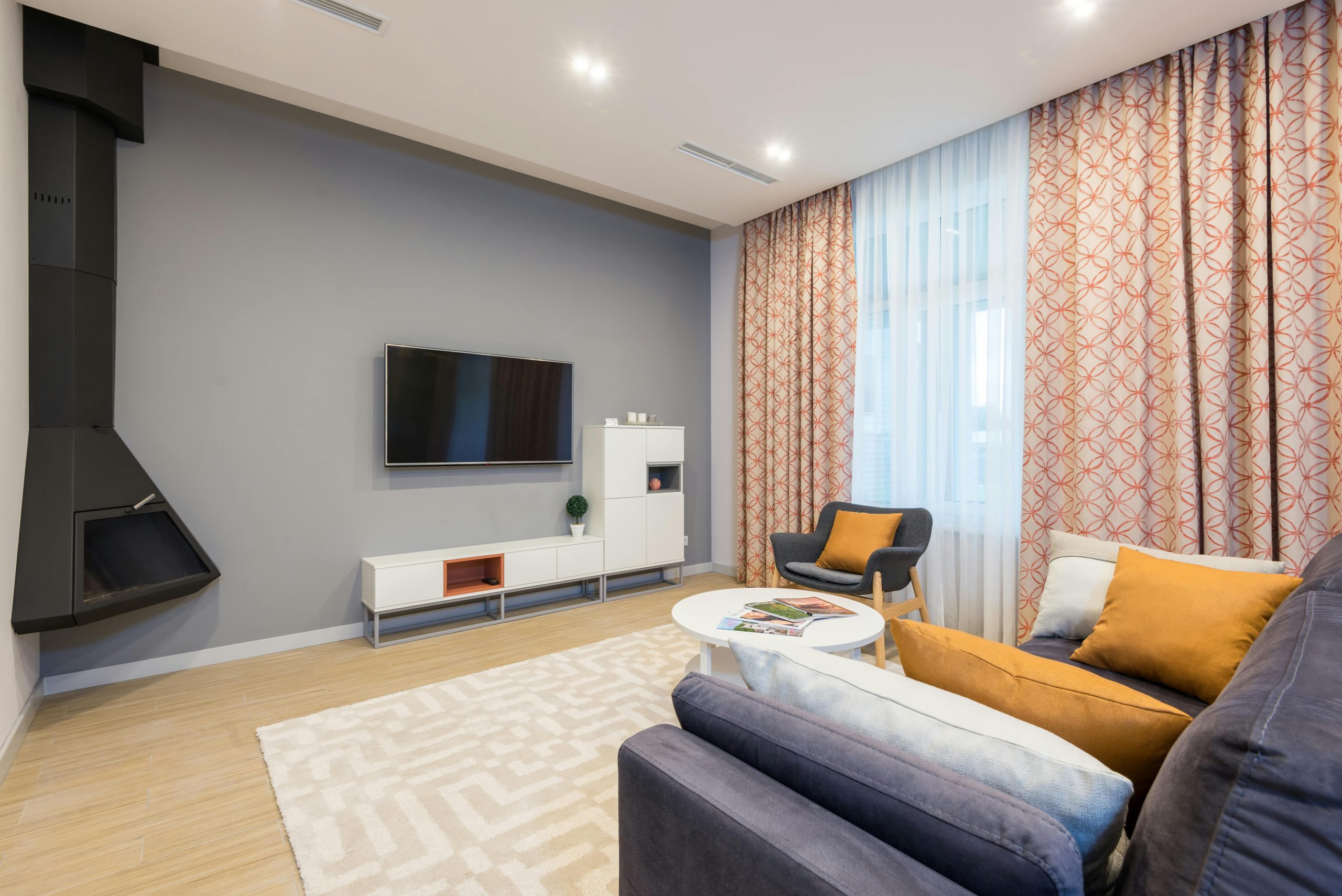
Many mounts are designed to keep your TV close to the wall, creating a sleek, modern look. Whether installing a new TV or replacing an old one, the right mount and installation techniques ensure your TV is securely and stylishly hanging. A wall mount, specifically TV wall mounts, is essential for achieving this look, especially during wall mounting.
Brick Wall TV Mounting
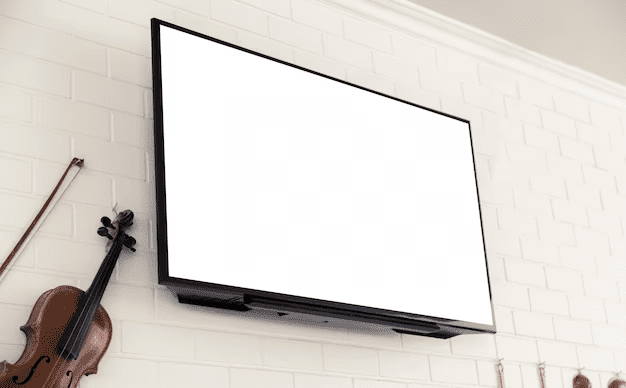
Brick walls offer robust support for heavy TVs, making them an excellent choice for mounting. The inherent strength of brick allows you to mount even the largest TVs confidently. However, specific tools and techniques are required for a secure installation.
Use Tapcon or concrete screws to mount a TV on a brick wall, as they anchor securely into masonry. A hammer drill is necessary to create pilot holes in the brick before installing the screws, ensuring a firm grip and maximum stability.
The right tools and techniques can transform your living room space by making a Samsung TV mounted on a brick tv wall both functional and stylish, just like modern televisions.
Concrete Wall TV Mounting
Mounting a TV on a concrete wall maximizes floor space and creates a modern aesthetic. Concrete walls are durable and resistant to fire, moisture, and extreme temperatures, making them ideal for TV mounting. However, specific tools and techniques are necessary for a secure installation.
A hammer drill with masonry bits is needed for precise holes in concrete walls. Patience is crucial when drilling into concrete to avoid misaligned holes or wall damage.
After drilling, use concrete anchors to securely mount the TV bracket. Heavy-duty adhesive mounts are an alternative but may not be as secure. With the right approach, mounting a TV on concrete can provide a sleek and sturdy setup.
Choosing the Right TV Mount for Your Wall Type
Selecting the right TV mount is crucial for an optimal position for viewing different angles and aesthetics. The three primary types are fixed, tilting, and full-motion, each serving different needs. Assess your wall type and available space before choosing a mount.
To ensure compatibility with your TV’s dimensions:
- Check the specifications on the mount packaging and the manufacturer’s website.
- Verify that your TV uses a standard VESA pattern for mounting holes.
- Ensure the mount matches the VESA pattern for a secure fit.
Next, we explore each type of mount in detail.
Fixed TV Mounts
Fixed mounts:
- Do not allow tilting or swiveling, making them suitable for locations where viewers sit directly in front of the TV.
- Keep the TV close to the wall for a clean, streamlined appearance.
- Are ideal for rooms with consistent seating positions and where the TV stands out.
Tilting TV Mounts
Tilting mounts offer several advantages:
- Allow adjusting the TV angle, ideal for high wall installations.
- Tilting the screen downward reduces glare, enhancing the viewing experience.
- Versatile and installable on various wall surfaces.
- Suitable for TVs of different sizes.
- Provide optimal viewing angles from various seating positions with tilt mounts.
Tilting mounts are especially useful in rooms where the TV is mounted above eye level, such as over a fireplace. Angling the TV downward achieves a comfortable viewing angle without straining your neck, making a tilting mount a popular choice.
Full Motion TV Mounts
Full motion mounts offer maximum flexibility, allowing pivoting and tilting in multiple directions, moving side to side. Ideal for rooms with varying seating arrangements, they enable adjusting the TV to different viewing positions. Models like the Sanus VLF728-B2 and EchoGear EGLF2 offer extensive extension and swivel options, enhancing the viewing experience.
For example, the Sanus VLF728-B2 features a 28-inch extension, allowing a wide pivot range. The EchoGear EGLF2 offers a 22-inch extension and a tilt feature. This flexibility makes full motion mounts perfect for adjusting the TV to suit different activities and seating arrangements.
Different wall materials can also affect how accurately the mounting holes line up, which is one reason a TV may end up looking slightly crooked after installation.
Tools and Techniques for Safe TV Mounting
Safety is paramount when mounting your TV, and the right tools and techniques are crucial:
- Use a stud finder to locate the wooden supports behind drywall, providing a reliable anchor for the TV mount.
- Use screws compatible with both the mount and the wall type.
- Always follow the manufacturer’s installation guidelines.
Safety straps offer added safety, especially in homes with children, by preventing the TV from tipping over. Ensuring all mounting screws are tightly secured before finalizing the installation is crucial for stability, as the TV hangs securely in place.
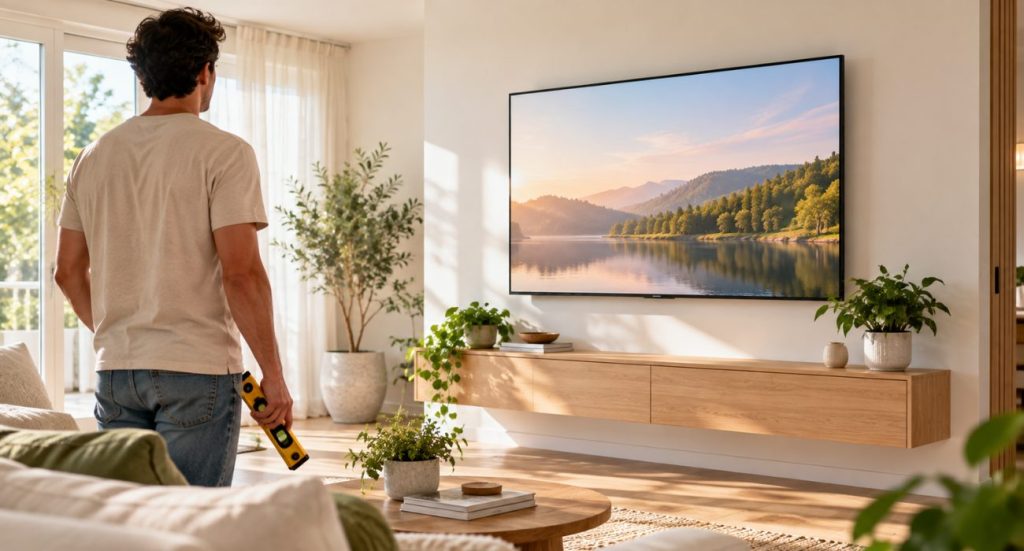
Using a level during installation ensures the TV mount is straight, which is vital for both aesthetic and functional reasons. Pre-drilling holes for the screws prevents drywall damage and makes the installation process smoother.
Positioning your TV with easy access to ports is important for connecting devices without hassle. Ensuring the mount is straight and level enhances both appearance and port accessibility. Following these tools and techniques ensures a safe and professional-looking TV mounting:
- Position the TV for easy access to ports.
- Ensure the mount is straight and level.
- Use appropriate tools and techniques for safe and professional mounting.
Additional Considerations for TV Mounting
Beyond basic mounting, additional considerations can enhance your experience, such as cable management, weight, size compatibility, and ensuring there is enough room for attached port accessibility.
Addressing these aspects ensures a clean, safe, and functional setup that can adjust.
If you have a 55-inch screen, our guide to choosing the best TV mount for a 55-inch TV can help you narrow down the right option for your setup.
Cable Management
Effective cable management:
- Enhances the visual appeal of your mounted TV
- Prevents safety hazards by properly organizing cables to avoid tripping
- Uses cable covers or raceways to conceal wires, creating a tidy appearance
Geeks on Site offers low profile cable management services to ensure all wires are concealed for a clean look.
Proper cable management makes it pretty easy to connect and disconnect devices like a cable box or game console without creating a tangled mess. Planning your cable layout during installation achieves a functional and aesthetically pleasing setup.
Weight and Size Compatibility
Ensure the TV mount is rated for the weight and size of the TV being installed for a secure installation. Mount specifications typically include maximum weight and screen size limits, including tv sizes, listed on the mount’s box and the company’s website. For example, the Sanus VLF728-B2 full-motion mount has a maximum weight capacity of 125 pounds, while the Pipishell PILTK4 can hold TVs up to 75 inches.
Double-check the compatibility of your TV mount with your television’s specifications to prevent damage and ensure safe installation. Matching the mount’s VESA size with your TV’s VESA pattern is essential for a secure fit. Not every room has enough usable wall space for a traditional setup. In rooms with vaulted ceilings, lofts, or A-frame layouts, mounting a TV on a slanted ceiling may be another option worth considering.
Accessibility of Ports
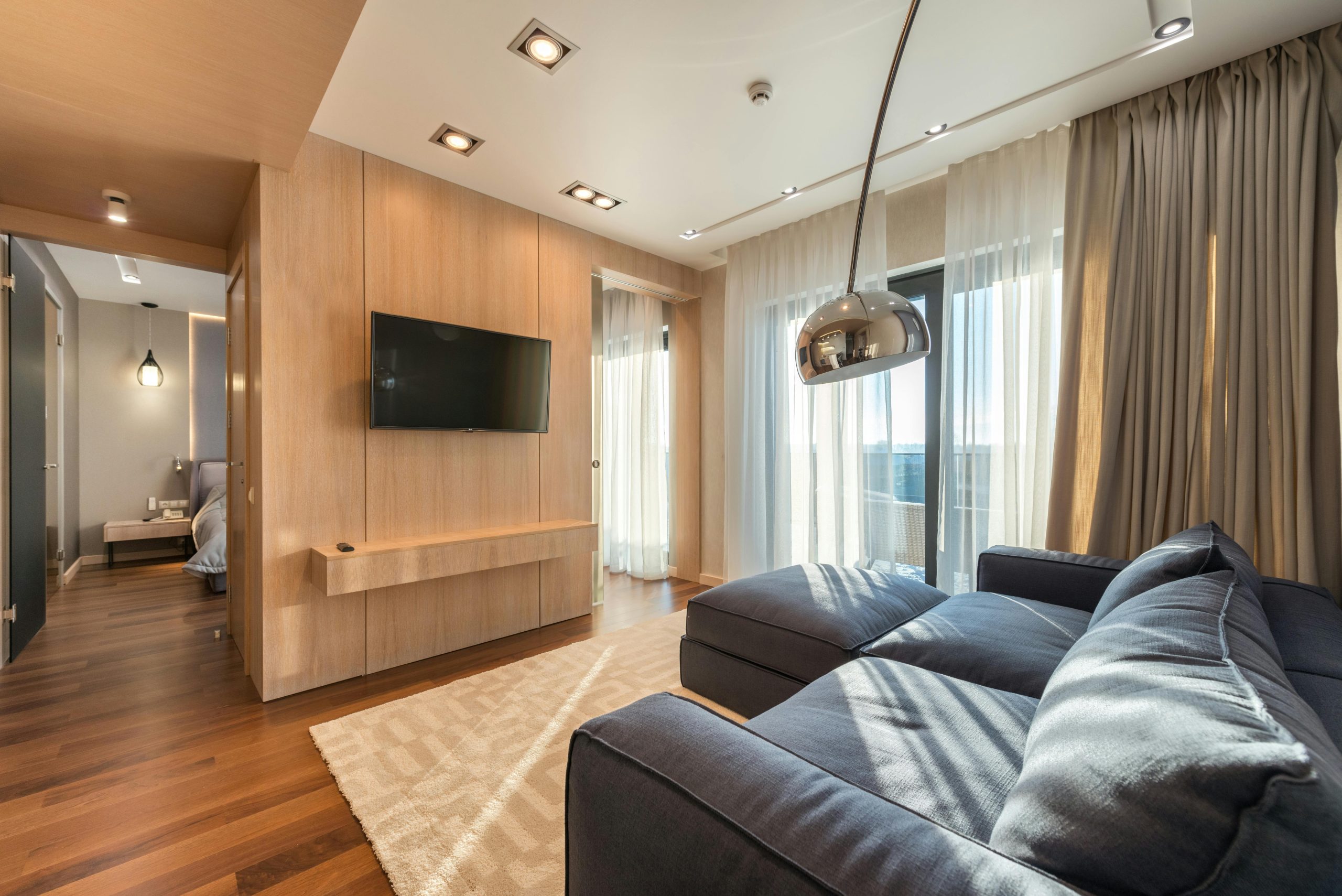
Keeping your TV ports accessible is essential for connecting devices like cable boxes and gaming consoles without hassle. Mounting your TV at eye level improves accessibility to HDMI, USB, and other ports. Ensure extra space behind the TV for easy plug and unplug access.
Consider using extension cables or port extenders to maintain easy access even after the TV is mounted. This ensures you can connect and disconnect devices without unmounting the TV, making your setup more convenient.
Professional TV Mounting Services by Geeks on Site
For a hassle-free installation, professional TV mounting services by Geeks on Site are an excellent option. Geeks on Site provides expert TV mounting services nationwide, with trained technicians available in major areas. Hiring professionals ensures a secure installation, giving you peace of mind.
Starting at $89, Geeks on Site’s TV mounting services offer:
- Potential discounts for members
- Cable concealment
- A 100% money-back satisfaction guarantee With comprehensive services and expertise, Geeks on Site is a trusted choice for TV mounting needs.
Trust in the best team of expert technicians for your TV mounting service. With more than 20 years of experience, Geeks on Site is the best choide for your home solutions.
Summary
Choosing the best wall for TV mounting involves considering various factors, including the type of wall, the appropriate TV mount, and additional considerations like cable management and port accessibility. Drywall, brick, and concrete walls each offer unique benefits and require specific tools and techniques for safe and effective TV mounting.
By understanding these factors and utilizing professional services like those offered by Geeks on Site, you can ensure a secure and aesthetically pleasing TV installation. Whether you’re mounting a new TV or upgrading your current setup, making informed decisions will enhance your viewing experience and the overall look of your room.
Frequently Asked Questions
What types of walls are best for TV mounting?
For TV mounting, drywall, brick, and concrete walls are all suitable options, each necessitating specific installation methods for secure support. Ensure you select the appropriate fasteners and techniques based on your chosen wall type.
Can I mount a TV on drywall without using studs?
No, it is not advisable to mount a TV on drywall without using studs, as they offer essential support to ensure safety and stability.
What tools do I need for mounting a TV on a brick wall?
To securely mount a TV on a brick wall, you will need Tapcon or concrete screws along with a hammer drill. These tools will ensure a sturdy installation.
How can I hide the cables when mounting my TV?
To effectively hide cables when mounting your TV, use cable covers or raceways for a clean look. Consider professional services for a more polished installation.
Why should I consider professional TV mounting services?
Considering professional TV mounting services is wise for ensuring a secure installation, as well as taking advantage of benefits like cable concealment and a satisfaction guarantee. This approach not only enhances aesthetics but also provides peace of mind.
Last Updated on September 18, 2026