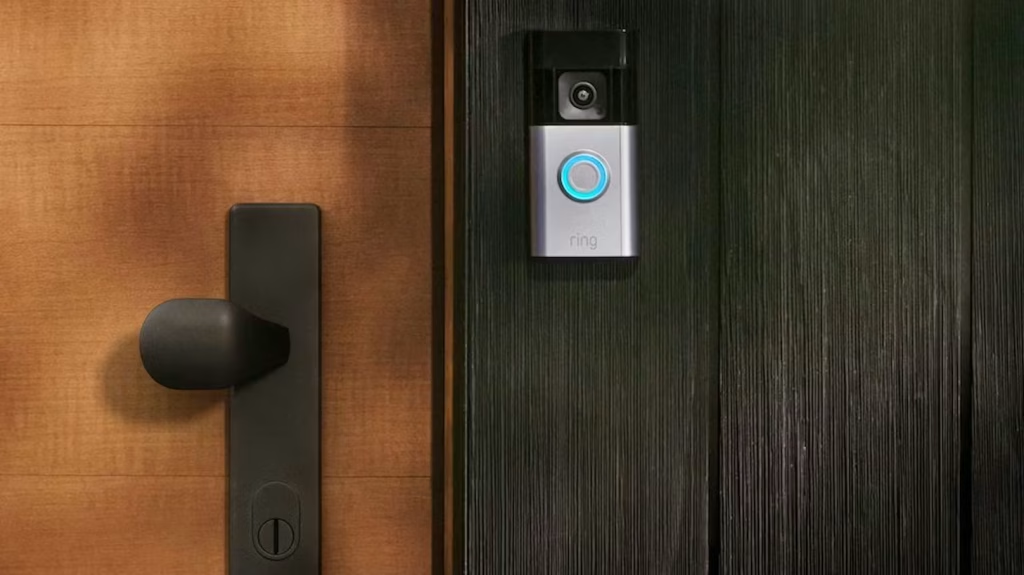
TL;DR: Need to turn off your Ring camera? The easiest method depends on what you’re trying to do. You can temporarily stop motion detection through the Ring app, use Motion Snooze for short breaks, switch to Disarmed mode, or completely power the device off by removing the battery, unplugging it, or cutting power to hardwired models.
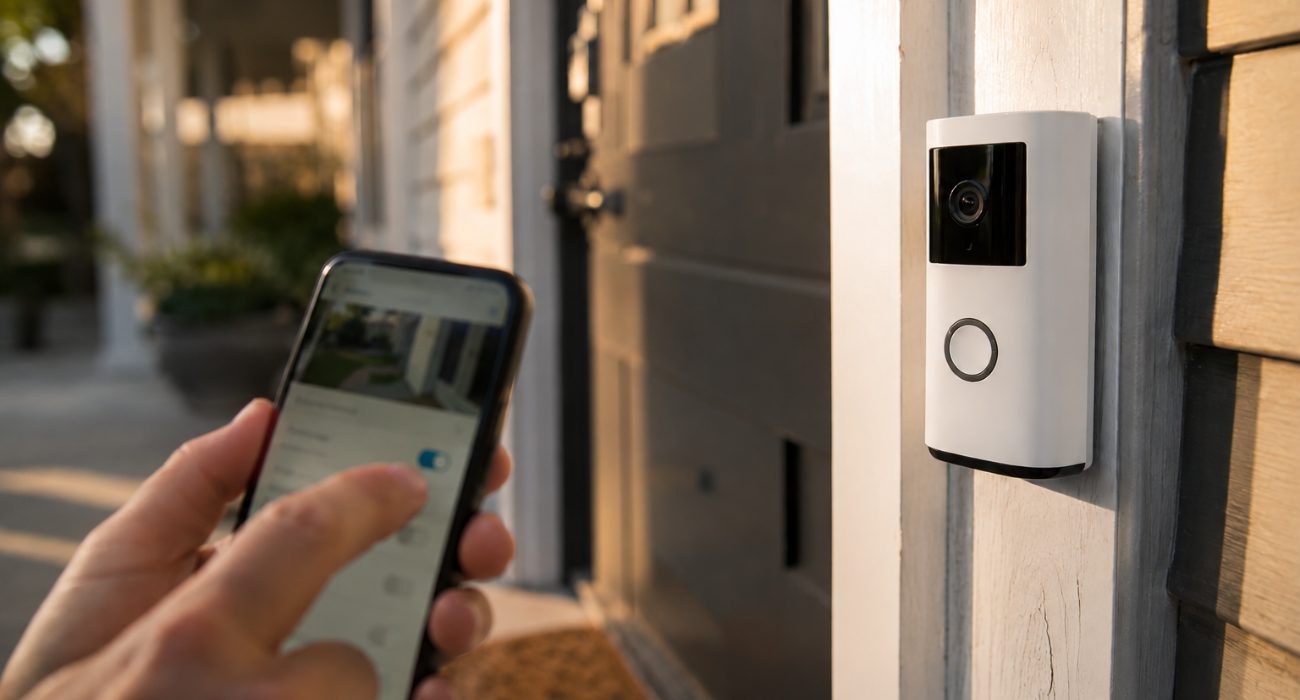
What each method actually turns off
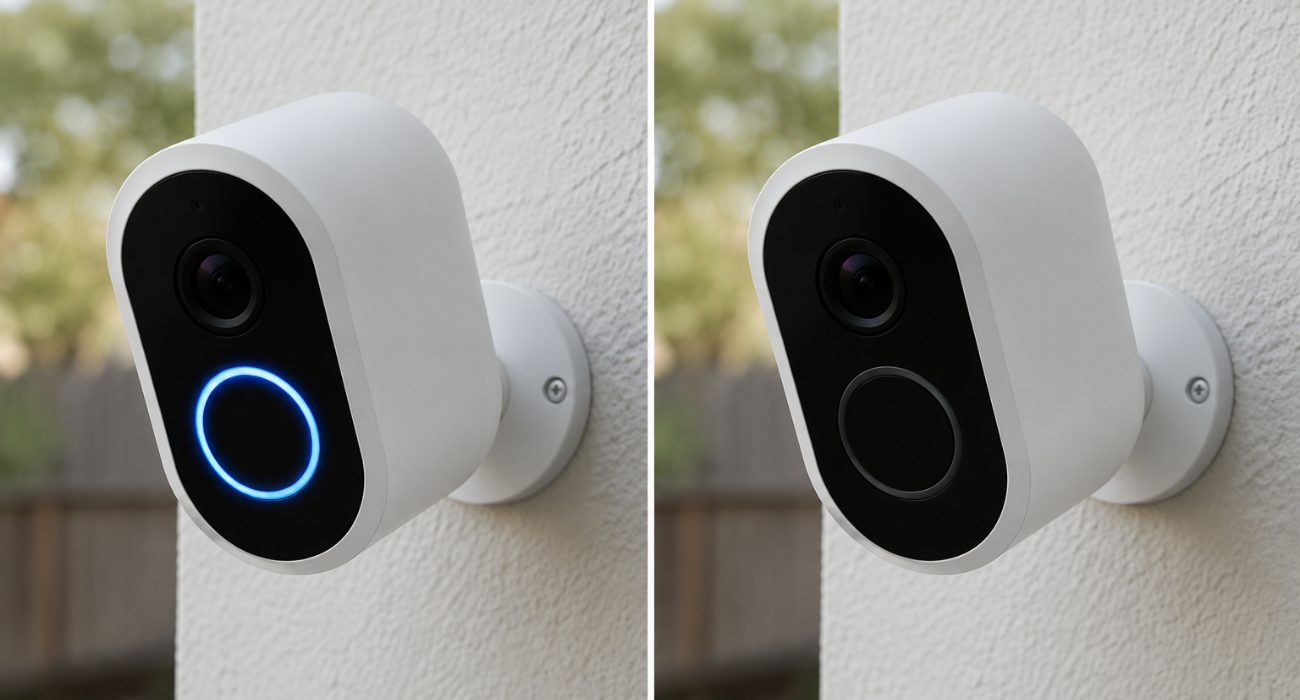
Before picking a method, it helps to know what you’re giving up. Turning off Motion Detection stops motion-triggered recordings and alerts, but Live View is still available if you want to check the camera manually. Removing the battery shuts everything down, including the camera’s connection to the Ring app.
| Method | Records Motion? | Live View Works? | Shows as Offline? |
| Turn off Motion Detection | No | Yes | No |
| Motion Snooze | Yes; alerts are paused | Yes | No |
| Modes (Home / Away / Disarmed) | Depends on setup | Depends on setup | No |
| Remove the battery | No | No | Yes |
| Unplug the camera | No | No | Yes |
| Cut power at the breaker | No | No | Yes |
If your camera is shared with other people on the account, an Offline status is visible to them too. Motion Detection and Motion Snooze don’t make the camera appear Offline to shared users. The device stays connected, even if it’s behaving differently.
How to turn off a Ring camera from the app
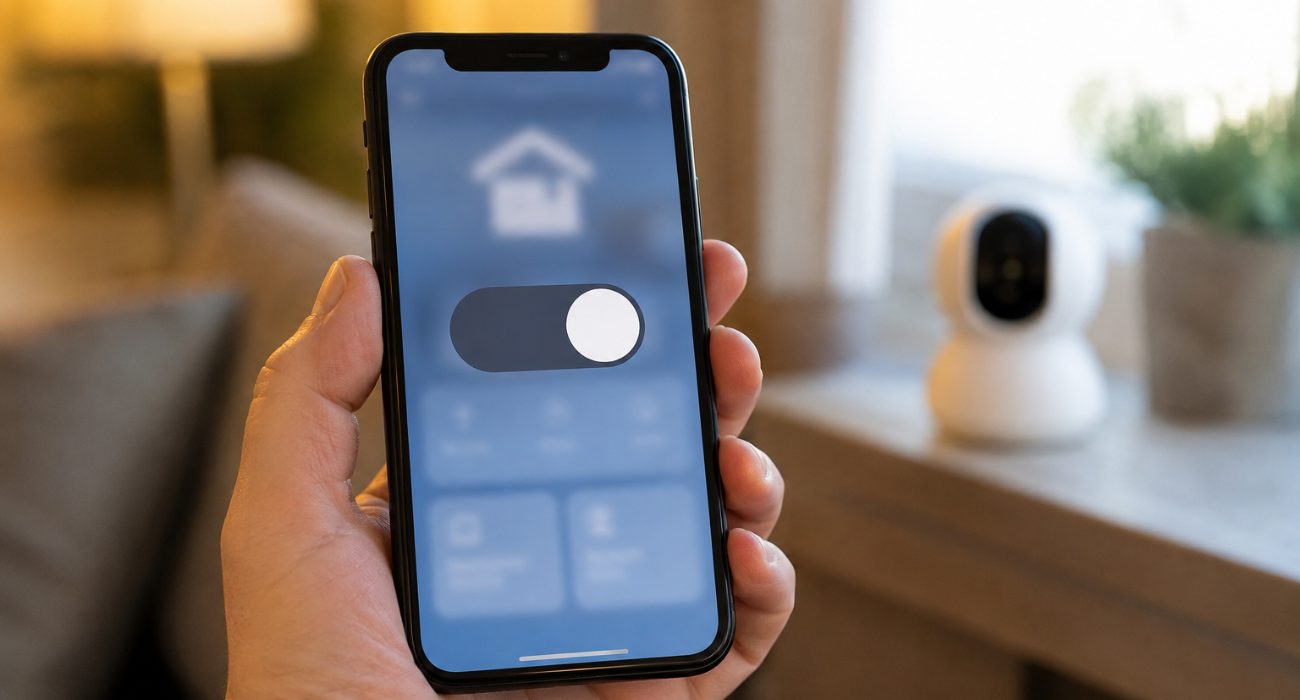
If you’re just trying to stop the camera for a little while, the app is usually all you need. You won’t have to remove the battery or touch your home’s electrical system, and getting everything back to normal only takes a couple of taps.
Turn off motion detection
This stops the camera from detecting movement, recording clips, or sending alerts, while keeping Live View available if you need to check in manually.
- Open the Ring app and select your camera or doorbell.
- Tap Motion Settings.
- Turn Motion Detection off.
Flip the same toggle back on whenever you’re ready to resume normal monitoring.
Use motion snooze
Snooze is the better pick when you only need a short pause, say, while a delivery crew is in and out all afternoon, instead of digging through settings and remembering to turn everything back on later.
- Select your device in the app.
- Tap Motion Snooze.
- Choose how long you want alerts paused.
Once the timer runs out, motion alerts resume automatically. The camera can still detect and record motion while notifications are snoozed.
Use Ring Modes or switch to Disarmed
If you manage several Ring devices at once, Modes lets you change all of them together instead of adjusting each camera one by one.
Go to the menu, tap Settings > Modes, and choose Home, Away, or Disarmed depending on how you’ve configured each mode.
Disarmed typically pauses monitoring across your linked devices, though the exact behavior depends on what you’ve set up for each mode ahead of time.
How to power off a Ring camera completely
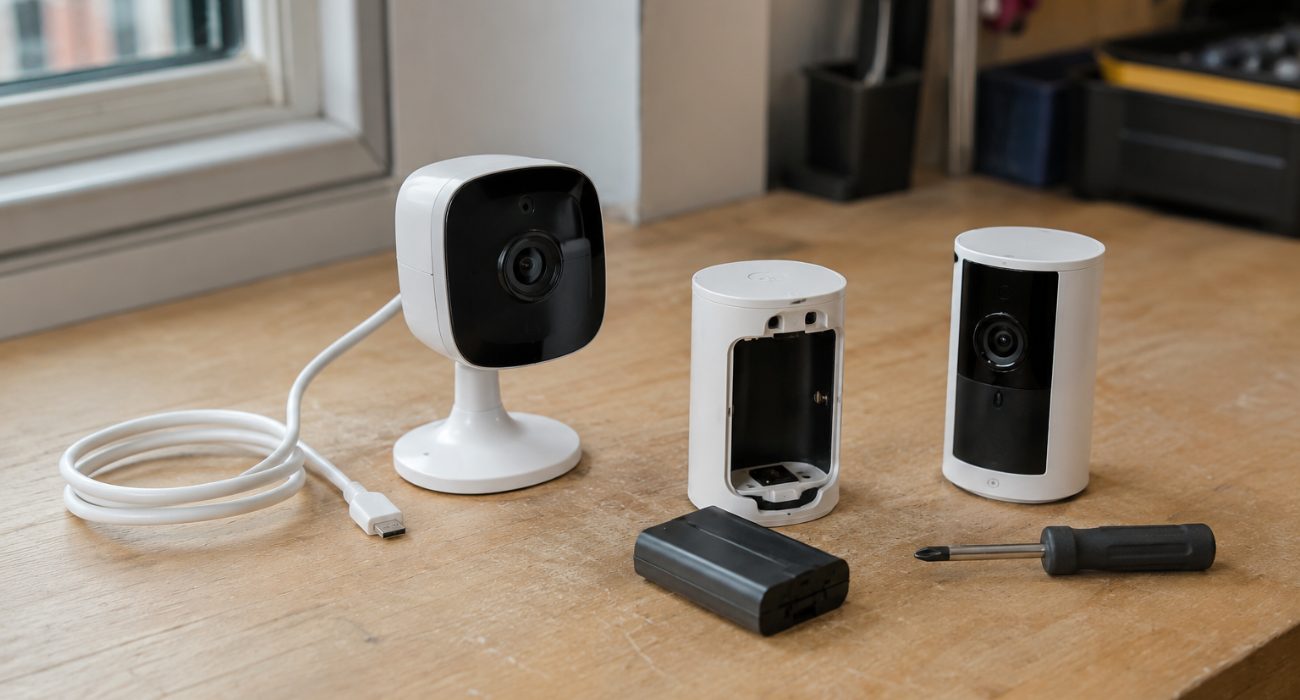
App settings are perfect if you just need a temporary break, but they don’t fully power the camera off. If you want the device completely offline, with no recording, Live View, or internet connection, you’ll need to remove its power source instead.
Exactly how you do that depends on the model. Battery-powered cameras use a removable battery pack, plug-in models just need to be unplugged, and hardwired devices require shutting off power at the switch or breaker.
Battery-powered models
Including: Battery Doorbell, Battery Doorbell Plus/Pro, Stick Up Cam Battery, Spotlight Cam Battery)
For these models, simply remove the battery pack. The device shuts off immediately and shows as Offline in the app. If you’re not sure how to get the faceplate open on your model, our guide on removing a Ring doorbell from its mount walks through it without damaging the wiring.
Plug-in models
Including: Indoor Cam, Stick Up Cam Plug-In
What you need to do is unplug the power cable. If your Indoor Cam has a physical privacy cover, sliding that shut blocks the lens and mic without cutting power at all, useful if you want privacy but don’t want the device to drop offline.
Hardwired models
Including: Floodlight Cam, Wired Doorbells, Spotlight Cam Wired
If you own one of these Ring devices, flip the wall switch if one controls it, or shut off the breaker. If you’re not sure which breaker feeds the camera, don’t start flipping breakers at random; check the wiring first or bring in an electrician.
Our Ring Floodlight Cam installation guide covers the wiring setup if you need a refresher on how these units draw power.
How to turn your Ring camera back on
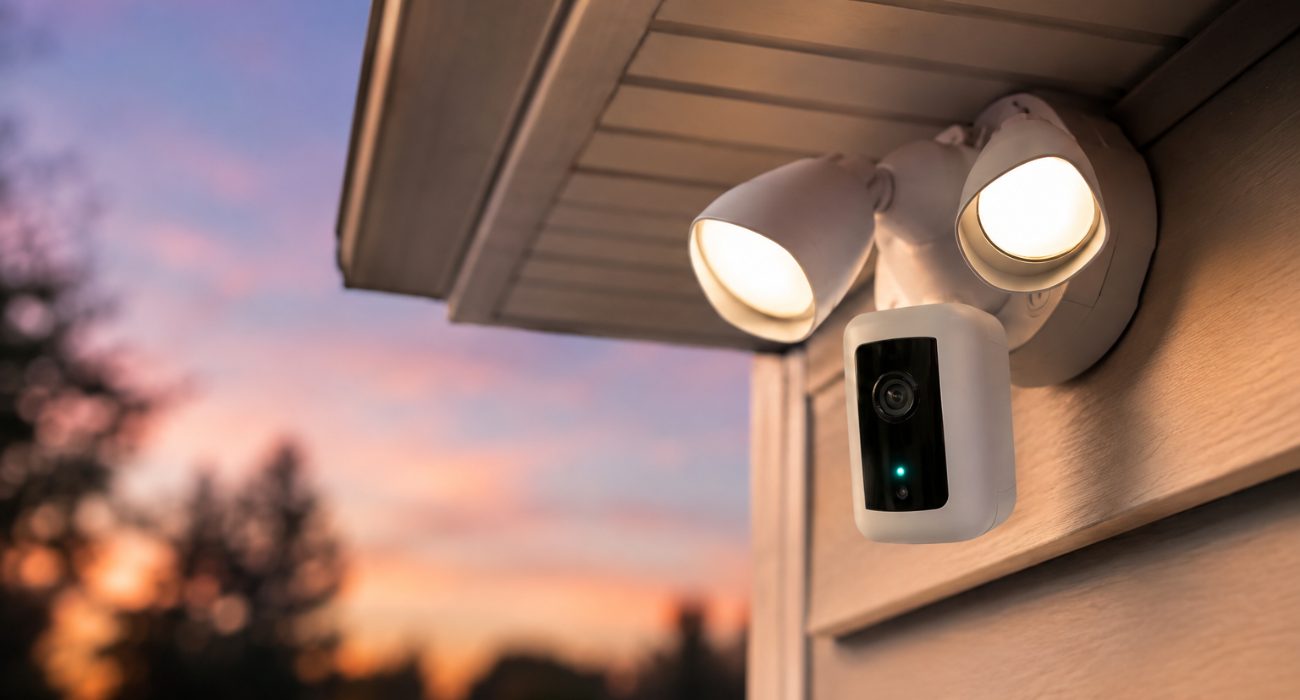
Getting your Ring camera running again is usually straightforward. In most cases, all you have to do is reverse the method you used to turn it off.
Reinsert the battery until it clicks, plug the power cable back in, or restore power at the switch or breaker. If you paused the camera through the app, re-enable Motion Detection, end Motion Snooze (or wait for it to expire), or switch back to your usual Mode.
Most Ring devices reconnect to Wi-Fi automatically within a minute or two. If yours doesn’t, check your Wi-Fi connection before assuming there’s a problem with the camera itself.
Which option makes the most sense?
The best option really comes down to why you’re turning the camera off in the first place. Here’s what makes the most sense in the most common situations.
- If you’re relaxing at home and just want fewer alerts, turning off Motion Detection or switching to Disarmed mode lets you keep the camera connected without constant notifications.
- If you only need a temporary break, like while a repair crew, landscapers, or a moving company are coming and going, Motion Snooze is usually the easiest option because alerts resume automatically when the timer ends.
- And if you’re installing, moving, or working on the camera, removing the battery, unplugging it, or shutting off power is the only way to make sure it’s completely offline with no recording or Live View running in the background.
Frequently asked questions
Does a Ring camera have a physical power button?
No. None of the current Ring cameras or doorbells include a dedicated on/off switch. Battery models power down when you remove the battery, plug-in models power down when unplugged, and hardwired models need power cut at the switch or breaker.
Can I schedule when my Ring camera stops sending motion alerts?
Yes. Motion Schedules let you set specific times when you don’t want to receive motion alerts. If your off hours are predictable, like overnight or during a regular work shift, you won’t have to manually snooze notifications every time.
Is my Ring camera still recording if the status light is off?
Not necessarily a reliable indicator on its own. The light ring reflects activity like Live View or a completed motion recording, but its behavior varies by model and by your notification light settings. If you need certainty that nothing is being captured, check the device status in the app or cut power directly rather than going by the light alone.
Will other people on my Ring account know if I turn off the camera?
If the camera goes Offline, meaning you removed the battery, unplugged it, or cut power, that status is visible to anyone else with account access. Adjusting Motion Detection or using Snooze doesn’t trigger the same flag; the device stays online and simply stops reacting to movement.
Should I turn my Ring camera off when I'm home?
Most people leave it running and switch to Home mode instead, which can limit indoor recording while keeping outdoor cameras active. Turning cameras off entirely only makes sense if you want zero monitoring for a stretch, rather than just a lighter version of it.
Last Updated on August 5, 2026