TL;DR: You can find your HP printer’s MAC address by printing a Network Configuration Page, checking the printer’s Network settings, looking at the label on the printer, or using the arp -a command from a connected computer. The MAC address is a permanent network identifier that’s commonly used for Wi-Fi setup, static IP reservations, and troubleshooting.
Here’s what you’ll find:
- What Is a MAC Address?
- What Is an HP Printer MAC Address Used For?
- How to Find the MAC Address on an HP Printer
- Final Thoughts
- FAQs
If someone just asked you to find your HP printer‘s MAC address and your first thought was, “Wait… what’s that?”, you’re definitely not alone.
Most people never need to think about a MAC address until they’re setting up a new printer, switching Wi-Fi networks, or following instructions from an IT department. It sounds technical, but in reality it’s just a unique identifier that helps your network recognize the printer.
The good news is that finding it usually takes less than a minute. Depending on your HP model, you can print a network report, check the printer’s display, look at the label, or even find it from your computer.
What Is a MAC Address?
Every network printer has its own MAC (Media Access Control) address. It’s a permanent identifier assigned to the printer’s network hardware before it leaves the factory.
The easiest way to think about it is as a serial number that’s only used for networking. Your router uses it to recognize the printer, even if its IP address changes later.
- Most MAC addresses look something like this: A4:B1:C1:7F:2D:98
- Or with dashes: A4-B1-C1-7F-2D-98
What Is an HP Printer MAC Address Used For?
Even if you’ve never needed it before, your printer’s MAC address is working in the background every time it connects to your network. It helps with:
- Identifying your printer on the network. Your router uses the MAC address to tell your printer apart from other devices like laptops, phones, or smart TVs.
- Assigning a static IP address. If you want your printer to always receive the same IP address, you’ll use its MAC address when configuring your router. This can help prevent connection issues, especially if multiple people use the printer. Check out our guide to finding your printer’s IP address for the full walkthrough.
- Managing network security. Some home and office networks allow or block devices based on their MAC address, so administrators can control exactly which devices are allowed to connect.
How to Find the MAC Address on an HP Printer
The exact menus vary a little depending on your HP model, but at least one of the methods below should work.
Method 1: Print a Network Configuration Page (Works for Most HP Printers)
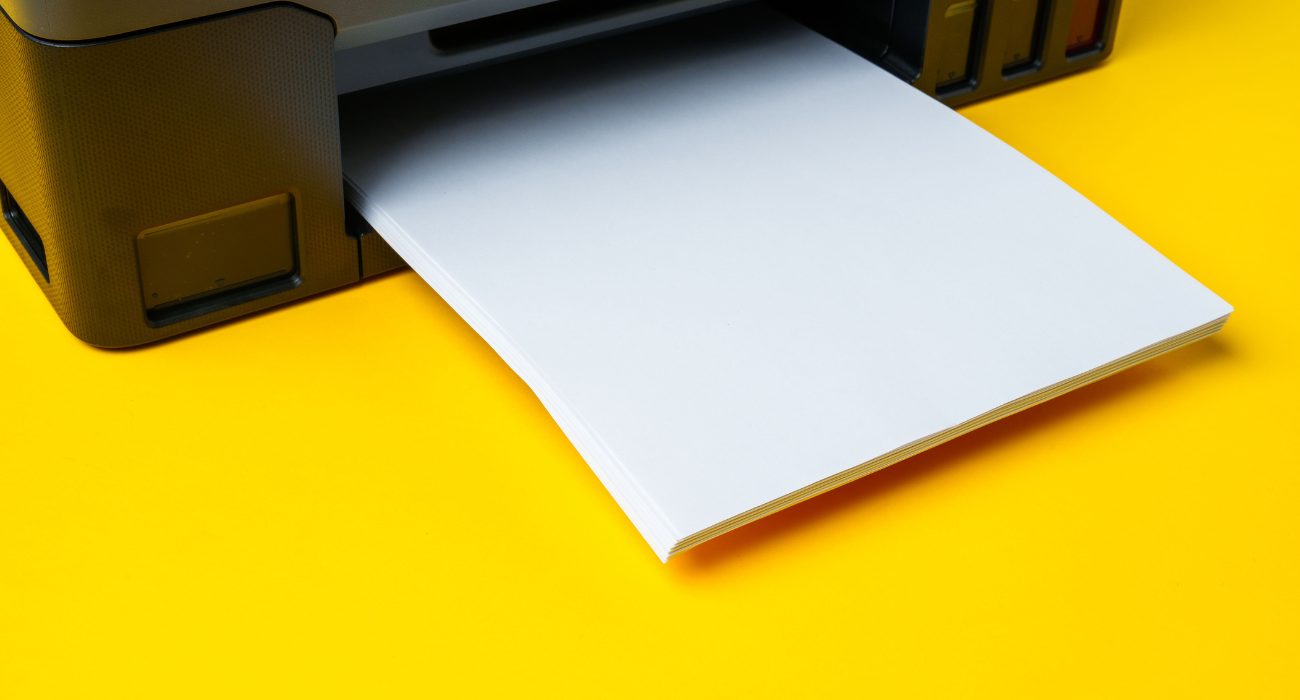
If your printer doesn’t have a touchscreen, or you simply want the quickest method, printing a network configuration page is usually the easiest option. For a closer look at what else this report tells you, check out our full guide to printing an HP network configuration page.
- Before you begin, make sure your printer is powered on and has paper in the input tray.
- Press and hold the Information (i) button, or on some models, hold Wireless (Wi-Fi) and Cancel (X) together for about 3 to 5 seconds.
- The printer will print a Wireless Network Test Report or Network Configuration Page.
- Look for MAC Address, Wireless MAC, or WLAN MAC on the report.
Method 2: From the Printer’s Touchscreen
If your HP printer has a display:
- Open Settings (gear icon).
- Go to Network, Wireless, or Network Settings.
- Open Network Information, Network Summary, or View Network Details.
- Your MAC address will be listed there.
Method 3: Check the Printer Label
On many HP printers, the MAC address is printed on the manufacturer’s label, so it’s worth checking before digging through menus. Check the:
- Back of the printer
- Bottom panel
- Inside the printer near the ink cartridges or toner compartment
Look for a label that says MAC, Wi-Fi MAC, or WLAN MAC.
Method 4: Find It From a Connected Computer
If your printer is already added to a Windows PC or a Mac, you can pull its MAC address without touching the printer itself.
On Windows:
- Press Windows + R, type cmd, and hit enter.
- Type arp -a and press enter.
- Look through the list of IP addresses for your printer’s IP, then match it to the Physical Address column. That’s the MAC address.
On a Mac (the computer, not the address):
- Open Terminal.
- Type arp -a and press enter.
- Find your printer’s IP address in the list to see its MAC address next to it.
If your printer was connected recently but isn’t showing up anymore, this method can also help confirm whether it’s still visible on your network. A missing entry in the arp -a list usually means the printer isn’t connected to the same network yet, rather than an issue with the MAC address itself. If you want to confirm the connection directly, our guide to troubleshooting printer connectivity with ping walks through the next step.
If you’re managing printers on Linux instead, the commands are slightly different. Check out our Linux MAC address guide for those steps.
🤓 Tip: If your printer supports both Wi-Fi and Ethernet, you may see two different MAC addresses. That’s completely normal, since each network connection has its own unique identifier.
Final Thoughts
Your HP printer’s MAC address might sound like a complicated networking term, but it’s really just a unique identifier that helps your network recognize the printer. You may need it when connecting the printer to Wi-Fi, assigning a static IP address, or troubleshooting network issues.
If you can’t find it using one method, don’t worry. Printing a network configuration page, checking the printer’s settings, running arp -a from a connected computer, or looking at the label on the device are all quick ways to locate it.
Still stuck, or dealing with a printer that won’t connect at all? You can reach out to Geeks on Site for help with printer repair and installation.
FAQs
Is my printer's MAC address the same as its IP address?
No. The MAC address is a fixed identifier built into the printer’s hardware and never changes. The IP address is assigned by your network and can change depending on your router’s settings, unless you set up a static IP.
Is a MAC address the same as a Wi-Fi address?
Not exactly. A Wi-Fi MAC address specifically identifies a device’s wireless connection. If your printer also connects by Ethernet, it will have a separate MAC address for that wired connection, since each network interface gets its own.
Why can't my Mac find my HP printer?
This is usually a network issue, not a MAC address issue. Confirm the printer and your Mac are on the same Wi-Fi network, restart the printer, and check for it again under System Settings, then Printers & Scanners. If it still won’t show up, our printer connectivity troubleshooting guide covers the most common fixes.
Can I change my printer's MAC address?
Technically, some devices allow MAC address spoofing through advanced network tools, but this isn’t something most people ever need to do. Changing it can also cause connection issues on networks that use MAC filtering, so it’s best left as is.
What does a MAC address like FF:FF:FF:FF:FF:FF mean?
A MAC address made up entirely of Fs is a broadcast address, not a real device identifier. It’s used by networks to send data to every device at once, rather than pointing to one specific printer or computer.
Last Updated on July 29, 2026