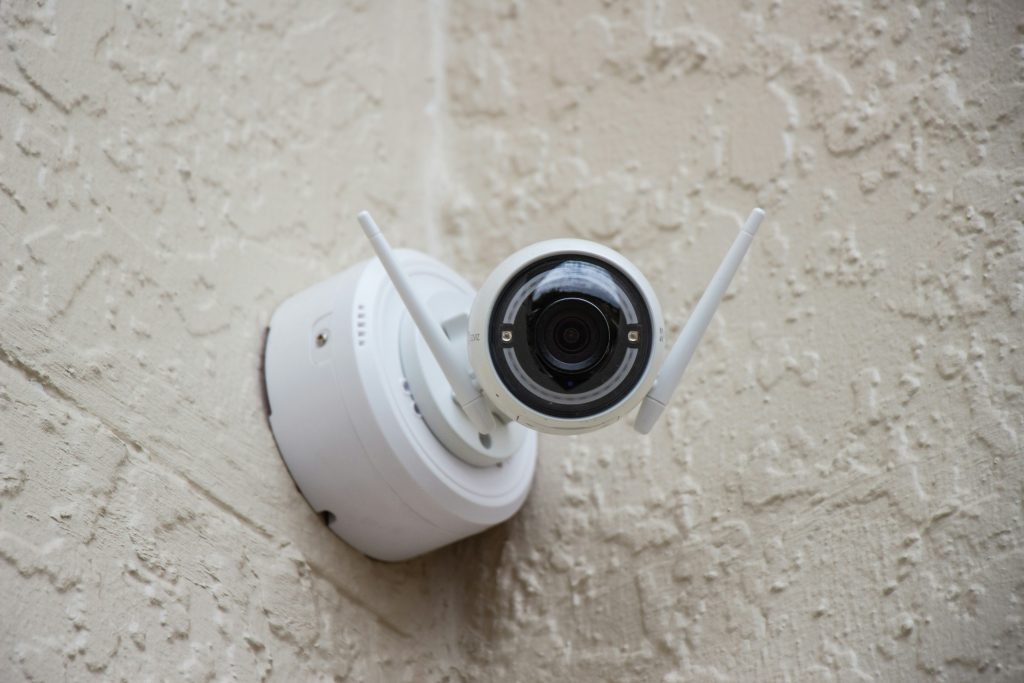
TL;DR: Security cameras can work without WiFi by using a 4G LTE cellular connection or recording footage locally to a microSD card, DVR, or NVR. Cellular cameras are best if you need remote viewing and alerts, while local storage systems avoid data plans and monthly fees.
 In this guide:
- Do you actually need WiFi for a security camera to work?
- Types of security cameras that work without WiFi
- Comparing the three types
- How to choose a security camera without WiFi
- Where these cameras really earn their keep
- What to check before you buy
- What you give up without WiFi
- How to view footage without an internet connection
- To wrap up
- FAQs
Security cameras without WiFi are a practical option when you need coverage somewhere your home network can’t reliably reach. Instead of depending on a WiFi connection, these cameras may use a cellular network, connect to a local recorder, or store footage directly on a microSD card. That gives you several ways to build a security system without relying on WiFi for day-to-day recording.
That makes these cameras useful for detached garages, construction sites, cabins, farms, and other remote locations where internet access may be limited or unavailable. Some 4G LTE security cameras can still send live video and alerts through a cellular connection, while cameras without internet access can record locally for you to review later.
Do you actually need WiFi for a security camera to work?
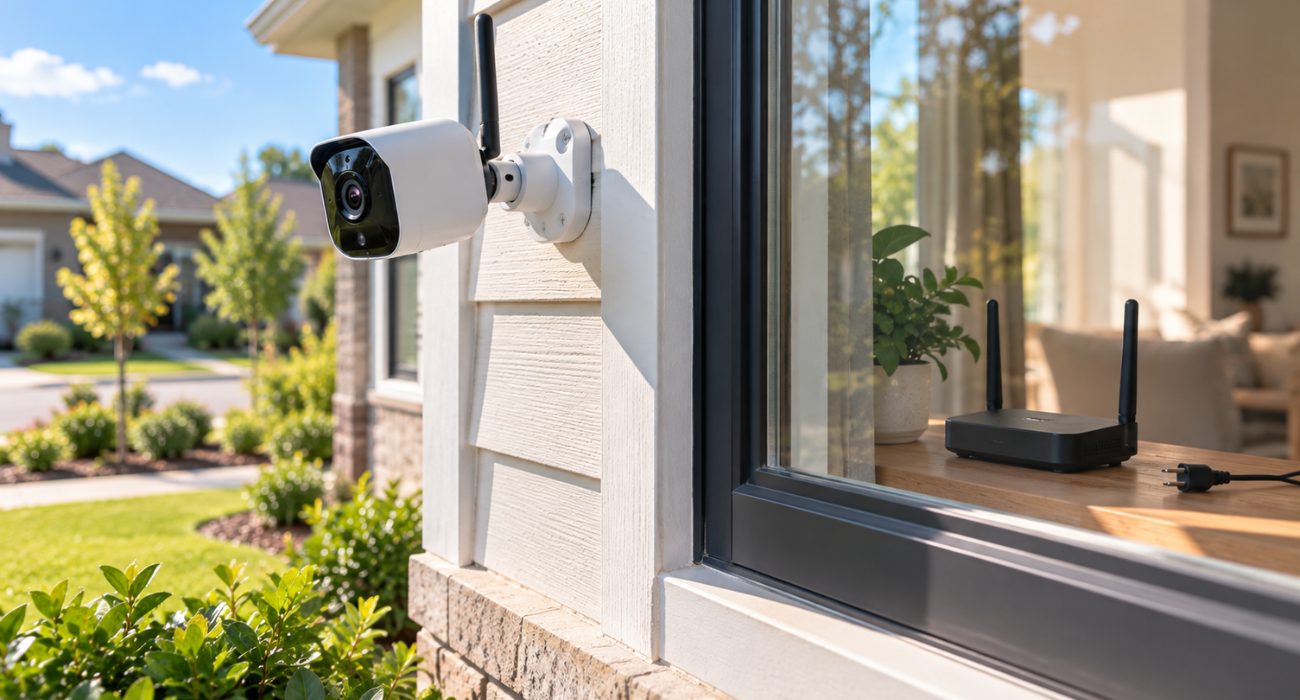
Not necessarily. WiFi is just one way a security camera can move or store video. Some cameras use a cellular network instead, while others record footage locally without needing internet access at all.
Cellular cameras use a SIM card and a mobile network the same way your phone does, which means you can still pull up a live feed or get a motion alert even if there’s no router within miles. Cameras built around local storage go a step further and skip networking altogether. They write video directly to a microSD card, or to a hard drive inside a DVR or NVR box, and that footage sits there until you go get it.
One thing worth clearing up before you shop: “wireless” and “no WiFi” are not the same claim. Wireless cameras may not need a video cable, but many WiFi security cameras still depend on your home network for app access, cloud storage, and notifications. If avoiding WiFi is the whole point, look for wireless security cameras or other models specifically described as 4G LTE, cellular, microSD, DVR, NVR, or local recording.
If your existing camera is supposed to use WiFi but keeps dropping offline, start with these Ring camera WiFi troubleshooting steps.
Types of security cameras that work without WiFi
Cellular cameras
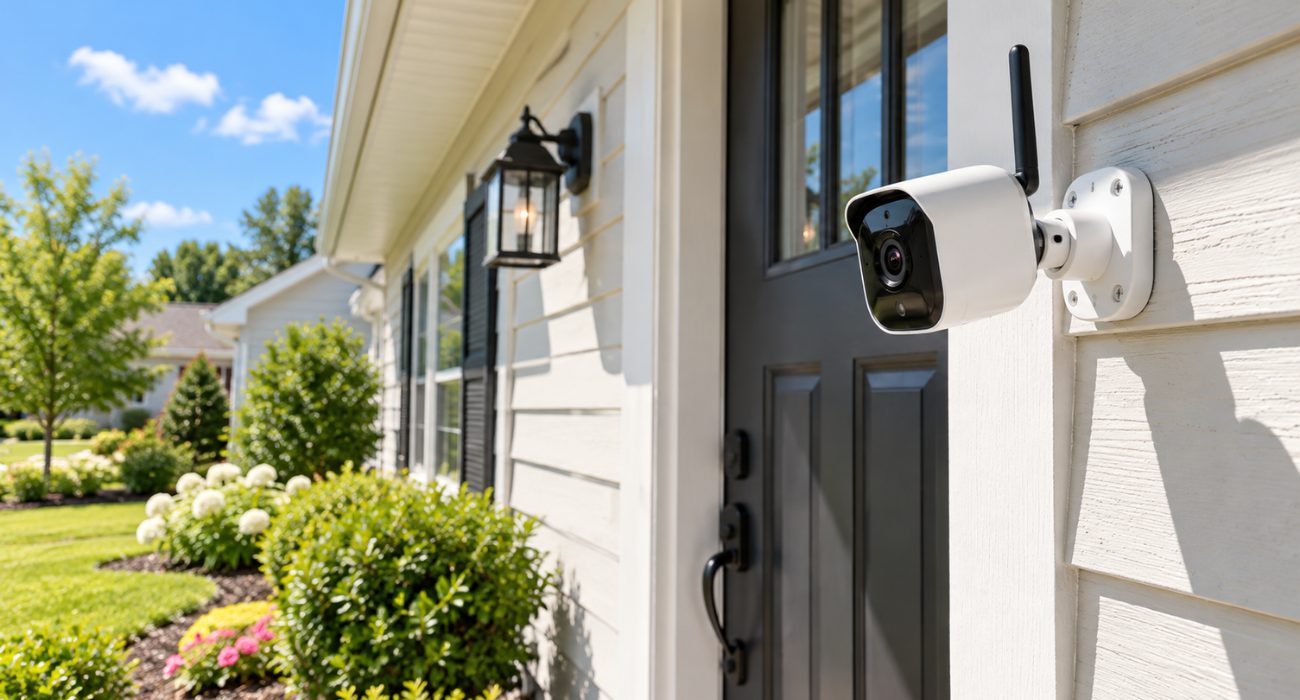
Cellular security cameras connect through a cellular network instead of your router. Most 4G LTE models use a SIM card and mobile data plan to send alerts and let you check the camera remotely. That’s especially useful for remote properties, construction sites, farms, and other places where a WiFi network simply isn’t available.
Reolink cameras in the Go lineup, Eufy’s 4G LTE models, and Arlo Go are common examples. Many can run on batteries and pair with a solar panel, which makes installation easier when there’s no outlet nearby.
The catch is the ongoing cost. Cellular connectivity usually means monthly fees for mobile data, and everything depends on the signal available at the exact install location. Before buying, check which cellular networks the camera supports, whether the SIM card is included, and whether AT&T, Verizon, or T-Mobile actually has reliable service at the install location.
Wired systems with a DVR or NVR
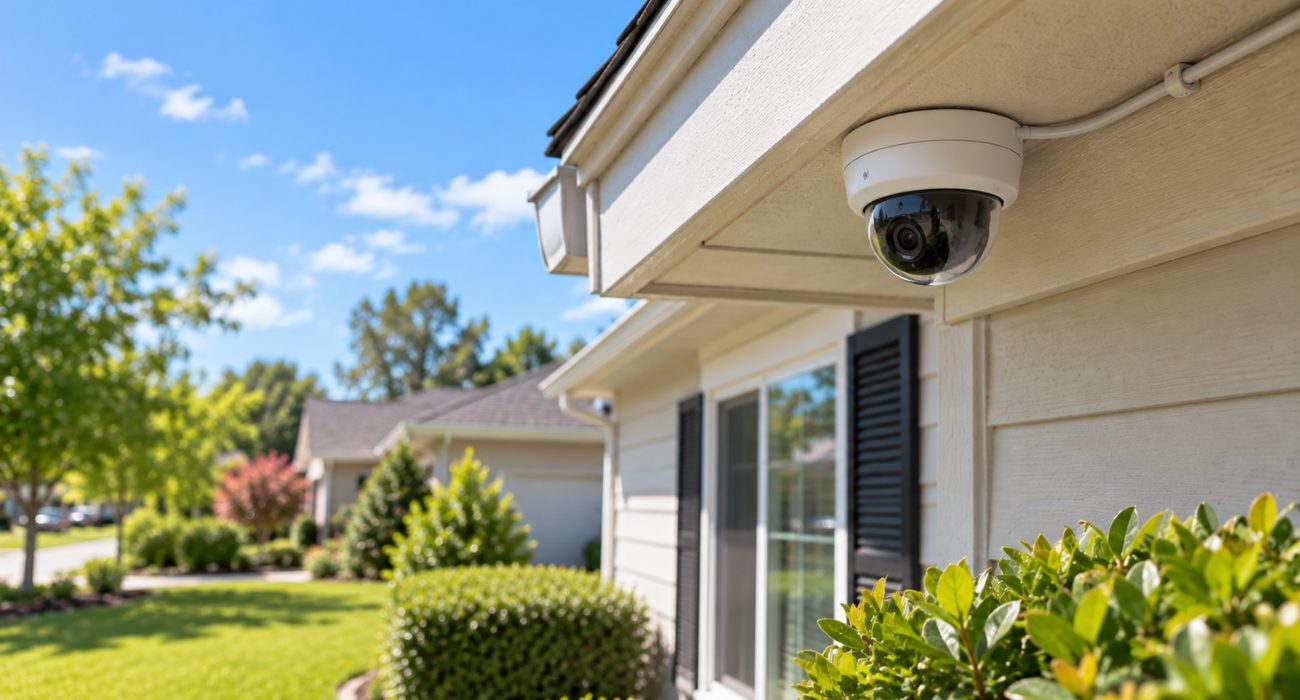
For many home security cameras around the same property, a wired DVR or NVR setup can be easier to manage than multiple standalone cellular cameras.
A wired security camera system sends clips to a central recorder, usually a DVR or NVR, where video is stored on a local hard drive. DVR systems typically use coaxial cable, while NVR systems commonly work with IP cameras over Ethernet. With Power over Ethernet (PoE), a single cable can carry both power and video data.
This type of camera system works especially well when you want several security cameras covering the same property, such as the front door, driveway, backyard, and garage.
- Recording: Footage can be stored locally even without internet access.
- Remote viewing: Many NVR systems support it, but the recorder generally needs an internet connection and additional network configuration.
- Storage: How long you can keep recordings depends on the number of cameras, video quality, recording settings, and hard-drive capacity.
The main trade-off is installation. Running cable takes more work than mounting a battery-powered camera, but once everything is in place, a wired system can provide stable performance without relying on WiFi for day-to-day recording.
Battery-powered cameras with local storage
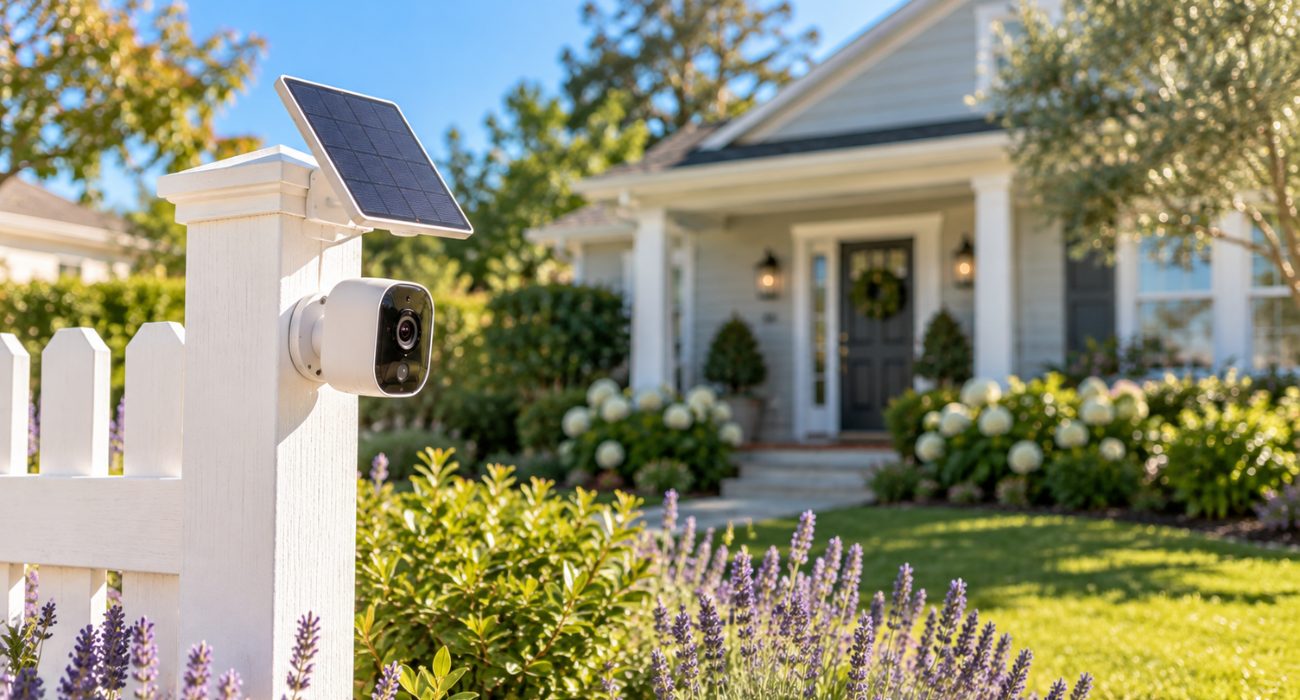
Battery-powered cameras with local storage record video directly to a microSD card inside the camera, so they don’t need a WiFi connection or a cable running back to a recorder. That flexibility makes them useful for spots where wiring would be inconvenient, like a shed, detached garage, fence line, or another area far from an outlet.
Many cameras in this category can also be solar-powered or pair with a separate solar panel, which can reduce how often you need to take the camera down for charging. Actual battery performance still depends on sunlight, weather, recording frequency, and how often motion detection is triggered.
The biggest trade-off is remote access. If the camera doesn’t also have WiFi or cellular connectivity, you won’t be able to pull up live video or receive push notifications while you’re away. Instead, the camera continues recording locally, and you can review recordings later by removing the microSD card or connecting directly to the camera on-site.
Comparing the three types
Each option handles connectivity, power, and remote access a little differently. Here’s a quick side-by-side comparison to help you see which type best fits your property.
| Feature | Wired (DVR/NVR) | Cellular (4G LTE) | Battery + local storage |
| Needs a WiFi connection | No | No | No |
| Remote viewing | With internet setup | Yes, with cellular service | No, review on-site |
| Ongoing cost | Usually none | Cellular data plan | Usually none |
| Power source | Wired/PoE | Battery, often solar-assisted | Battery, often solar-assisted |
| Best for | Multi-camera properties | Remote sites needing live alerts | Areas without power or reliable signal |
How to choose a security camera without WiFi
For a single shed or gate, one standalone camera may be enough. For broader home security, a multi-camera security system usually gives you better coverage and makes it easier to monitor several areas from one place.
The easiest way to narrow it down is to think about what matters at the actual install location. A camera for a cabin two hours away has very different requirements from one covering a detached garage behind your house.
- Need to check live video while you’re away? A 4G LTE camera is usually the simplest option because it uses a cellular network instead of your home WiFi. Just remember that cellular connectivity requires a usable signal at the camera and usually comes with a mobile data plan or monthly service fee.
- Don’t need remote access? A camera with local storage can record clips to a microSD card without an internet connection. For several cameras around one property, a wired DVR or NVR system usually makes more sense.
- No outlet nearby either? That’s where battery or solar-powered outdoor security cameras become especially useful. Just check the weather rating and expected battery life before mounting one somewhere that’s annoying to reach.
Where these cameras really earn their keep
Non-WiFi cameras tend to show up most in places where a router just isn’t part of the picture yet.
Remote cabins and other off-grid locations are a classic use case. In these remote areas, there may be no reliable network or internet service to lean on, so cameras without WiFi can make much more sense than standard WiFi models. A 4G LTE camera can provide remote monitoring where cellular service reaches, while local surveillance cameras can keep recording even without internet access.
Construction sites are another good fit, mostly because the network situation changes constantly. A site has no permanent infrastructure, equipment theft is a real cost, and a cellular camera can be moved from one job to the next without waiting on anyone to run cable or set up a router that will just come down again in a few months.
Farms and rural properties round out the list. Crop and equipment monitoring across acres of land isn’t something home WiFi was ever built to cover, and a mix of wired cameras near the barn with a cellular unit watching a back gate covers more ground than any single system could alone.
What to check before you buy
A few features matter more here than the marketing pages usually let on:
- Power source. Decide whether wired, battery, or solar makes the most sense for the location. For battery-powered cameras, real-world battery life can vary based on motion activity, Live View use, signal strength, and weather.
- Storage. Check the microSD capacity on standalone cameras or the hard-drive size on a DVR/NVR system. If the camera records frequently, a high-endurance microSD card is designed to handle that workload better than a standard card.
- Weather resistance. For an outdoor security camera, look for a weather rating appropriate for where you’re installing it. IP65 and IP66 are common ratings for cameras designed to handle dust and rain.
- Night vision. Check the usable night vision range, not just whether the feature is listed. Infrared night vision usually produces black-and-white video, while cameras with built-in spotlights may provide color footage after dark. If nighttime monitoring matters, compare image quality at night rather than relying only on daytime resolution specs.
- Motion detection. This can help reduce unnecessary recording, battery use, and cellular data by capturing activity when something actually moves.
- Remote features. If you want to check the camera from your phone, push notifications, two-way audio, or advanced AI detection, check which features work without WiFi and whether they require cellular data or a subscription.
- Mobile service terms. For a cellular camera, check which carriers are supported, whether a SIM card is included, and what the monthly mobile service is likely to cost based on how you’ll use the camera.
If budget is part of the decision, it helps to see the full picture of what installation runs before you settle on a system. Our guide to security camera installation costs breaks that down by camera type.
What you give up without WiFi
It’s worth being honest about the trade-offs, since no option here does everything.
A camera that’s completely offline can’t send a live view or push notification to your phone while you’re away. You find out what happened when you review the footage, not while it’s happening.
There are practical limits too. Battery-powered cameras still need charging eventually, even with solar assistance, and local storage isn’t unlimited. Once a microSD card fills up, many cameras begin overwriting older footage automatically.
Cellular cameras solve the remote-access problem, but they add a data plan and depend on reliable carrier coverage. Some offline security cameras also won’t integrate with a broader smart home system the way WiFi security cameras can.
None of those drawbacks automatically make one option better or worse. The goal is simply to pick the security system that matches how you actually plan to monitor the property.
How to view footage without an internet connection
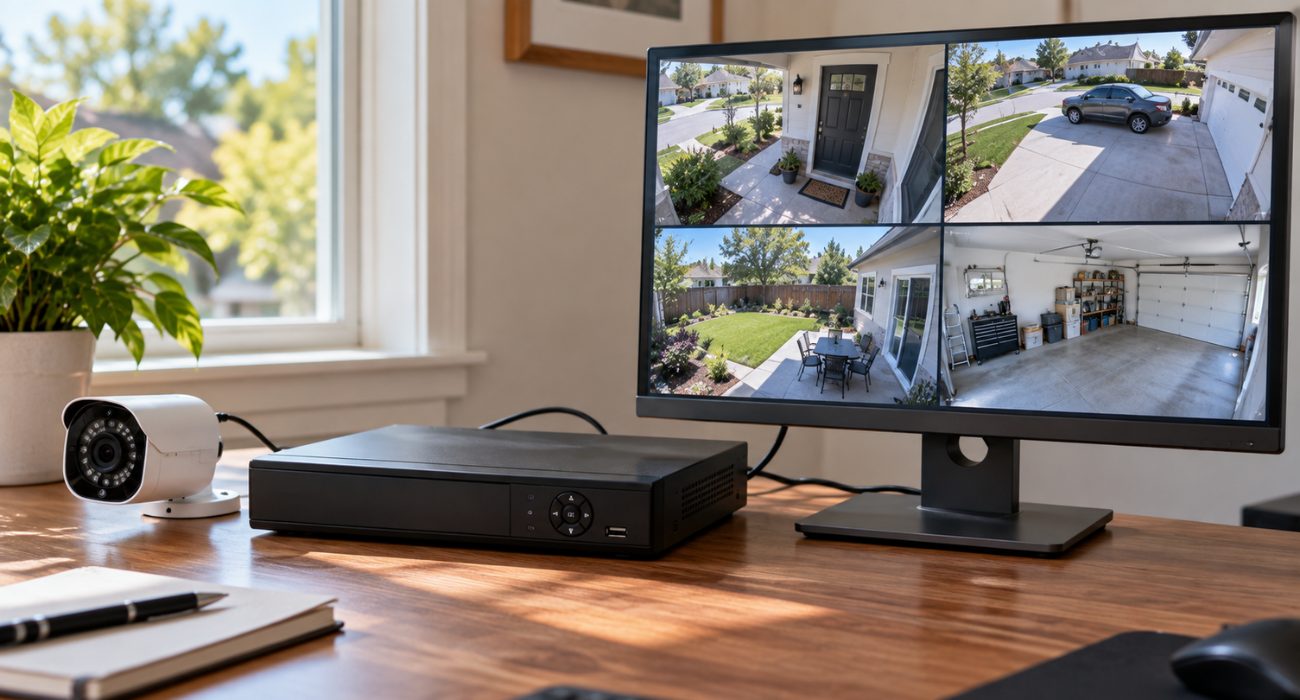
Getting the video off the camera looks a little different depending on which type you picked. For example:
- DVR/NVR system: connect the recorder to a monitor or TV to watch live or recorded footage locally.
- MicroSD camera: remove the card and open the files on a computer, or use the camera’s local interface if supported.
- 4G LTE camera: use the manufacturer’s app for live feed and remote viewing anywhere the camera has cellular service.
To wrap up
Skipping WiFi doesn’t mean skipping security. Cellular cameras keep you connected from your phone anywhere there’s signal, wired DVR/NVR setups cover a whole property without a single monthly bill, and battery or solar cameras go up in spots no cable or router could ever reach. Pick based on how you actually plan to check on your property, not on which option sounds most modern.
If you’d rather not deal with camera placement, cable runs, mounting hardware, or system configuration yourself, Geeks on Site can help with professional security camera installation for wired and wireless setups. A technician can help you choose practical camera locations, complete the installation, and make sure the system is working properly before they leave.
FAQs
Can security cameras work without WiFi?
Yes. Some security cameras work without WiFi by using a 4G LTE cellular connection, while others record footage locally to a microSD card, DVR, or NVR. Cellular models are better if you want to view the feed remotely and get alerts, while fully offline cameras are better for local recording without relying on an internet connection.
Is there a security camera that doesn't charge a monthly fee?
Yes. Wired DVR/NVR systems and battery-powered cameras with local storage both skip subscriptions entirely, since there’s no cloud service or cellular data plan involved. Cellular cameras are the exception; a mobile service plan is part of how they work.
Can I use a security camera with no WiFi and no nearby power outlet?
That’s exactly where battery-powered cameras with a solar panel come in. They record locally and recharge off sunlight, so they can go up on a fence line, a shed, or anywhere else with no outlet in reach.
What's the best outdoor security camera without WiFi?
It depends more on the location than the brand. For a spot with decent cell signal, a cellular camera with an IP66 rating covers both remote viewing and weatherproofing. For a spot with poor signal but reliable sun exposure, a solar-assisted battery camera with local storage is usually the more dependable pick.
Last Updated on September 11, 2026