TL;DR: Most Ring camera batteries take between 5 and 10 hours to fully charge, depending on your charger, cable, and power source. Faster chargers can finish in around 5 hours, while charging from a computer may take 10 hours or more.
In this article:
- How long does it take to charge a Ring Camera battery?
- What affects charging time?
- How to charge your Ring Stick Up Cam battery
- How to charge your Ring Spotlight Cam battery
- What to do if your Ring battery isn’t charging
- Ways to charge your Ring camera battery less often
- How long does the battery last between charges?
- FAQs
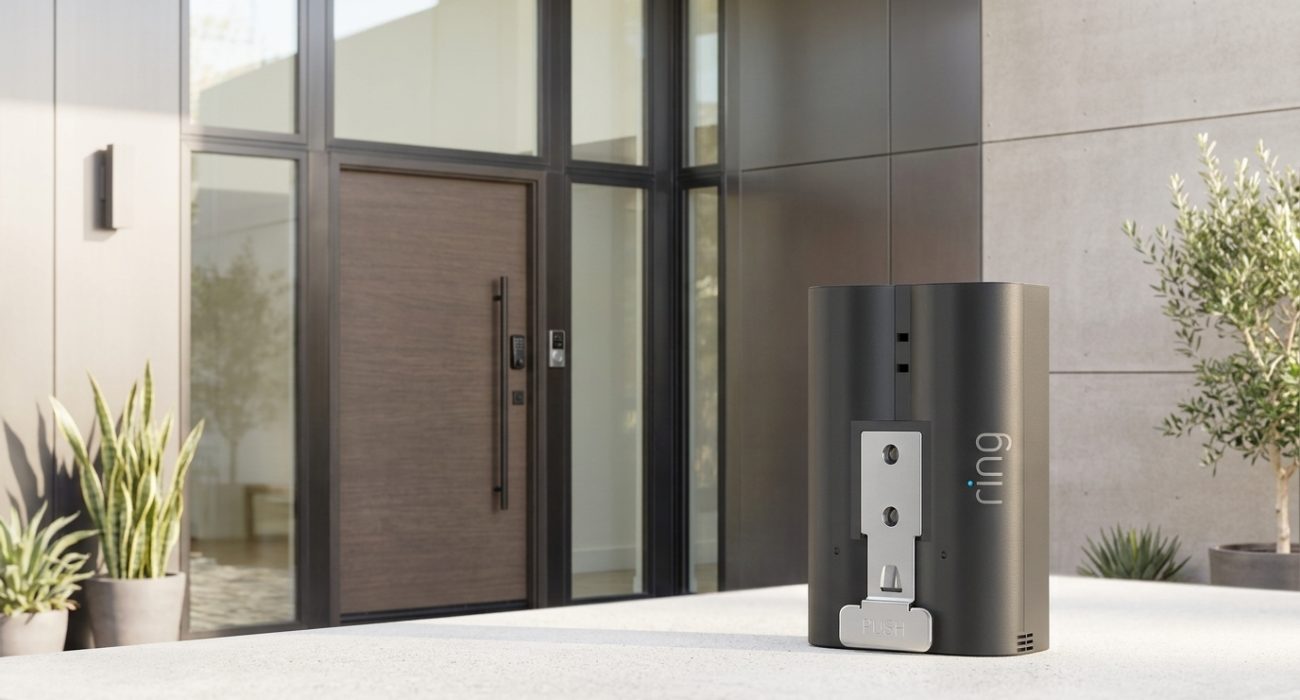
If you’re charging your Ring camera battery for the first time, you might be wondering how long it’s actually supposed to take. Ring says charging usually takes between 5 and 10 hours, but your actual charging time depends on how you’re powering the battery.
Some people get a full charge in about 5 hours, while others wait closer to 10 or even 12. Most of the difference comes down to the charger, cable, and power source you’re using. Below, we’ll explain what affects charging time and walk you through how to charge both the Stick Up Cam and Spotlight Cam.
How long does it take to charge a Ring Camera battery?
Ring estimates 5 to 10 hours when using the included USB charging cable. The actual time depends mostly on the power source you’re using.
| Charging Method | Estimated Time |
| Standard USB cable + basic wall adapter (5W) | 8 to 10 hours |
| USB cable plugged into a computer | 10 to 12+ hours |
| Wall adapter rated 10W or higher | 5 to 6 hours |
| Official Ring Charging Station (Dual-Slot) | 4.5 to 5 hours |
✏️ Note: If it’s your battery’s first charge, don’t worry if it takes closer to the higher end of Ring’s estimate. Once only the green light remains, the battery is fully charged.
What affects charging time?
A few things can make a pretty noticeable difference in how long charging takes.
💡 Charger wattage
Check the label on your wall adapter. Multiply the volts (V) by the amps (A) to find the wattage. Older USB wall adapters are often only 5W, while newer USB-C chargers can provide much more power. A charger rated 10W or higher usually gets much closer to Ring’s estimated charging time.
⚡ The charging cable
Not every USB cable performs the same. Some cables only support basic charging speeds, while others can safely deliver more power. If you’re using a different cable than the one that came with your Ring battery, make sure it’s capable of the same charging speed.
💻 Charging through a computer
USB ports on computers generally provide less power than a wall outlet, so charging this way usually takes longer.
🧊 Cold weather
Lithium-ion batteries don’t like freezing temperatures. Ring batteries include a built-in temperature sensor that can pause charging if the battery gets too cold. If yours won’t charge after being outside, let it warm up indoors before trying again.
🔋 Battery level
A battery that’s completely drained usually needs more time than one you’re recharging with 20-30% still remaining.
🤝 Still setting up your camera for the first time? Check out our step-by-step guide on how to install a Ring doorbell camera before charging the battery.
How to charge your Ring Stick Up Cam battery
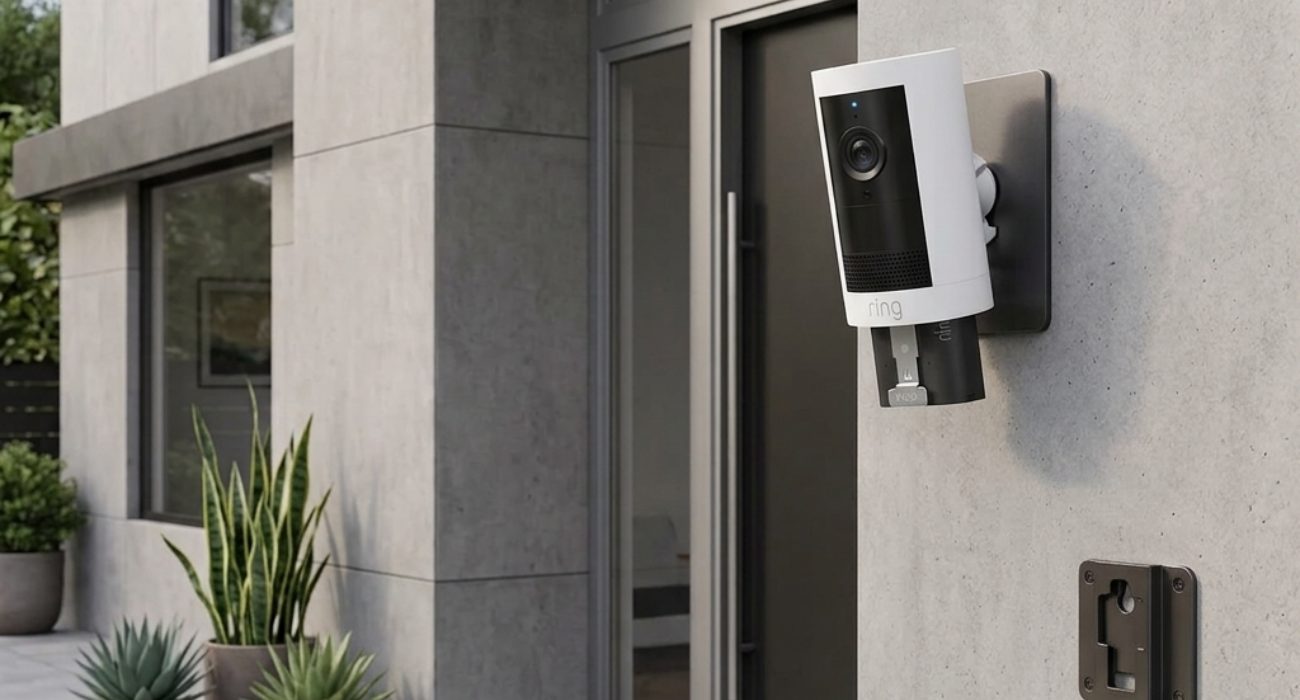
- Open the Ring battery compartment: Turn the battery cover counterclockwise until it unlocks, then lift it off. If you have a Stick Up Cam Plus or Pro, remove the security screw first.
- Remove the battery: Press the metal release tab and slide the battery out.
- Charge the battery: Plug the USB cable into the charging port. While it’s charging, both the green and amber lights will be on. Once only the green light is showing, the battery is fully charged.
- Reinsert the battery: Slide it back into the camera until you hear it click into place.
- Close the compartment: Twist the cover clockwise to lock it. On Plus and Pro models, put the security screw back in.
- Finally, wait for the camera to restart: Give it up to a minute to power back on and reconnect.
How to charge your Ring Spotlight Cam battery

- Open the battery compartment:
- Spotlight Cam Plus and Pro: If you have a Spotlight Cam Plus or Pro, start by removing the security screw. Next, rotate the cover counterclockwise until it unlocks, then lift it off.
- Spotlight Cam Battery (1st Gen): Press the rectangular release button on the bottom to open the battery door.
- Remove the battery: Press the metal release tab, then slide the battery out.
- Charge the battery: Plug in the charging cable and wait until only the green light is showing.
- Reinsert the battery: Slide it back in until it clicks.
- Close the compartment:
- Plus and Pro: Twist the cover clockwise and reinstall the security screw.
- 1st Gen model: Close the battery door until it clicks shut.
- Give the camera about a minute to power back on.
What to do if your Ring battery isn’t charging
If the battery doesn’t seem to be charging, here are a few things worth checking:
- Test the outlet with another device to make sure it’s working.
- Try a different USB cable. If possible, use the original Ring cable.
- If the battery feels very cold, let it warm up indoors before plugging it in again.
- If you’ve tried everything and the battery still won’t charge, or it drains much faster than it used to, it may simply be time for a replacement.
Ways to charge your Ring camera battery less often
If you’d rather not remove and recharge the battery every few months, there are a couple of easier options.
- ☀️ Solar panels: A compatible Ring solar panel can help keep the battery charged automatically. They’re especially handy for cameras installed somewhere that’s hard to reach but gets plenty of sunlight.
- 💫 Plug-in power adapter: If your camera is close to an outlet, a compatible plug-in adapter provides continuous power, so charging the battery becomes one less thing to think about.
💡 Pro Tip: If your camera runs entirely on battery power, keeping a second battery charged is one of the easiest upgrades you can make. When one battery runs low, you can swap it out in seconds instead of waiting hours for it to recharge.
Need help setting up or troubleshooting your Ring security cameras? Geeks on Site offers affordable, professional security camera installation and setup services nationwide.
How long does the battery last between charges?
There’s no single answer because every setup is different.
A camera watching a busy sidewalk will use more battery than one pointed at a quiet backyard. Frequent Live View sessions, motion detection settings, recording frequency, and even the weather all play a role, so battery life can range from just a few days to several months.
Ring will usually notify you through the Ring app when the battery drops to around 30%, giving you some time to recharge it before it runs out.
If you want to check it yourself, open the Ring app, select your camera, tap Device Health, and look under the Power section.
🤓 Want the full breakdown? Read our detailed guide on how long Ring camera batteries last, including comparisons across three different models.
FAQs
What do the colors mean on a Ring battery?
While the battery is charging, you’ll see both a green light and an amber light. The amber light lets you know it’s still charging. Once only the green light is showing, the battery is fully charged and ready to put back in your camera.
Why is my Ring battery light orange instead of green?
An orange (amber) light is completely normal while the battery is charging. Depending on the charger you’re using, it can stay that way for several hours. If it still hasn’t turned solid green after 12 hours or more, try a different cable or power adapter to rule out a charging issue.
Can I overcharge my Ring battery?
No. Ring batteries are designed to stop charging once they’re full, so leaving one plugged in a little longer won’t damage it. That said, once the light turns solid green, there’s no real reason to keep it on the charger. You can unplug it and reinstall it whenever you’re ready.
Can I leave the Ring battery on the charger overnight?
Yes. Since the battery stops charging once it reaches 100%, leaving it plugged in overnight won’t overcharge it. Plenty of people charge theirs overnight so it’s ready to go the next day.
Why do Ring camera batteries take so long to charge?
In most cases, it’s the charger that’s slowing things down, not the battery. Charging through a computer or using an older 5W wall adapter can easily stretch the process to 8 to 12 hours. Cold temperatures and a battery that’s completely drained can also increase charging time.
What is the fastest way to charge a Ring battery?
For the quickest charge, use a wall adapter rated at 10 watts or higher with Ring original charging cable. If you charge Ring batteries regularly, the Ring Dual-Slot Charging Station is even faster and can recharge a battery in about 4.5 to 5 hours. Charging through a computer’s USB port is usually the slowest option.
Last Updated on June 30, 2026