

TL;DR: The safest places to buy refurbished computers are manufacturer-backed outlets such as Apple Certified Refurbished, Dell Outlet, Lenovo Outlet, and HP Business Outlet. Specialized refurbishers and major retailers can also offer good deals, but always check the seller, warranty, return policy, battery health, specs, and Windows 11 compatibility before buying. That’s largely because outlets do their own inspection and stand behind their own warranty, which is the biggest source of uncertainty with refurbished PCs in general.
In this guide:
- Refurbished vs. used: what you’re actually paying for
- Why buying refurbished can make sense
- Buy directly from the manufacturer
- What makes a good refurbished outlet
- Shop specialized refurbished retailers and marketplaces
- Check established retailers
- What to check before you pay
- Choose the seller as carefully as the computer
- FAQs
If you’ve decided that a refurbished computer makes sense for your budget and needs, the next question is where to actually buy one. Search for a “refurbished laptop” online and you’ll find everything from manufacturer outlets and Best Buy to Amazon listings from third-party sellers you’ve never heard of.
Some can be great deals, but the word “refurbished” doesn’t mean every computer went through the same inspection or repair process. That’s why the seller, warranty, return policy, and condition details matter just as much as what you pay. In practice, the channel you buy from tells you almost as much as the listing itself: a manufacturer outlet, a specialized refurbisher, and a big-box retailer each handle inspection, warranty, and support a little differently, and knowing those differences upfront makes the rest of this guide easier to use.
Below, we’ll go through the places worth checking first and what to look for before you buy.
Refurbished vs. used: what you’re actually paying for
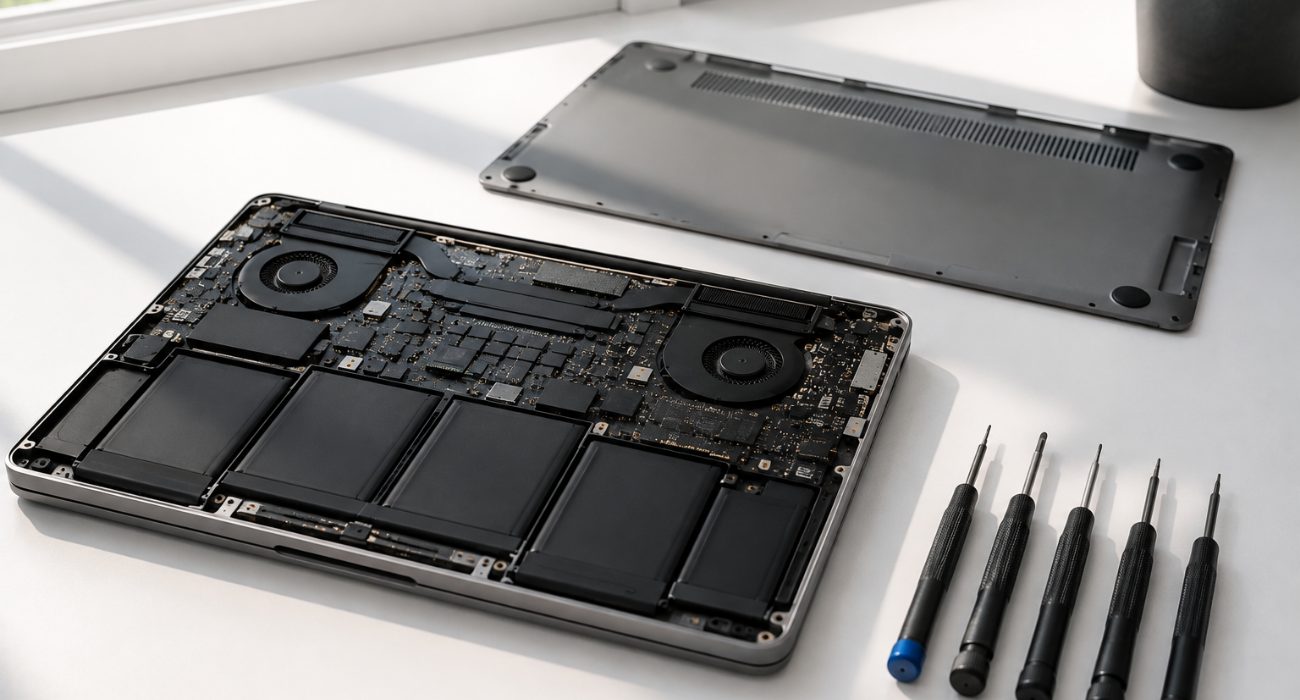
It helps to know what you’re comparing before you start shopping. A used computer is typically sold as-is, with little or no work done to it before the sale. A properly refurbished computer, on the other hand, should have been inspected and tested, with faulty parts repaired or replaced as needed. Depending on the refurbisher, the process may also include wiping the previous owner’s data, reinstalling the operating system, and cleaning the device. This distinction matters even more with older computers, where a full inspection is what tells you whether the hardware is actually holding up or just still turning on.
That’s why professionally restored devices often cost more than used ones. You’re paying not only for the hardware, but also for the testing and repairs behind it, plus, in many cases, a warranty or return period if something goes wrong.
Why buying refurbished can make sense
Saving money is usually the biggest reason to consider a professionally restored computer in the first place.
Depending on the model, its age, and who refurbished it, you may be able to get a higher-end laptop or desktop for the same budget you’d spend on a brand-new entry-level machine. A refurbished PC with more memory and storage than a comparable new budget model can comfortably handle everything from basic web browsing to light video editing, which is where refurbished tends to offer the best price-to-performance trade-off. That can help you save money while still getting the performance you need from a laptop or desktop for everyday use.
There’s also an environmental benefit. Keeping a working computer in use longer can reduce electronic waste and delay the need to manufacture a replacement. So if you want to spend less without automatically settling for the cheapest new PC available, buying a restored model can be a practical middle ground.
If you’re still deciding whether refurbished is right for you, our guide to the pros and cons of refurbished computers can help you compare the tradeoffs.
Buy directly from the manufacturer
For most buyers, the best place to buy refurbished computers is a manufacturer-backed outlet when reliability and warranty coverage matter more than getting the absolute lowest price.
If reliability is the priority, buying refurbished straight from the company that made the computer is usually your safest route. These outlets run their own testing and inspection, and the units typically ship with a real manufacturer warranty attached instead of a warranty from whoever happened to list it online. That combination — a professionally inspected PC, a warranty backed by the manufacturer itself, and direct access to technical support — is what makes manufacturer outlets one of the strongest starting points for many users, even when they aren’t the cheapest listing you find.
- Apple Certified Refurbished: it’s worth checking first if you’re shopping for an Apple laptop or desktop. Apple performs full functional testing and includes its standard one-year limited warranty, with AppleCare available for additional coverage.
- Dell Outlet: a solid pick for Windows laptops and desktops, especially business-class lines like the Latitude and Precision series, which Dell inspects and tests itself before reselling.
- Lenovo Outlet: a useful place to check for refurbished or open-box Lenovo PCs, including ThinkPad models commonly used in business environments. Compare the warranty and condition listed for the specific unit before buying.
- HP Business Outlet: the equivalent option for HP hardware, including EliteBook models, backed by HP’s own warranty and technical support.
- ASUS and Acer also offer refurbished or open-box inventory through their own outlets from time to time, so they’re worth a quick check if you’re set on one of those manufacturers; just confirm the warranty terms match what’s listed here, since coverage can vary by promotion.
Manufacturer outlets aren’t always the cheapest option, but they remove one big unknown: you know who’s responsible for the refurbishment and warranty.
What makes a good refurbished outlet
Not every outlet page is created equal, and the label “outlet” alone doesn’t guarantee much. Before you rely on any manufacturer outlet, specialized refurbisher, or retailer as your outlet of choice, look for a few signs that it’s actually a well-run one, starting with the information available on its website:
- A warranty that’s stated clearly, not buried in fine print
- A return policy you can read in plain language, with a real window to change your mind
- Details on what was actually tested, not just a general “inspected” label
- Information on which parts were repaired or replaced, if any
- Full specifications for the exact unit, including its processor, memory, storage, and available upgrades, rather than a generic model listing
- A note on Windows 11 compatibility when it applies
- Some form of after-sales support if something goes wrong once you’re outside the return window
An outlet that covers most of these gives you a lot more confidence than a listing that’s light on detail, even if the price looks similar.
Shop specialized refurbished retailers and marketplaces
Marketplaces built specifically around refurbished PCs and other electronics tend to offer more variety and sharper prices than manufacturer outlets, since they pull inventory from multiple refurbishers instead of one company’s returns. The tradeoff is that you need to pay closer attention to each individual listing. The upside is real, though: a bigger pool of inventory means it’s easier to find older or discontinued models, compare several units side by side, and use each marketplace’s own condition grading and return guarantee to sort a reliable listing from a risky one.
- Back Market: one of the larger marketplaces for refurbished laptops, desktops, and Macs. Listings are graded by cosmetic condition, so read that grade and the attached warranty before adding anything to your cart.
- OWC: a long-running option if you’re after an older Mac model or want to compare storage and other upgrade options alongside your purchase.
- eBay Refurbished: eBay’s certified refurbished program covers laptops and desktops from sellers who meet its inspection and grading standards. You may find good deals on eBay, especially when comparing older or harder-to-find models, but check the individual seller, warranty, and return terms before buying.
Paying a little more can be worthwhile when it gets you a clear warranty, a reasonable return window, and a seller with a track record you can actually check. A lower cost alone tells you very little about what you’re actually getting.
Check established retailers
Big retailers you already shop at often carry refurbished, open-box, or renewed computers right alongside the new stuff, which makes it a convenient starting point if you’d rather not hunt through a specialty site. Buying through a retailer you already know also has practical advantages: returns tend to be easier, support is more predictable, and there’s an established company standing behind the purchase.
- Amazon Renewed: offers refurbished products from multiple sellers, so don’t stop at the Renewed badge. Check who is actually selling the computer, the condition details, warranty or guarantee terms, and the applicable return policy.
- Best Buy: sells refurbished and open-box units from major brands, both online and in select stores. Its return process and support network make it an easy option, but warranty terms still vary by product, so read them before you check out.
- Micro Center: if you have a store nearby, Micro Center is worth a look for refurbished and open-box laptops and desktops, since being able to inspect a unit in person before you buy is an advantage online listings can’t match. You can also compare compatible upgrades or peripherals while you’re there.
What to check before you pay
Finding a legitimate seller is only half the job. Before you actually pay, run through these checks on whatever listing you’re eyeing:
- Read the condition grading, not just the photos. A computer can have visible scratches and still work perfectly. Make sure the listing states clearly what was tested and what was replaced, not just what it looks like.
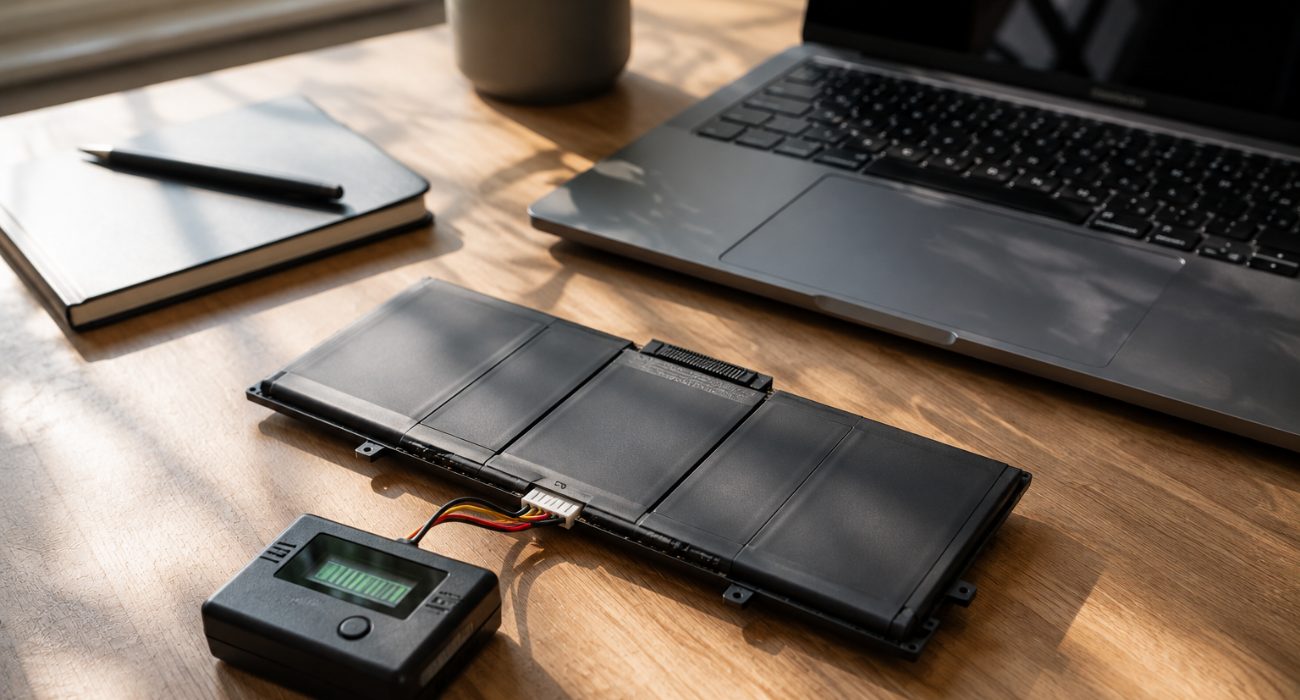
- Ask about battery health. This matters most on laptops. If the seller advertises a minimum battery capacity, confirm it meets what you need. A laptop that looks flawless but needs a new battery on day one isn’t much of a bargain.
- Compare warranty length, and who’s actually backing it. A manufacturer-backed warranty carries more weight than one offered only by an individual third-party seller, even if both say “one year” on the listing.
- Check the return window. A longer return period gives you more time to catch problems that may not show up during the first hour of use. Confirm how many days you have and whether return shipping or restocking fees apply.
- Focus on the actual specs, not just what you pay. Processor generation, RAM, storage type, screen resolution, and available ports matter more than a big discount percentage. An Intel Core i5 or AMD Ryzen processor with enough memory for your workload and an SSD instead of an older hard drive can make a noticeable difference in everyday speed compared with a lower-spec unit at a similar cost. For many people buying a PC for everyday work, spreadsheets, browsing, and video calls, 16GB of RAM and an SSD provide a comfortable starting point, but your needs may be lower or higher depending on what you run.
- Look up the seller before you look up the price. Customer reviews and seller history tell you more about what to expect than any single listing does.
- Confirm Windows 11 compatibility. If you’re buying a Windows PC, don’t assume an older refurbished model is supported just because Windows 11 is currently installed on it. Check the model and processor against Microsoft’s requirements, especially when you’re looking at older laptops. Also check that the software you rely on still supports the version of Windows you’ll be using.
If you’re considering an older model, it also helps to know how to estimate a computer’s age before buying. It’s also worth confirming Wi-Fi and Bluetooth support meet what you need, especially on aging laptops that may only support older Wi-Fi standards.
Don’t overlook business-class models, either. Refurbished Dell Latitude, Lenovo ThinkPad, and HP EliteBook laptops can be worth comparing with new entry-level PCs in the same price range, especially when build quality, ports, and the ability to make future upgrades matter to you.
Choose the seller as carefully as the computer
A refurbished PC can be a smart buy, but the seller matters almost as much as the machine itself. Start with manufacturer-backed outlets when you want the least uncertainty, or compare established retailers and specialized refurbishers when price and selection matter more. In either case, check the warranty, return policy, battery condition, specs, and Windows compatibility when applicable before you pay.
If it helps to see it side by side:
| Channel | Warranty | Selection | Price | Ease of return |
| Manufacturer outlet | Strongest — backed by the maker | Narrower, brand-specific | Usually higher | Straightforward |
| Specialized refurbisher / marketplace | Varies by seller | Widest, mixed brands | Often cheaper | Depends on the platform |
| Established retailer | Varies by product | Moderate | Mid-range | Generally easy |
As a rule of thumb: if minimizing risk and getting real manufacturer support matters most, an outlet is usually the better first stop. If price or finding a specific, harder-to-find model matters more, a specialized refurbisher or marketplace is worth the extra homework.
Once the computer arrives, give it a proper check before moving all your files over. Install available updates, confirm the hardware matches the listing, and run a security scan. If you run into trouble getting everything ready, Geeks on Site can assist with computer setup, malware removal, troubleshooting, and repairs after purchase.
If you’re still deciding whether refurbished is the right choice in the first place, our guide to whether refurbished computers are good breaks down the benefits, trade-offs, lifespan, and what to check before buying.
FAQs
Is it safe to buy a refurbished computer from Amazon?
It can be. Since Amazon Renewed includes products from different sellers, check who the computer is sold by, read recent seller reviews, and confirm the warranty, condition details, and return policy before ordering. Don’t choose a listing based on price or the Renewed badge alone.
Should I buy a refurbished computer from Walmart?
Walmart sells refurbished computers online, including listings from third-party Marketplace sellers. Check the “sold and shipped by” information so you know who is responsible for the order, then review that seller’s return and warranty terms before buying.
How long do refurbished computers typically last?
There’s no fixed lifespan for a refurbished computer. How long it lasts depends on its age, hardware, previous use, battery condition, and the quality of the refurbishment. A well-tested business laptop may still have years of useful life left, while a newer machine that was poorly refurbished can develop problems much sooner.
Where can I find refurbished desktop computers with Windows 11?
Manufacturer outlets, specialized refurbishers, and major retailers all sell refurbished Windows desktops. Before buying, confirm that the PC officially supports Windows 11 rather than relying only on what’s installed when the computer is listed. Microsoft’s requirements include a compatible processor, TPM 2.0, and Secure Boot capability.
Last Updated on September 21, 2026



