

TL;DR: RAM is one of the longest-lasting parts inside a computer and can often keep working for 10 to 20 years or more. In most cases, it doesn’t fail because it wears out, it simply becomes too small for newer software. Unless it’s damaged by heat, power surges, or a hardware fault, you’ll probably replace your computer before you ever replace the RAM.
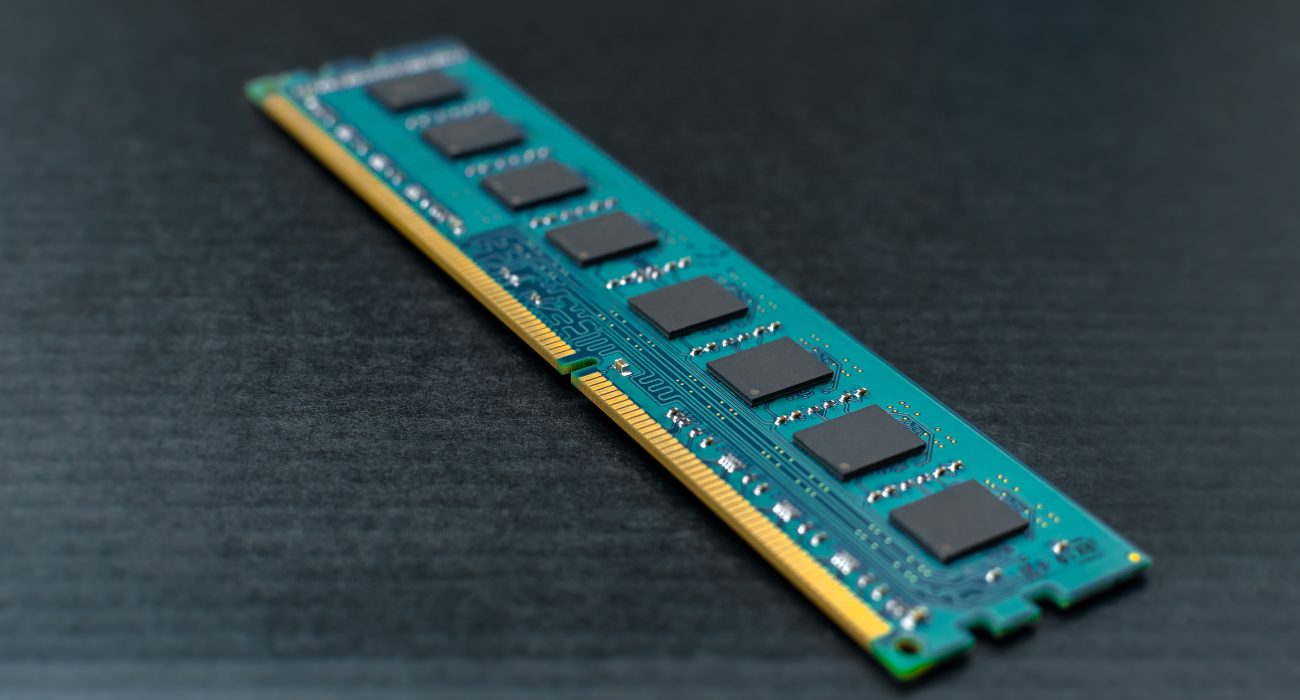
What is RAM?
If computer jargon isn’t really your thing, think of your computer like someone getting ready for the day.
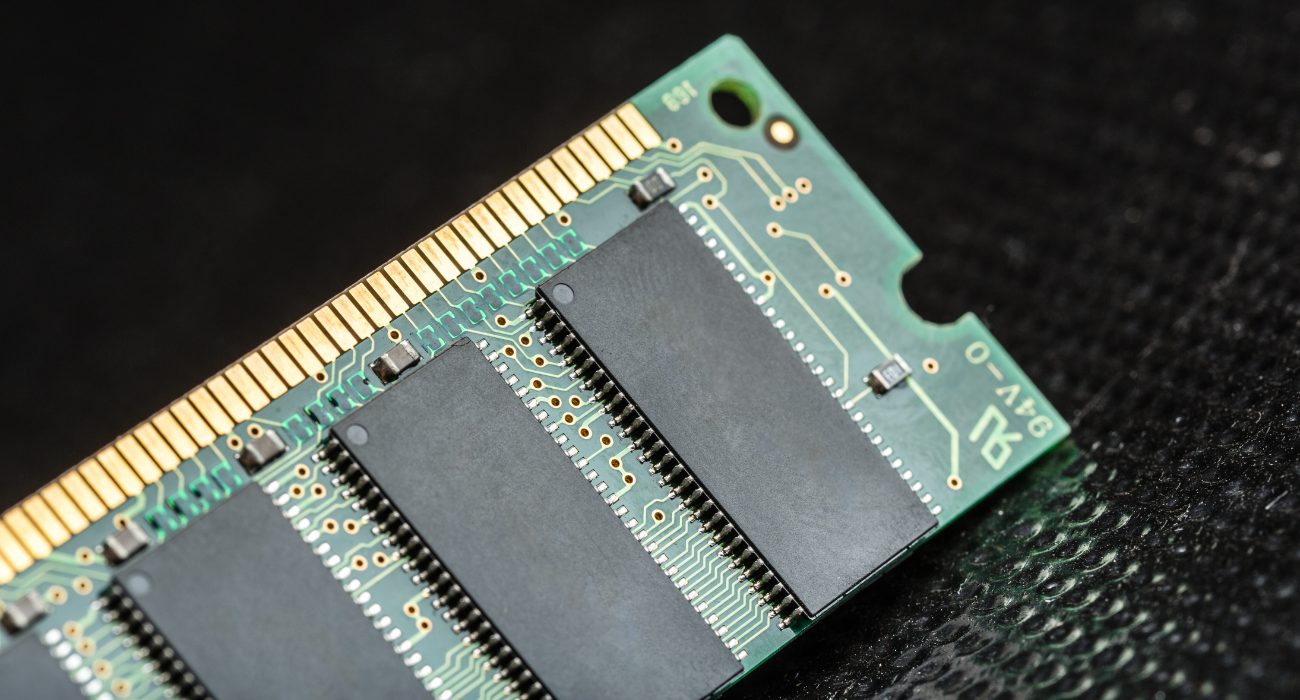
Your SSD or hard drive is like a bookshelf at home. It stores everything: your photos, documents, games, apps, and years’ worth of files. It’s great for keeping things safe, but it’s not designed to hand them to you instantly.
- That’s where RAM comes in. Think of it as your backpack. Every time you open Chrome, Word, Spotify, or another app, your computer grabs what it needs from the bookshelf and puts it in the backpack so it’s ready to use right away.
- The more RAM you have, the bigger that backpack is. A bigger backpack lets your computer keep more apps and files ready at the same time, making it much easier to jump between tasks without slowing down.
If the backpack is too small, though, your computer has to keep running back to the bookshelf every time you switch between programs. Those little back-and-forth trips happen so fast you don’t notice them individually, but once enough of them pile up, your computer starts feeling slow.
So, how long does RAM actually last?
There are two different answers to that question: how long RAM lasts physically and how long it stays useful.
🤖 From a hardware perspective

RAM is one of the most durable components in a computer. Unlike a hard drive, a cooling fan, or any other component with moving parts, RAM doesn’t gradually wear down through everyday use. As long as it isn’t damaged by excessive heat, a power surge, or another hardware issue, it’s not unusual for a stick of RAM to keep working for well over a decade. That’s one of the reasons many manufacturers offer lifetime warranties on their memory kits.
✏️ If your computer is running hotter than usual, adjusting your fan settings may also help improve airflow. Here’s how to control fan speed on Windows PCs.
👨🏻💻 From a practical standpoint

As operating systems evolve and software becomes more demanding, computers need more memory to keep everything running smoothly. A PC with 8 GB of RAM may have felt fast many years ago, but today that same system can start slowing down with nothing more than a browser full of tabs, a video call, and a spreadsheet open at the same time.
The RAM itself hasn’t changed. The workload has.
That’s why you’ll often see people say RAM only lasts five to seven years. In reality, the memory itself is usually still working just fine. What’s changed is how much modern software expects from your computer, so the amount of RAM that once felt like plenty may no longer be enough.
One last thing that’s worth knowing: RAM is what’s known as volatile memory. It only stores information while your computer is powered on, so every time you shut down or restart your PC, everything in RAM is cleared automatically. That’s completely normal, and it’s also why RAM doesn’t gradually “fill up” the way a storage drive can.
If your PC has started feeling sluggish, low memory may be only one possible cause. Our guide to why your computer is running slow can help you rule out RAM and other common performance issues.
What can shorten RAM’s lifespan?
RAM is built to last, but that doesn’t mean it’s indestructible. Most memory modules will keep working for many years without any issues, although a few things can shorten their lifespan or cause them to fail sooner than expected.
⚡ Overclocking
Running your RAM faster than its rated speed puts extra stress on the memory chips. Plenty of overclocked systems run perfectly fine for years, but pushing the voltage or speeds too far can reduce long-term stability and increase the risk of errors.
🔌 Power surges
Ever had your lights flicker during a thunderstorm? That same electrical spike can damage sensitive computer components, including RAM. Using a surge protector, or even better, a UPS, is one of the simplest ways to protect your system.
🌡️ Heat
RAM doesn’t get nearly as hot as your CPU or GPU, but it still benefits from good airflow. Dust buildup inside your computer raises temperatures across the entire system, and while RAM is fairly resilient, excessive heat isn’t doing any of your components any favors over the long run.
⛔ Frequent forced shutdowns
Forced shutdowns are unlikely to damage your RAM directly, so they don’t really shorten its lifespan. However, regularly cutting the power can corrupt files or cause problems with your operating system and storage drive. It’s best to use a forced shutdown only if your computer is completely unresponsive.
✅ Whenever possible, use Windows’ normal shutdown options instead of forcing your PC to power off. Here’s how to shut down or put Windows to sleep using keyboard shortcuts.
Signs your RAM might be failing
RAM doesn’t usually fail quietly. When something’s wrong, your computer often gives you a few warning signs before the problem gets worse.
Some of the most common ones include:
- Frequent Blue Screens of Death (BSOD)
- Random restarts or sudden crashes
- Programs freezing or slowing down even though they used to run smoothly
- Trouble booting your computer, sometimes accompanied by a series of beeps or a black screen
If your computer keeps crashing unexpectedly, faulty RAM is one possible cause, but other hardware or software issues can produce the same symptom.
Seeing one of these once doesn’t necessarily mean your RAM is failing. But if several of these symptoms keep showing up, it’s worth testing your memory before assuming the entire computer is on its last legs.
Unfortunately, faulty RAM isn’t something you can repair. Memory modules are made up of tiny electronic circuits, so once a stick fails, it can’t be patched or fixed. Replacing it is the only real solution.
Should you upgrade your RAM or buy a new computer?
If you decide that upgrading your RAM makes more sense, just ask yourself this question: Can your computer actually be upgraded? That’s the part many people don’t think about until they buy a new laptop.

If you have a desktop PC or an older, thicker laptop, the answer is often yes. Those systems typically use removable RAM sticks, so upgrading from 8 GB to 16 GB is usually a straightforward job. If the rest of your hardware is still in good shape, that single upgrade can easily keep your computer feeling responsive for several more years.
Things are different with many modern ultrabooks and thin laptops. For example, to make devices slimmer, manufacturers often solder the RAM directly onto the motherboard. Once it’s built that way, there’s no slot to add more memory later.
That means if you buy a laptop with 8 GB of soldered RAM, you’re locked into that amount for the life of the machine. A few years down the road, your processor may still be perfectly capable, the display may still look great, and the battery might even be holding up well, but if your workload has outgrown the available memory, there’s no upgrade path.
In that situation, replacing the computer eventually becomes the only practical option. If replacing the computer makes more sense than upgrading it, buying refurbished can stretch your budget further, just make sure you know which sellers and warranty terms to look for. Read here the pros and cons of a refurbished computer.
You can also check whether virtual memory can handle occasional memory spikes, especially if your PC already has 16GB of RAM.
Final thoughts
RAM is one of the few computer components that rarely wears out with age. In most cases, it stops feeling “fast enough” long before it actually stops working.
A little routine maintenance like keeping your computer clean, avoiding unnecessary overclocking, and protecting it from power surges can help your RAM last as long as possible. Eventually, software catches up, and what once felt like plenty of memory simply isn’t enough anymore.
If you’re not sure if RAM is actually what’s slowing your computer down, Geeks on Site can help. We’ll check whether the problem is your memory, storage drive, cooling system, or something else entirely. If a RAM upgrade is all you need, we’ll make sure you get compatible memory and install it correctly.
FAQs
Can RAM fail without warning?
Yes. While failing RAM sometimes causes random crashes or blue screens before it dies completely, it can also stop working with little or no warning, especially if it’s damaged by a power surge or another hardware issue. Using a quality surge protector is one of the easiest ways to reduce that risk.
Does RAM fail more often than other computer components?
Actually, no. RAM is one of the most reliable parts inside a computer because it doesn’t have any moving components. Hard drives, cooling fans, and even power supplies are generally more likely to fail over time. When RAM does stop working, it’s often because of factors like heat, electrical damage, or a defective module rather than normal aging.
Is a seven-year-old computer with its original RAM still usable?
It can be. If all you do is browse the web, check email, or stream videos, an older computer may still perform just fine. If it’s been feeling noticeably slower, though, the issue is often that modern software simply needs more memory than it did when the computer was new.
Is 32 GB of RAM too much for most people?
For everyday tasks like web browsing, streaming, email, and office work, 32 GB is more than most people need. It really starts to make sense if you regularly edit videos, work with large creative projects, run virtual machines, or use memory-intensive professional software. For the average user, 16 GB remains the sweet spot.
Is upgrading RAM worth it, or should I replace my computer instead?
If your computer has upgradeable RAM, adding more memory is often one of the most cost-effective ways to improve performance and extend its lifespan. If the RAM is soldered to the motherboard, as it is in many thin laptops, upgrading isn’t possible, so replacing the computer eventually becomes your only option.
Last Updated on September 21, 2026



