

TL;DR: The CPU is the chip that does the actual thinking, running every instruction and calculation your computer needs. The motherboard is the main circuit board that connects the CPU to memory, storage, graphics cards, and every port, while also delivering power to all of them. One can’t work without the other: the processor sets how fast your system responds, and the motherboard decides which processor, RAM, and upgrades you can use.
In this guide
- What is a motherboard?
- What is a processor (CPU)?
- The motherboard vs. processor: What’s the difference?
- How does a CPU slot into a motherboard?
- Understanding CPU sockets and slots
- The role of chipsets in motherboard and processor performance
- Expansion slots and peripheral connections
- The significance of BIOS in motherboards
- Can you use multiple processors on a motherboard?
- Choosing the right motherboard for your processor
- Signs of a failing CPU or motherboard
- Should you upgrade the CPU, the motherboard, or both?
- Conclusion
- FAQs
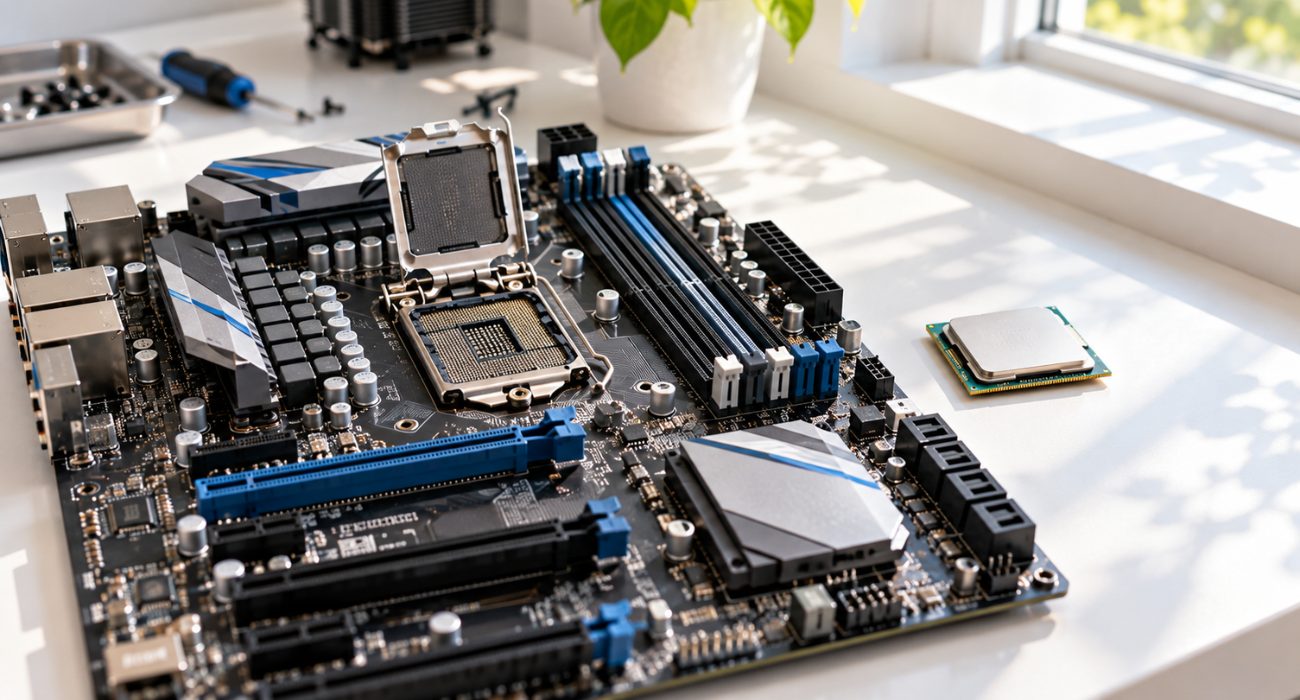
Most people have heard the terms CPU and motherboard, but understanding what each component actually does can make choosing, upgrading, or troubleshooting a computer much easier. The CPU handles instructions and calculations, while the motherboard connects the processor to the rest of the system. In this guide, we’ll break down CPU vs. motherboard, explain how the two work together, and cover what you should know before upgrading or replacing either component.
What is a motherboard?
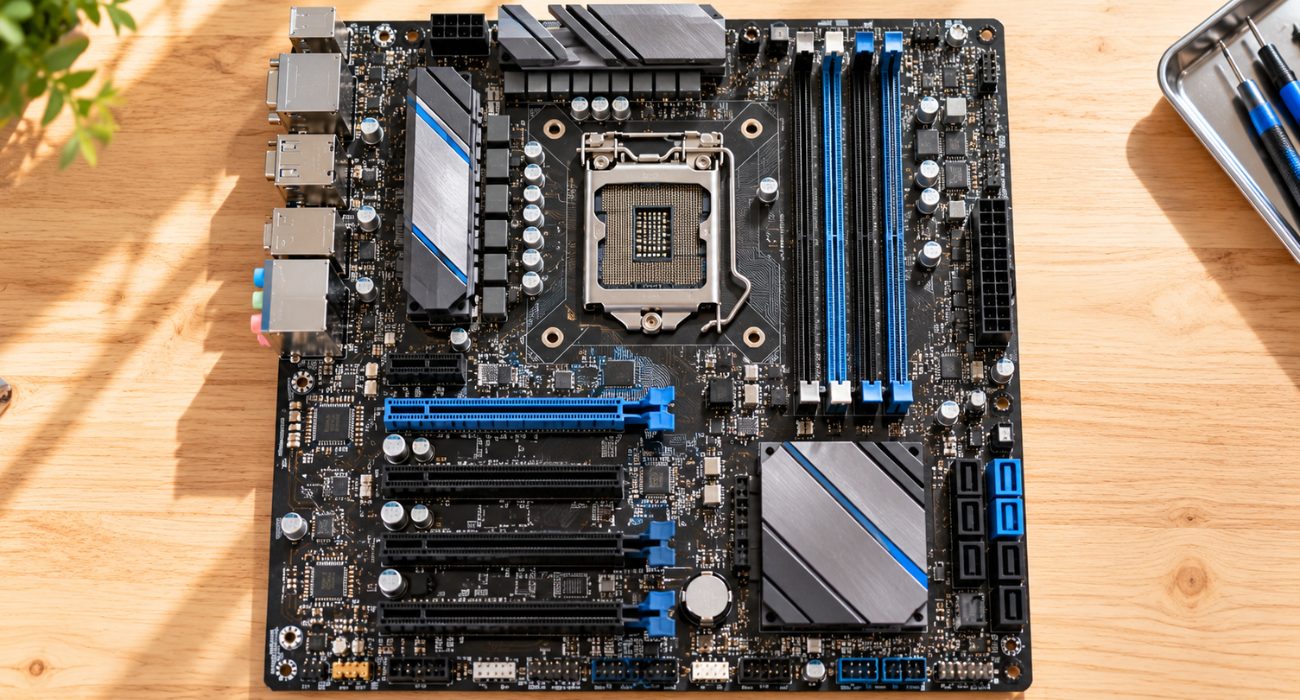
A motherboard is the computer’s main printed circuit board (PCB), connecting key components such as the processor, RAM, storage, and power supply. Motherboards also come in different form factors, including ATX and microATX, which vary in size, layout, and expansion options.
Think of the motherboard as the computer’s nervous system: every signal between the CPU, memory, and storage devices travels across its copper traces. Because it is a large, multilayer circuit board, damage to one area of the board can affect components that seem unrelated.
What is a processor (CPU)?
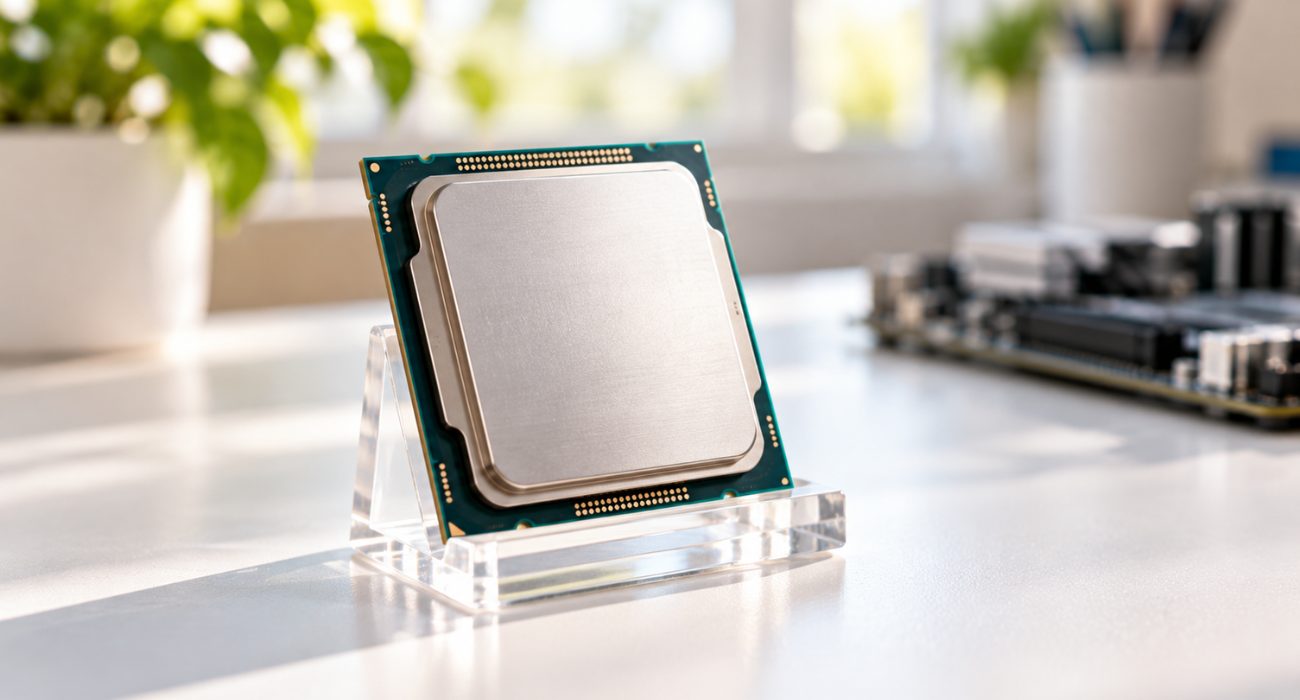
A computer relies on a processor, or central processing unit (CPU), to execute instructions and perform the mathematical calculations needed to run programs. The processor handles commands from both hardware and software. Major manufacturers such as Intel and AMD offer CPUs with different core counts for a wide range of computing needs.
Every click, keystroke, and app launch turns into instructions that the central processing unit works through billions of times per second, processing data and performing logic checks before handing results back to the operating system.
The motherboard vs. processor: What’s the difference?
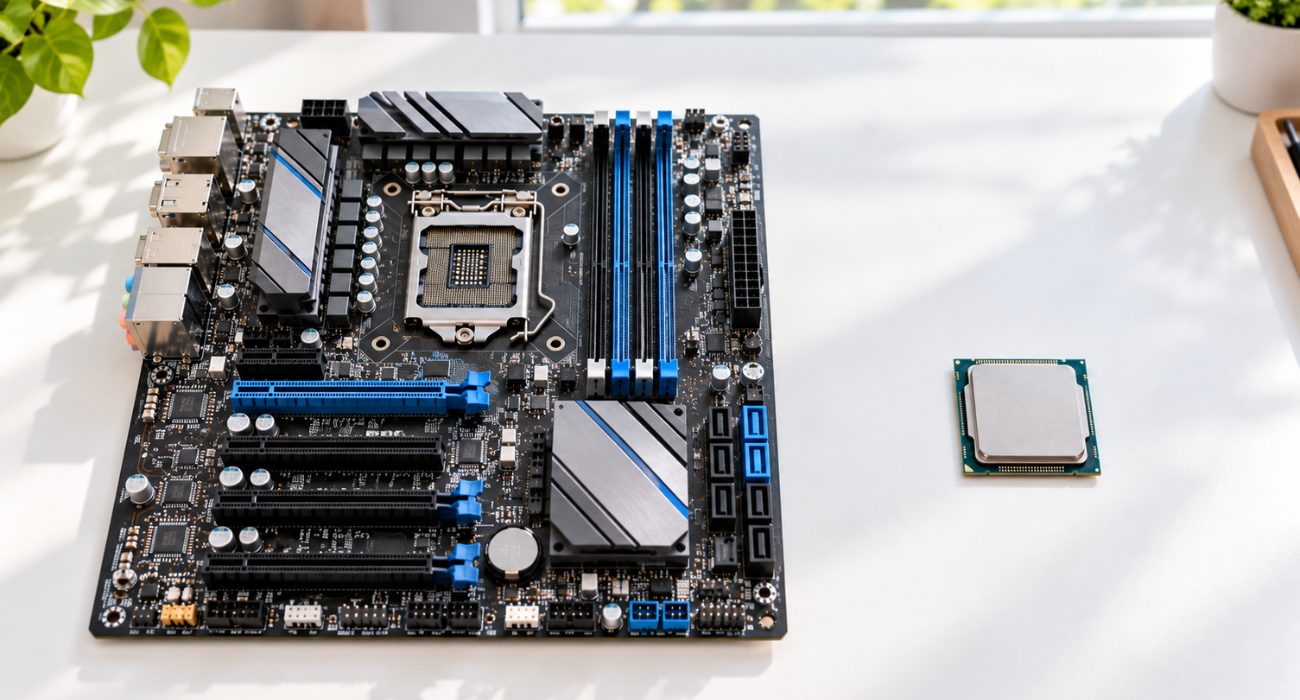
The motherboard is the main circuit board that connects the computer’s components, while the processor is a separate chip installed on the motherboard to execute instructions. The CPU relies on the motherboard for power and communication with memory, storage, and other hardware.
Put simply, the CPU vs motherboard question comes down to thinking versus connecting. The CPU does the work, and the motherboard delivers power, data, and instructions to and from every other part of the system.
| Feature | Motherboard | Processor (CPU) |
| What it is | The main printed circuit board inside the computer | A single chip that executes instructions |
| Main job | Connects components and distributes power | Processes data and runs programs |
| Where it sits | Mounted inside the case | Seated in the CPU socket on the motherboard |
| What it decides | Which processor, memory type, and expansion slots you can use | How fast apps, games, and multitasking feel |
| Common warning signs | No power, dead ports, random shutdowns | Overheating, freezing, crashes under load |
| Upgrade path | Usually replaced during a major platform upgrade | Can be upgraded alone if the socket matches |
How does a CPU slot into a motherboard?
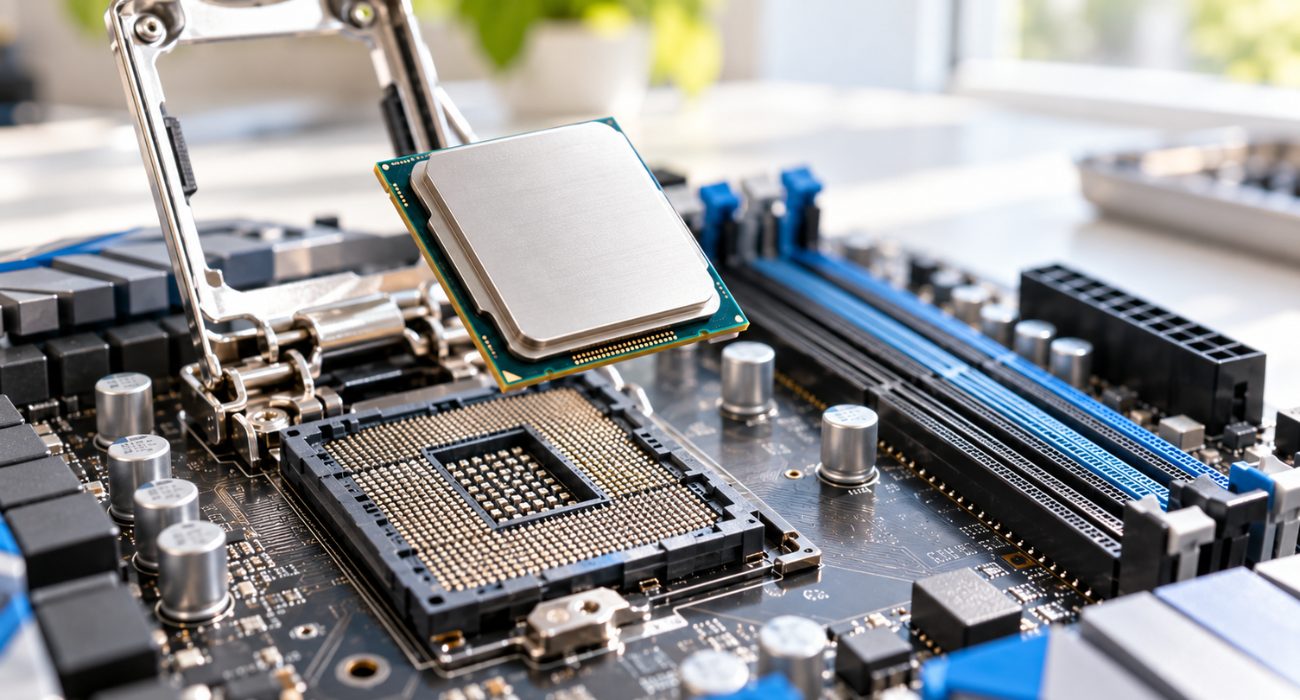
The motherboard contains a CPU socket designed for processor installation, but socket types vary depending on the processor family and motherboard specifications. The socket connects the processor directly to the motherboard, allowing it to exchange data with RAM, the GPU, and storage devices.
Installation itself is simple on paper: you lift the retention arm, line up the processor with the small triangle marker on the socket, lower it into place without pressing, and lock it down. The risky part is bent pins or contacts, which can leave the motherboard unable to detect the CPU at all.
Understanding CPU sockets and slots
Different CPU socket designs support specific processor families and use their own pin or contact layouts. Intel processors work within LGA (Land Grid Array) sockets. AMD used PGA (Pin Grid Array) sockets for years, but its newer Ryzen chips on the AM5 platform moved to LGA as well, so check the socket before installation. With land grid array designs, the pins live on the motherboard socket instead of the chip, so handle the board carefully during a build. A socket name like LGA 1851 for recent Intel chips or AM5 for AMD tells you exactly which processor families fit.
The role of chipsets in motherboard and processor performance
The chipset on the motherboard helps manage communication between the processor, memory, storage, and connected peripherals. The chipset helps determine which processors and features a motherboard supports, including PCIe connectivity, USB options, and overclocking capabilities. Two boards with the same socket can still behave differently because of the chipset. A higher-tier chipset usually supports overclocking, more USB ports, and extra PCIe slots, while budget options trade those extras for a lower price and still deliver solid everyday performance.
Expansion slots and peripheral connections
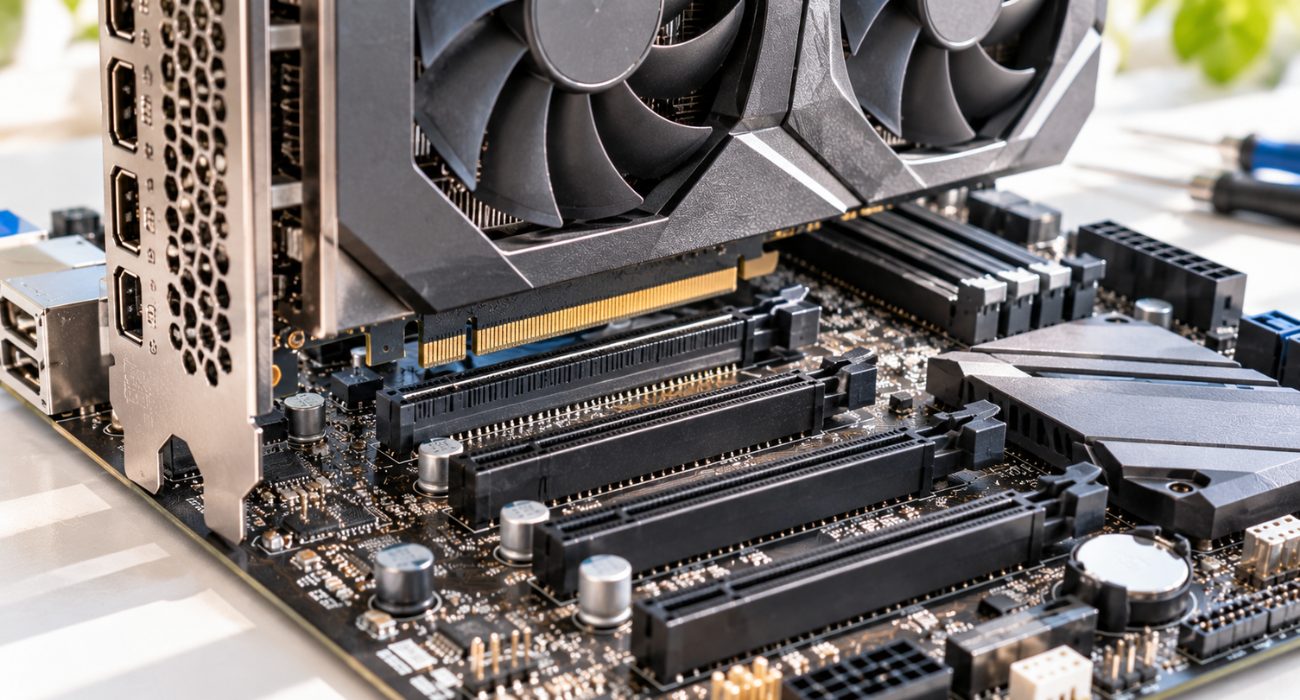
Motherboard expansion slots, including PCIe slots, let you add components such as graphics cards, sound cards, Wi-Fi adapters, and capture cards. USB ports and audio jacks provide connections for external peripheral devices.
The top full-length slots on most boards are meant for graphics cards, while shorter slots handle Wi-Fi cards, capture cards, or NVMe adapters. Before buying a new GPU, check that your case has room for it and that your power supply can handle the extra draw. Keyboards, mice, printers, and other peripherals connect through the rear panel or front case headers wired into the board, so a dead port can point to a motherboard issue rather than a problem with the connected device.
The significance of BIOS in motherboards
The BIOS (Basic Input/Output System) or UEFI (Unified Extensible Firmware Interface) is firmware that initializes the computer’s hardware before the operating system starts. From this interface, you can configure many of the motherboard’s hardware settings. Most boards made in the last decade run Unified Extensible Firmware Interface firmware, which adds mouse support, faster boot times, and Secure Boot. It is also where you confirm that the motherboard recognizes your CPU, memory, hard drives, and other components, and a firmware update here can add processor support for newer chips.
Can you use multiple processors on a motherboard?
Motherboards that serve server or high-end workstation markets offer the capability to use multiple processors. A motherboard that supports multiple processors can provide more computing power for workloads designed to use multiple CPUs at once. For home and office machines, a single multi-core processor is the norm, and a dual-socket motherboard would add cost without a real benefit. Multi-processor setups make sense for virtualization, large databases, and heavy computing workloads like 3D rendering.
Choosing the right motherboard for your processor
When choosing a motherboard for your processor, start by confirming that the CPU and motherboard use a compatible socket. Then check that the board’s form factor, such as ATX or microATX, fits your case and provides the ports and expansion options you need.
A practical order works best: pick the processor you want, confirm the matching socket and chipset, then check the memory standard (DDR4 or DDR5) the motherboard uses and how many slots you will need for future upgrades.
Signs of a failing CPU or motherboard
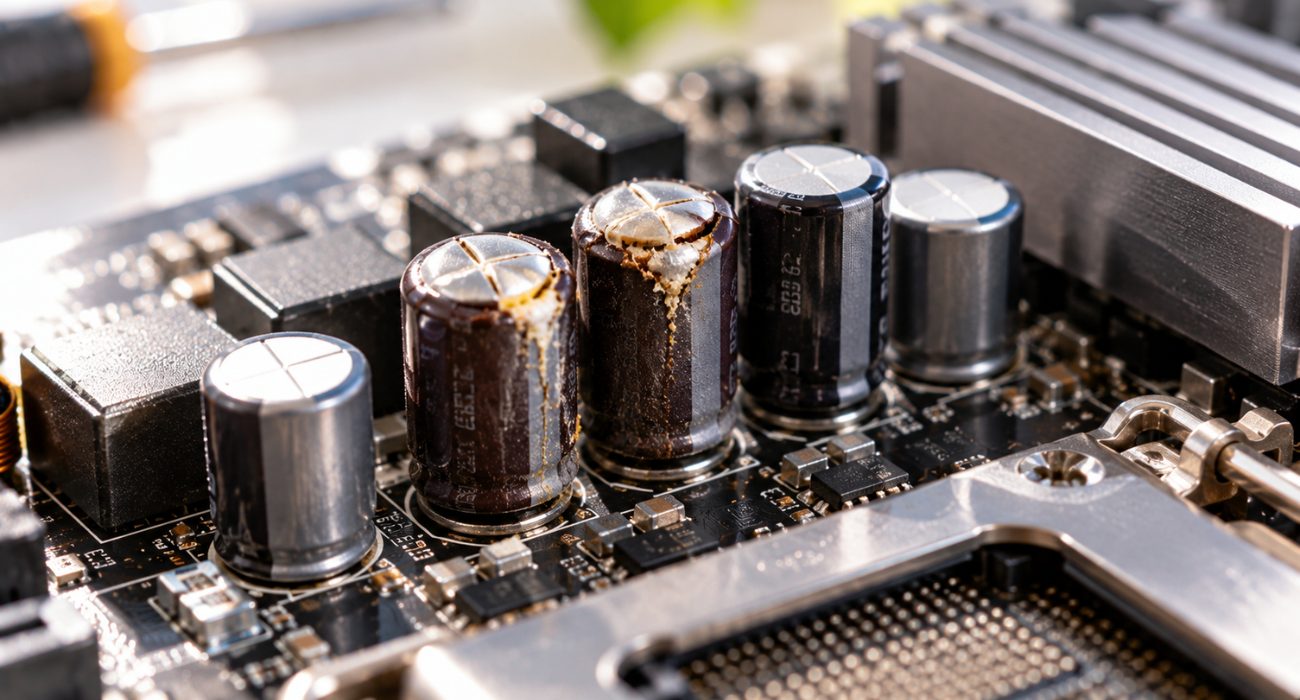
Because the CPU and motherboard depend on each other, a problem with one often looks like a problem with the other. These patterns help narrow it down:
- Motherboard trouble: the computer won’t power on, fans spin but nothing appears on screen, multiple ports or connected peripherals stop working, or you spot bulging capacitors or burn marks on the board.
- Processor trouble: freezing or blue screens during heavy tasks, temperatures that climb fast, or a system that shuts down under load.
- Either one: beep codes or debug lights at startup, random restarts, or a PC that never gets past the boot screen.
For a deeper checklist, our guide on faulty motherboard symptoms walks through each warning sign. When the cause is still unclear, a technician can test the processor and motherboard separately so you only pay to replace the part that actually failed.
Should you upgrade the CPU, the motherboard, or both?
If your current motherboard socket still supports a newer chip, a processor-only upgrade (often after a BIOS update) may be a more affordable way to improve performance. Once the socket or memory standard changes, you will need a new board too, and usually new RAM. On an older computer, a full platform swap can cost close to a new system, so compare both options before buying components.
Conclusion
The CPU and motherboard have different jobs, but your computer depends on both working together. The processor handles instructions and calculations, while the motherboard connects it to memory, storage, power, and other hardware. If your processor is overheating or your motherboard stops responding, Geeks on Site technicians can diagnose the issue, identify failing components, and help get your system running again.
FAQs
Can a PC run without a CPU?
No. Without a processor, the computer can’t complete its startup check (POST), so you won’t get a display or boot into Windows. The fans and RGB lights may still turn on because the motherboard receives power, which can make it look like the PC is working when it isn’t. Some newer motherboards include a BIOS Flashback button that updates firmware with no CPU installed, but that’s the only task they can handle on their own.
Is the CPU the same as RAM?
No, they do different jobs. The CPU processes data, while RAM holds the data and programs you’re actively using so the processor can grab them quickly. A simple way to picture it: RAM is the desk where you spread out your work, and the CPU is the person doing the work. A fast processor with too little RAM still feels slow, because it keeps waiting on the much slower storage drive.
How many years does a CPU last?
A CPU can last for many years because it has no moving parts, and physical failure is relatively uncommon under normal operating conditions. Many users upgrade a processor because performance no longer meets their needs rather than because the CPU itself has failed.
Will I need to reinstall everything if I get a new motherboard?
Not always. Your files stay on your storage drive, and Windows often boots on the new board after installing a few drivers. When you move between platforms, like Intel to AMD, a clean Windows install is the safer route to avoid crashes and driver conflicts. A major hardware change such as replacing the motherboard can affect Windows activation, so linking your digital license to your Microsoft account beforehand can make reactivation easier.
How much does it cost to replace a CPU or motherboard?
On desktops, mainstream processors typically run from about $100 to $500, and most mid-range motherboards cost between $100 and $300. Labor is extra if a technician handles the installation. Laptops are a different story, because the CPU is usually soldered to the board. A failed processor there means replacing the whole motherboard, which can cost enough that a new laptop becomes the smarter buy.
Last Updated on September 28, 2026



