

TL;DR: Avast can slow down your computer, but it isn’t always the cause. Check Task Manager to see how much CPU, memory, and disk Avast is using before changing its settings or uninstalling it.
How Avast can affect your computer’s performance
The Avast antivirus runs multiple processes in the background to scan files, monitor programs, and check for potential threats. Most of the time, this activity shouldn’t interfere much with everyday tasks. However, you may notice your computer slowing down during more resource-intensive tasks, such as a full system scan.
- Your computer’s hardware can make a difference, too. A PC with limited RAM, an older processor, or a traditional hard drive may have a harder time handling that extra activity while you’re doing other things. But Avast isn’t always the culprit. Too many startup apps, a nearly full drive, aging hardware, or even malware can make your PC feel sluggish in much the same way.
- The timing can tell you a lot. If your computer mainly slows down while Avast is scanning or doing other security-related work, Avast may be contributing to the problem. If it stays sluggish throughout the day, even when Avast isn’t particularly active, it’s worth looking at your storage, startup apps, hardware, or Windows itself.
Here are a few signs that can help you narrow it down:
5 signs Avast might be slowing down your computer
If your computer has suddenly become sluggish, these five clues can help you figure out whether Avast is contributing to the slowdown:
- High CPU, memory, or disk usage. To check this, open Task Manager by pressing Ctrl + Shift + Esc and look for Avast Service or AvastUI.exe. If either process eats up a large share of resources while you’re not running a manual scan, Avast is likely contributing.
- Longer startup times. Avast and its background services load when Windows starts, so they can add to your PC’s startup workload. If your computer began taking noticeably longer to boot after you installed Avast, its background services may be contributing to the delay.
- Delays opening files or programs. Real-time protection scans everything as you access it, so opening large files or launching apps can feel a bit slower than usual.
- Noticeable lag during scans. A full or deep scan pulls a large share of system resources, so performance dips are expected while one is running.
- Sluggish browsing. Avast’s web protection checks online activity for potential threats. If browsing feels noticeably slower while that protection is active, it’s worth checking whether Avast is contributing to the delay.
Why Avast may use more system resources
Some Avast tasks require more processing power than others. Real-time protection checks files and programs as they’re opened, downloaded, or modified, while scheduled scans and security updates can cause temporary spikes in CPU or disk activity.
Other enabled Avast features may add to that background workload. Running Avast alongside another antivirus program can also create redundant scanning, since both programs may try to monitor the same activity at the same time.
If you’re troubleshooting memory-related performance problems, our guide to virtual memory for a PC with 16GB of RAM explains how Windows handles additional memory demands.
How to stop Avast from slowing down your PC
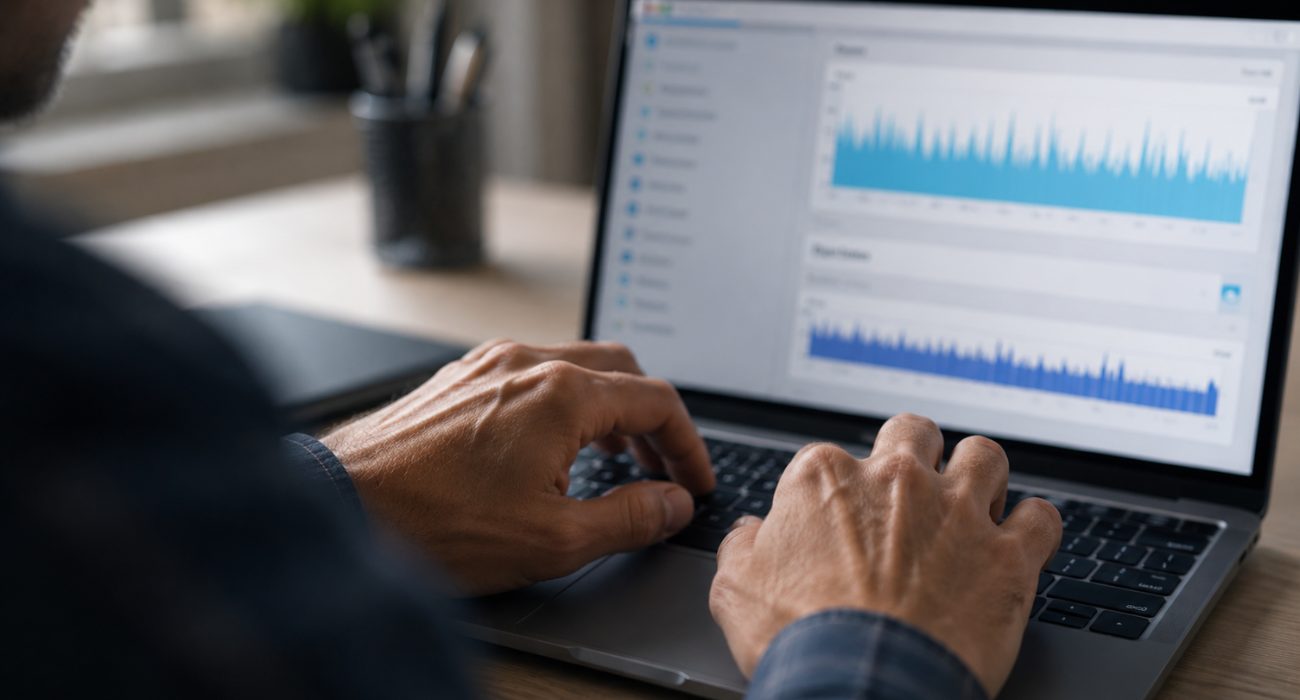
Before uninstalling Avast or changing its core security settings, try these steps in order:
- Check Task Manager first. Press Ctrl + Shift + Esc and look at your CPU, memory, and disk usage while the slowdown is happening. If Avast is using a significant share of your system resources, you’ll have a better idea of whether it’s actually contributing to the problem.
- Let the current scan finish. If your computer only feels slow during a full system scan, wait until the scan is complete and see whether performance returns to normal. A temporary slowdown during a resource-heavy scan doesn’t necessarily mean Avast is slowing down your PC all the time.
- Reschedule scans for a better time. If Avast tends to scan while you’re working, gaming, or on a video call, schedule those scans for a time when you normally aren’t using the computer. That way, Avast can do the heavier work without competing with the programs you need.
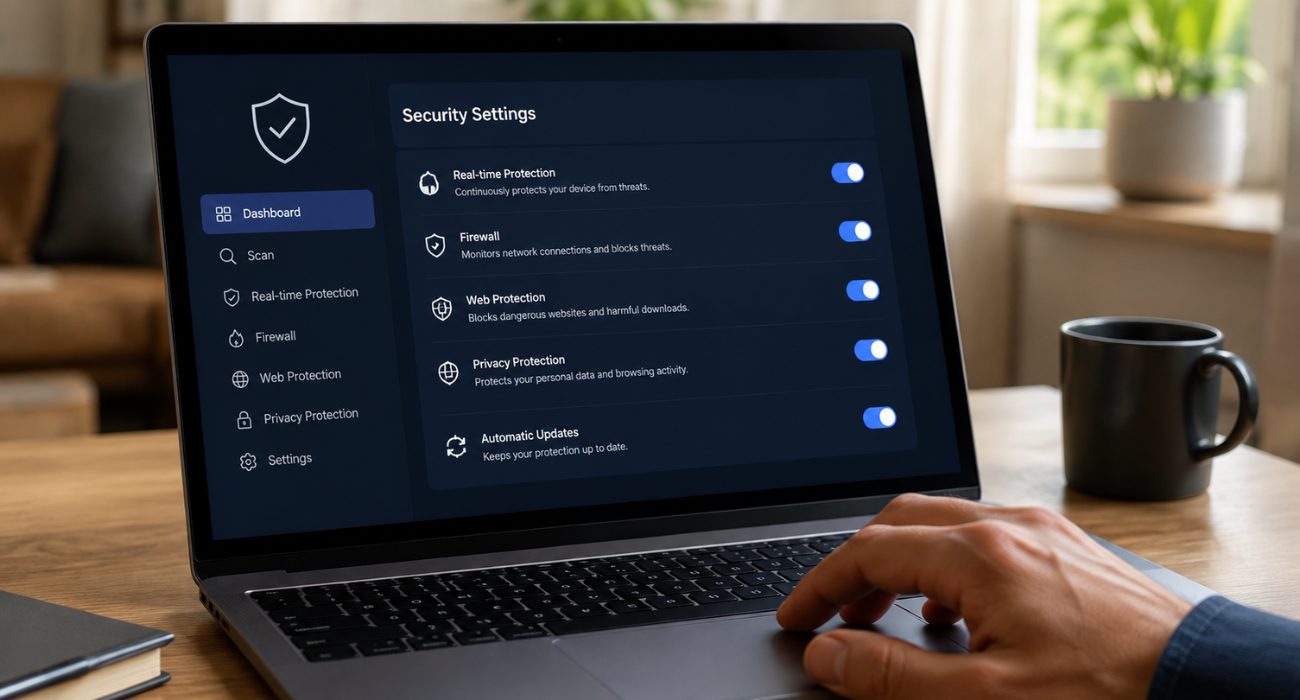
- Turn off Avast features you don’t use. Check which optional Avast components are enabled and whether you actually need them. Cutting back on unnecessary features can reduce the number of background processes running without requiring you to disable your main antivirus protection.
- Keep Avast and Windows updated. Updates aren’t only about security. They can also include bug fixes and performance improvements, so make sure both Avast and Windows are running current versions.
- Free up disk space. A nearly full drive can make the entire computer feel sluggish, whether Avast is installed or not. Remove files and programs you no longer need, clear unnecessary temporary files, and check how much free space is available on your main Windows drive.
- Check your performance again. Use your computer normally after making these changes and take another look at Task Manager. Making one or two changes at a time also makes it easier to tell what actually helped, rather than disabling several security settings at once.
If your computer is still slow after working through these steps, Avast may not be the only thing affecting performance. Our guide on how to speed up a slow computer covers additional fixes you can try.
Before you turn off or uninstall Avast
Before removing Avast, it helps to look at how often the slowdown happens and whether it actually affects your normal computer use.
If the slowdown only happens during scans and disappears afterward, adjusting when those scans run may be all you need. If Avast consistently uses a large share of your system resources during normal use, however, trying another antivirus may make sense. The right choice depends on your PC and how you use it.
Still stuck with a slow computer? Antivirus may only be part of the picture. A professional computer repair technician can check for failing hardware, malware, storage problems, and other issues that aren’t obvious from Task Manager alone.
FAQs
Will my computer speed up if I remove Avast?
It might, especially if Avast was using a significant amount of CPU, memory, or disk resources. But uninstalling it won’t fix a slowdown caused by low storage, aging hardware, too many startup apps, or another problem. Check Task Manager first so you know whether Avast is actually contributing.
Should I turn off Avast antivirus?
Turning off Avast entirely isn’t usually necessary. Disabling specific non-essential features, like optional browser extensions or background updaters, often solves performance issues while keeping core protection active. Turning off real-time protection completely should only be temporary, since it leaves your system exposed.
Is Avast still a good antivirus?
Avast remains a popular antivirus option with real-time malware protection and a free version that covers basic security needs. Whether it’s the right fit for you depends on your PC, the features you use, and how it affects performance on your particular system.
Which antivirus slows down the computer the least?
There’s no single antivirus that’s always the lightest on every PC. Performance can change by software version, hardware, enabled features, and the tasks you’re performing. Independent performance tests are a better way to compare current products than assuming a built-in or third-party antivirus will always be faster.
Last Updated on September 1, 2026



