

TL;DR: Laptop keyboard repair typically costs $20–$45 for a single key, $80–$150 for a standard Windows keyboard replacement, and $250–$500+ for some MacBook repairs. The final cost depends on your laptop model, the type of keyboard, labor, and whether there’s liquid or internal damage.

In this guide:
If a few keys stopped registering or your laptop just took a direct hit from a spilled coffee, you’re probably trying to figure out one thing first: what is this going to cost you. Laptop keyboard repair cost varies quite a bit depending on what’s actually wrong and what kind of laptop you own, so let’s walk through real numbers instead of a single vague estimate.
In general, you’re looking at anywhere from $20 for a simple single-key fix up to $500 or more for a full keyboard and top case replacement on higher-end machines. Here’s how that breaks down, and how to figure out where your repair is likely to land.
Laptop keyboard repair cost by type of fix
Not every keyboard problem needs the same level of work, and the price tag reflects that. A loose key and a keyboard that got soaked in orange juice are two completely different repairs.
| Repair Type | Typical Cost |
| Software or driver issue | $0–$45 |
| Single key repair | $20–$45 |
| Windows laptop keyboard replacement | $80–$150 |
| Gaming or backlit keyboard replacement | $150–$400 |
| MacBook keyboard/top case replacement | $250–$500+ |
These are starting points, not fixed prices. A technician still needs to open up your laptop and see what’s going on before giving you a final number, since two laptops with the same symptom can need very different repairs.
What affects laptop keyboard repair cost?
A couple of things shape what you’ll end up paying, and most of them come down to how your specific laptop is built and what caused the problem in the first place.
- Brand and model: A keyboard for a mainstream Windows laptop is generally easier and cheaper to source than one built for a premium ultrabook or a MacBook.
- What’s actually wrong: Sometimes it’s not the keyboard at all. A driver glitch, a loose internal connection, or one sticky key can be fixed for a fraction of what a full replacement costs.
- The replacement part itself: Backlit and RGB keyboards run more than standard ones, and that cost gets passed along to you.
- How the keyboard is built in: This is the big one for MacBooks. On many models, the keyboard isn’t a standalone piece, it’s fused into the laptop’s top case. That means a technician may need to swap out a much larger assembly instead of just the keys, and the price climbs accordingly.
- Liquid damage: If something got spilled, the keyboard may not be the only part affected. If you’re dealing with a recent spill, follow these steps for a water-damaged laptop before trying to power it back on. When liquid reaches other components, the repair gets more involved and the price goes up with it.
- Labor: Some laptops are simple to open and reassemble. Others require removing several layers of components just to reach the keyboard, and that extra labor shows up on the bill.
- Location and warranty: Repair pricing tends to run higher in bigger metro areas than in smaller towns. And if your laptop is still under warranty, check it before paying for anything. Some keyboard issues are covered at no cost to you.
Do you need a full keyboard replacement?
You don’t necessarily need a new keyboard just because one key stops working. If the problem is limited to one or two keys, the fix may be as simple as cleaning debris, replacing a damaged keycap, or correcting a connection or software issue.
A full replacement becomes more likely when several keys stop responding, an entire section of the keyboard fails, or liquid damage affects the keyboard assembly. That’s why it’s worth diagnosing the problem before ordering parts or assuming the keyboard itself is done.
Windows vs. Mac: Which costs more to fix?

Windows laptop keyboard repairs often cost less than MacBook repairs, but the exact price depends heavily on the model and how the keyboard is assembled.
On some Windows laptops, the keyboard can be replaced as a separate component, which keeps the repair relatively straightforward. Other models require more disassembly or come with the keyboard built into a larger palm-rest assembly, so labor and parts can cost more.
MacBooks can be more involved. For several generations, the keyboard is part of a larger top-case assembly, so a repair may require replacing more than just the keyboard itself. That’s one reason some MacBook keyboard repairs reach several hundred dollars.
The model matters more than the logo on the lid, though. Two Windows laptops can have very different repair costs, just as two MacBooks can.
Is it worth fixing a laptop keyboard?
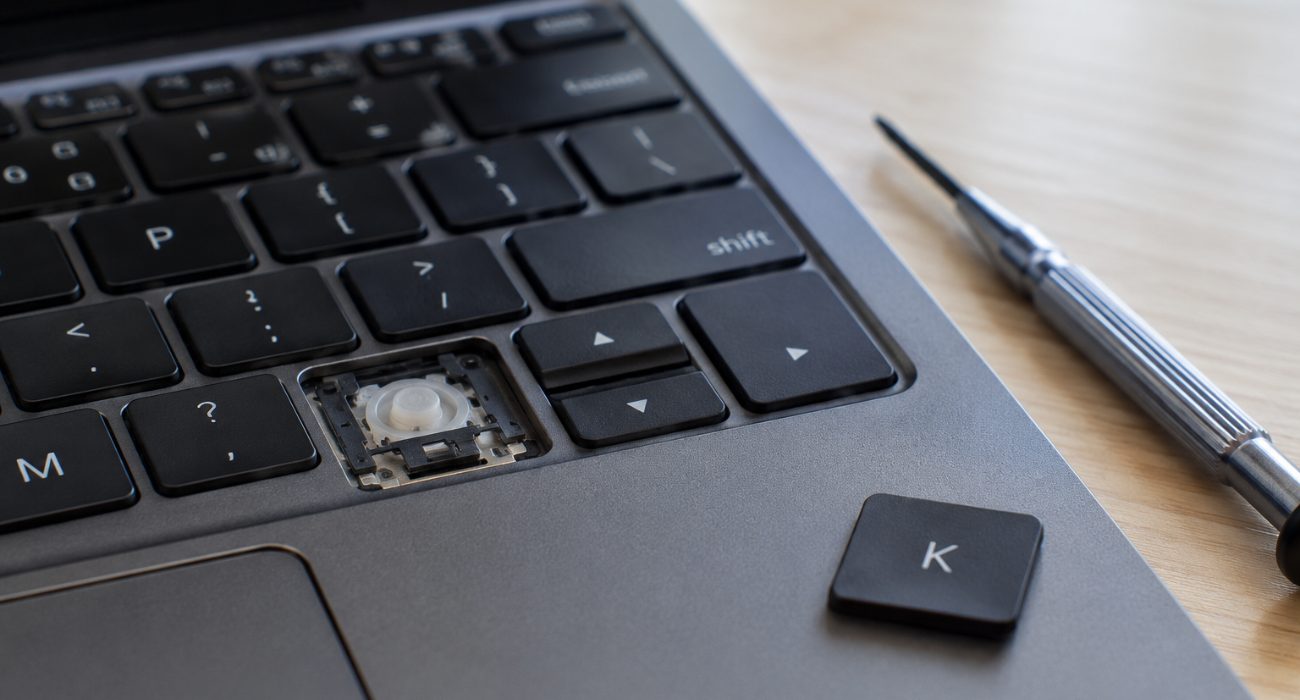
Before paying for a repair, compare the estimate with what the laptop is worth and how much useful life you expect to get out of it. A $100 keyboard replacement can make plenty of sense on a laptop that still runs well. The same repair is harder to justify if the battery is failing, the screen also needs repair, or the laptop is several years old and you’re already considering an upgrade. If a damaged display is part of the equation, check the typical laptop screen repair cost before adding up what the device would need overall.
Some people use around 25% of the laptop’s current value as a rough point to stop and reconsider the repair. It isn’t a hard rule, though. Replacement cost matters too: spending $150 to keep an otherwise reliable laptop running may still be cheaper than buying a comparable new one. If you’re weighing the whole device rather than just the keyboard, our guide to repairing or replacing a laptop walks through the other factors worth considering.
For an expensive repair, ask for the estimate first and compare both options before approving the work.
DIY fixes vs. calling a professional
It’s tempting to try fixing sticky or unresponsive keys yourself before spending money on a repair, and for minor issues, that instinct isn’t wrong.
For crumbs or loose debris, start with compressed air. For surface grime, you can lightly dampen a microfiber cloth or cotton swab with isopropyl alcohol, never pour or spray liquid directly onto the keyboard. If you just need something to type on right now, a basic USB external keyboard runs about $20 to $40 and buys you time while you figure out next steps.
Where DIY gets risky is once you’re past cleaning. Prying at keycaps, opening the case, or trying to swap internal components without the right tools can turn a $30 problem into a much more expensive one if you damage the motherboard or connector underneath. If many keys have stopped working, liquid got inside, or you’re not sure what’s causing the problem, having a technician diagnose it first can keep a small repair from turning into a bigger one.
If many keys have stopped working, liquid got inside, or you’re not sure what’s causing the problem, having a technician diagnose it first can keep a small repair from turning into a bigger one. Geeks on Site can help determine whether you’re dealing with a software issue or a hardware problem that needs hands-on attention.
Ways to keep repair costs down
You don’t need to choose the cheapest repair option automatically. A few simple checks can help you avoid spending more than necessary:
- Check your warranty before paying out of pocket. Depending on the laptop and the cause of the failure, the repair may still be covered.
- Get another estimate for an expensive repair. If you’re quoted several hundred dollars, comparing another repair estimate can help you tell whether the price is reasonable.
- Ask what the quote includes. Make sure you know whether parts, labor, diagnostics, and any applicable service fees are included.
- Use an external keyboard temporarily. A basic USB keyboard can keep the laptop usable while you decide whether repairing or replacing it makes more sense.
Wrapping up
Laptop keyboard repair can cost as little as $20 for a minor key issue or several hundred dollars when the entire keyboard or top case needs to be replaced. Before assuming the worst, find out what’s actually causing the problem and get an estimate for your specific laptop model.
If cleaning or basic troubleshooting doesn’t solve it, Geeks on Site can help diagnose the keyboard problem and explain your repair options before you commit to a larger fix. That way, you can decide whether repairing the laptop still makes sense, or whether it’s time to put that money toward a replacement.
FAQs
How much does it cost to replace a laptop keyboard?
A standard Windows laptop keyboard replacement typically costs around $80 to $150, while gaming, backlit, or more complicated keyboard assemblies can cost more. Some MacBook repairs can reach $250 to $500 or higher when the keyboard is part of a larger top-case assembly.
Can you replace just one laptop key?
Sometimes. If the keycap or mechanism underneath it is damaged but the rest of the keyboard works normally, replacing a single key may be possible. If several keys fail or the problem involves the keyboard circuitry, a larger repair may be needed.
Is it worth replacing a laptop keyboard?
Usually, if the laptop still performs well and the repair costs much less than replacing the device. For an older laptop with other problems, compare the repair estimate with the laptop’s current value and the cost of a comparable replacement.
Can I use an external keyboard instead of repairing my laptop keyboard?
Yes, a USB or Bluetooth keyboard can be a practical temporary solution if the laptop itself still works normally. It won’t fix the built-in keyboard, but it can keep the computer usable while you decide what to do next.
Last Updated on August 26, 2026



