

TL;DR: Refurbished computers can be a good buy if they come from a reputable seller, have been properly tested, and include a warranty or return window. You can often get better specs for your budget than you would with a new entry-level computer, but check the battery health, hardware age, and Windows 11 compatibility before buying.
In this guide:
- What does refurbished mean for a computer?
- Pros and cons of refurbished computers
- New vs. refurbished vs. used: how they actually compare
- How long does a refurbished computer actually last?
- Can an older refurbished computer still run Windows 11?
- How to buy a refurbished computer without regret
- Is a refurbished computer right for you?
- FAQs
Shopping for a new computer usually comes down to how much performance you can get for your budget. Sometimes, that means choosing between a brand-new entry-level model and a refurbished option that originally sold for considerably more.
That’s where refurbished devices can make a lot of sense. They’re often a good value, but the word refurbished alone doesn’t tell you much about what you’re getting. The seller, warranty, hardware condition, and refurbishment process matter just as much as the cost.
And refurbished isn’t the same as simply buying a used product from someone on Facebook Marketplace or another resale site. There should be some level of inspection, testing, cleaning, or repair behind it. The catch is that those standards vary, so knowing what to check can make the difference between a great deal and a frustrating purchase. It also helps to clear up a common misconception: “refurbished” doesn’t automatically mean damaged, defective, or simply used and sold as-is.
What does refurbished mean for a computer?
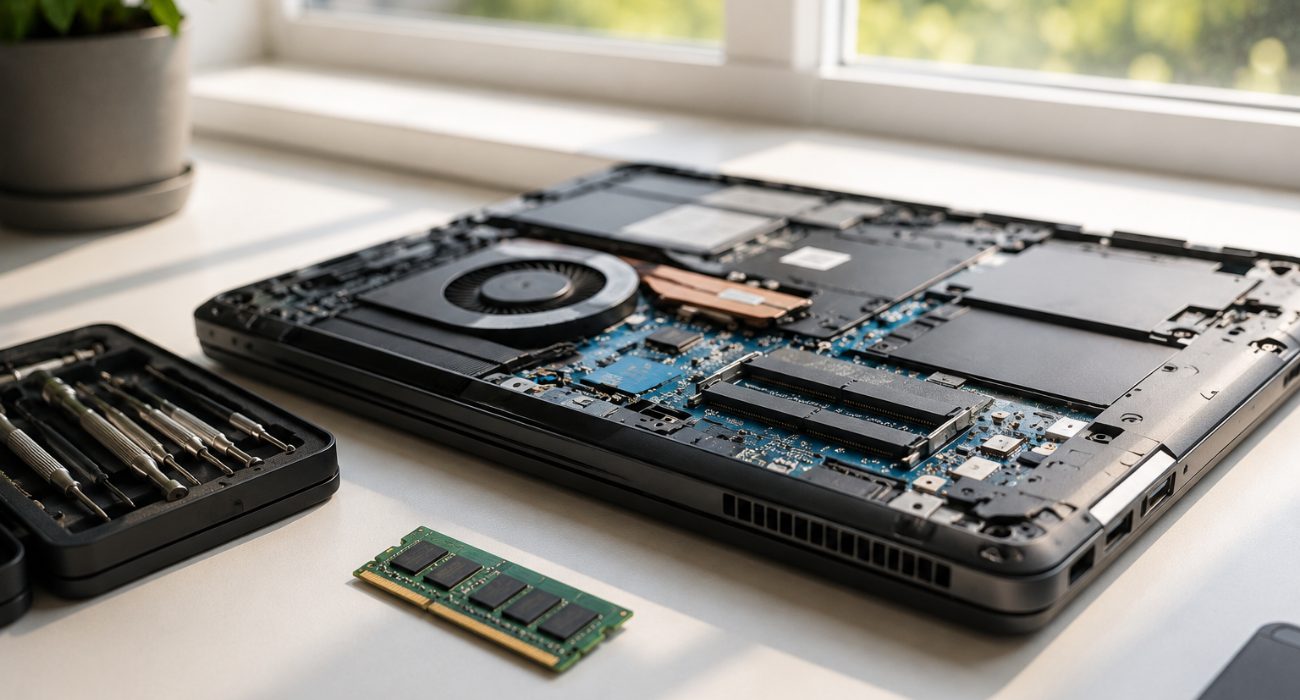
A refurbished device may have been returned, previously owned, or taken out of a business fleet and then restored to working condition before being sold again. That’s the main difference between refurbished and simply used. A used computer may be sold as-is, while a refurbished one should go through some level of inspection and testing first.
What that process includes depends on the seller, but it may involve:
- Diagnosing component or software problems
- Replacing failed or worn components
- Testing the replaced parts and ports
- Wiping data from the previous owner
- Cleaning the computer inside and out
- Reinstalling or resetting the operating system
Where the computer comes from matters too. Off-lease computers, for example, are often laptops and desktop computers returned after a company’s lease ends. They can be a good value because commercial fleets often use durable, professional-grade equipment, although a few years of daily use may leave scratches, worn keys, or other cosmetic wear.
Manufacturer-refurbished computers go through the original manufacturer’s refurbishment process and may come with coverage directly from the brand. Retailer-certified refurbished devices follow the retailer’s own testing and grading standards instead. Those standards can vary, so it’s worth checking what was actually inspected, what condition grade the computer received, and what the warranty covers. Some major electronics retailers and refurbishers also offer certified refurbished products, with testing and grading standards that can differ from one program to another.
None of these options is automatically better than the others. A well-documented off-lease model from a reputable seller with a clear return policy can be a better buy than a manufacturer-refurbished model with limited coverage. What matters most is the condition of the computer, what was tested, and what protection you have after the purchase.
Pros and cons of refurbished computers
| Pros | Cons |
| Better performance and specs for the money; often a step up from a comparable new model at the same price | Minor cosmetic damage, like light scratches or a scuffed lid, even when the internal components work fine |
| Tested and inspected before resale by reputable retailers or refurbishers | Battery wear on refurbished laptops, since the cell has already lived part of its life |
| Purchase protection or a return window from most established retailers | Inconsistent standards: “refurbished” means something different from seller to seller |
| Less electronic waste going to landfill | Limited stock on specific models or configurations |
| A practical way to afford business-grade or professional hardware | Occasionally older architecture, which matters more if you’re shopping for a gaming PC or a system for heavy creative work |
Minor cosmetic issues are usually the easy part to live with. For example, a scratched lid or worn palm rest doesn’t necessarily say anything about overall performance, especially if the seller has already factored the condition into the asking cost.
Laptop batteries deserve more attention. They’ve already been through some charge cycles, so don’t assume you’ll get the same unplugged runtime as you would from a new laptop.
If battery life matters to you, look for an actual health percentage or cycle count rather than a listing that simply says the battery was “tested.” That doesn’t mean every refurbished laptop is automatically a good deal. The device’s condition, refurbishment process, coverage, and cost still matter, so compare more than one listing before deciding.
New vs. refurbished vs. used: how they actually compare
| Criterion | New | Refurbished | Used |
| Price | Highest | Lower | Usually lowest |
| Warranty | Typically included | Often included, depending on seller | Usually limited or none |
| Testing | Manufacturer testing | Inspection and testing vary by seller | Depends entirely on the previous owner |
| Cosmetic condition | Like new | May show minor wear | Varies widely |
| Best for | Getting the newest features in a new computer | A balance of price and reliability | Very tight budgets willing to skip guarantees |
For many shoppers, refurbished sits in the sweet spot: you get some level of testing and purchase protection without paying as much as you might for a new computer or taking the same gamble as buying one used as-is.
How long does a refurbished computer actually last?
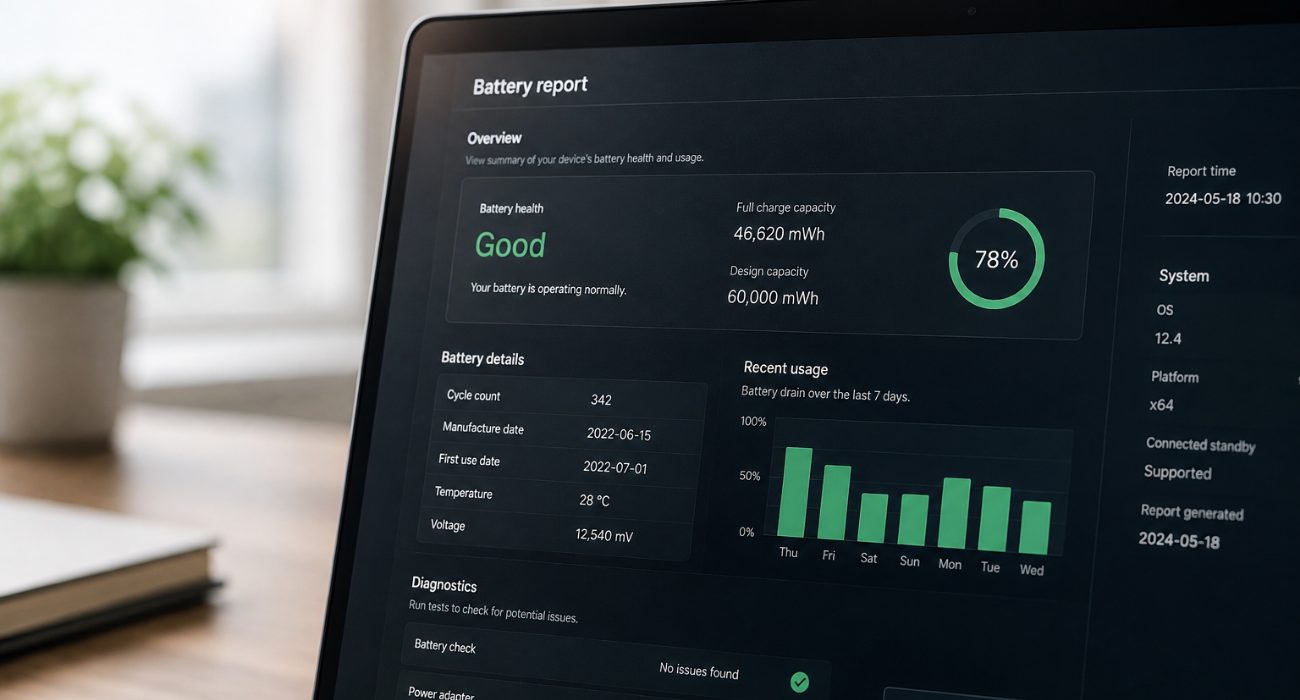
There’s no set lifespan for a refurbished desktop or laptop. A well-restored device may still have several good years left, but its age and the condition of the internal components matter more than the refurbished label itself.
Before buying, pay particular attention to:
- Storage type. An SSD has no moving mechanical parts and will also make an older computer feel much faster in everyday use. Some older models may still come with a traditional hard drive rather than an SSD. Because a hard drive relies on moving parts, everyday tasks can feel slower.
- Battery health. On a laptop, ask for the battery health percentage or cycle count. A battery around or below 80% of its original capacity may need replacing sooner, especially if you use the laptop away from an outlet.
- Warranty length. A longer warranty or return window gives you more time to catch problems that weren’t obvious on day one.
Age matters, but it doesn’t tell the whole story. An older work-oriented PC with a healthy battery and an SSD can still be a perfectly practical device if the rest of its components meet your needs.
If you already have the computer in front of you, here’s how to find out how old it is before deciding how much life it may have left.
Can an older refurbished computer still run Windows 11?
Yes, as long as it meets Microsoft’s hardware requirements. That’s worth checking before you buy, especially now that Windows 10 has reached the end of support.
Windows 11 requires TPM 2.0, Secure Boot capability, at least 4GB of RAM, 64GB of storage, and a supported processor. Many PCs from around 2018 onward meet these requirements, but don’t rely on the year alone.
- Look up the exact model and processor or ask the seller to confirm that the computer officially supports Windows 11. If you already have the PC in front of you, Microsoft’s PC Health Check tool can verify compatibility.
- If a refurbished device can’t run Windows 11, that doesn’t automatically make it a bad purchase. It does make it less appealing if you want a PC you can keep using securely for several more years.
How to buy a refurbished computer without regret
When buying refurbished, who you buy from matters just as much as the device itself. Before placing an order, check a few basics:
- Research who you’re buying from. Favor established refurbishers, manufacturers, resellers, or retailers with clear coverage and return policies.
- Read the warranty and return terms. Check how long you’re covered and what could void that coverage.
- Review the full specifications. For electronics like laptops and desktops, look at the processor, RAM, storage type, and display rather than relying on labels like “great condition.
- Confirm the components. Verify the processor, RAM, and storage included in the specific unit you’re buying, since refurbished configurations can vary even within the same model.
- Check what the condition and quality grade means. “Excellent,” “very good,” and “good” can mean different things from one retailer or reseller to another.
- Ask about the battery. For laptops, look for a health percentage or cycle count rather than simply “battery tested.”
- Compare the total cost with a new computer. If the difference is small, buying new may make more sense.
Once the device arrives, test the things you’ll actually use: the keyboard and trackpad, webcam, speakers, charging port, USB ports, and Wi-Fi. Make sure Windows is activated and updated, and check that no files or accounts from a previous user are still on the PC. It should also arrive with the previous owner’s accounts and files removed and a clean operating system ready for setup. A proper factory reset is one way sellers can prepare the system for a new owner, although the exact process may vary. If it doesn’t, contact the seller before adding your own accounts or personal data.
If something doesn’t seem right or you’d rather have someone handle the setup, Geeks on Site can help with computer diagnostics, setup, and security. Not sure where to start? Our guide to where to buy refurbished computers compares common buying options and what to look for from each seller.
Is a refurbished computer right for you?
A refurbished computer can be a smart choice if you care more about getting good performance for your budget than having the newest model straight out of the box. It’s especially appealing for everyday work, school, browsing, and home use, where a solid business-grade machine from a few years ago may still be more than enough. For budget-conscious buyers, those savings can help them save money while stepping up to a higher-performance model than they could afford new.
Just don’t shop by the word refurbished alone. Pay attention to who refurbished it, which components are actually inside, and what protection you have if something goes wrong.
If you’ve already bought one and want help getting it ready to use, Geeks on Site can help with computer setup and repair, including updates, security, troubleshooting, and other setup tasks. Geeks Protect is also available if you prefer ongoing tech support after the initial setup.
If your current PC is simply getting slow, you may also want to see whether you can speed up your old computer before replacing it.
FAQs
Is it safe to buy a refurbished computer?
Yes, if you buy from a reputable seller that explains its testing process and provides a warranty or return window. Read the condition details carefully and avoid listings that don’t clearly explain what was tested or what happens if the computer arrives with a problem.
What's the difference between refurbished and used computers?
A refurbished computer has typically been inspected, tested, cleaned, and repaired if necessary before being resold. A used computer may be sold as-is by its previous owner without the same testing, warranty, or return protection.
What's the best place to buy a refurbished computer?
Manufacturer refurbishment programs, established electronics retailers, and reputable specialty refurbishers are good places to start. Rather than choosing by store name alone, compare the warranty, return policy, condition grading, and exact hardware included.
Are refurbished computers good for students or working from home?
They can be. For school, video calls, web browsing, Microsoft Office, and everyday remote work, a refurbished business laptop can offer plenty of performance for the money. Check the webcam, battery condition, Wi-Fi support, and Windows 11 compatibility before buying.
Last Updated on September 21, 2026



